214323 202 Revision B
4.13 Gleaner
®
S9 Series Combines
To make your header’s auto header height control (AHHC) system compatible with Gleaner
®
S9 Series combines, you must
set your combine’s header configuration options for the particular model of header, configure the controls and reel speed
settings, and calibrate the AHHC system to ensure that it is working correctly.
4.13.1 Setting up Header – Gleaner
®
S9 Series
The initial configuration options on a Gleaner
®
S9 Series combine will need to be configured when the auto header height
control (AHHC) system is being set up.
NOTE:
Changes may have been made to the combine controls or the display since this document was published. Refer to the
combine operator’s manual for the most up-to-date information.
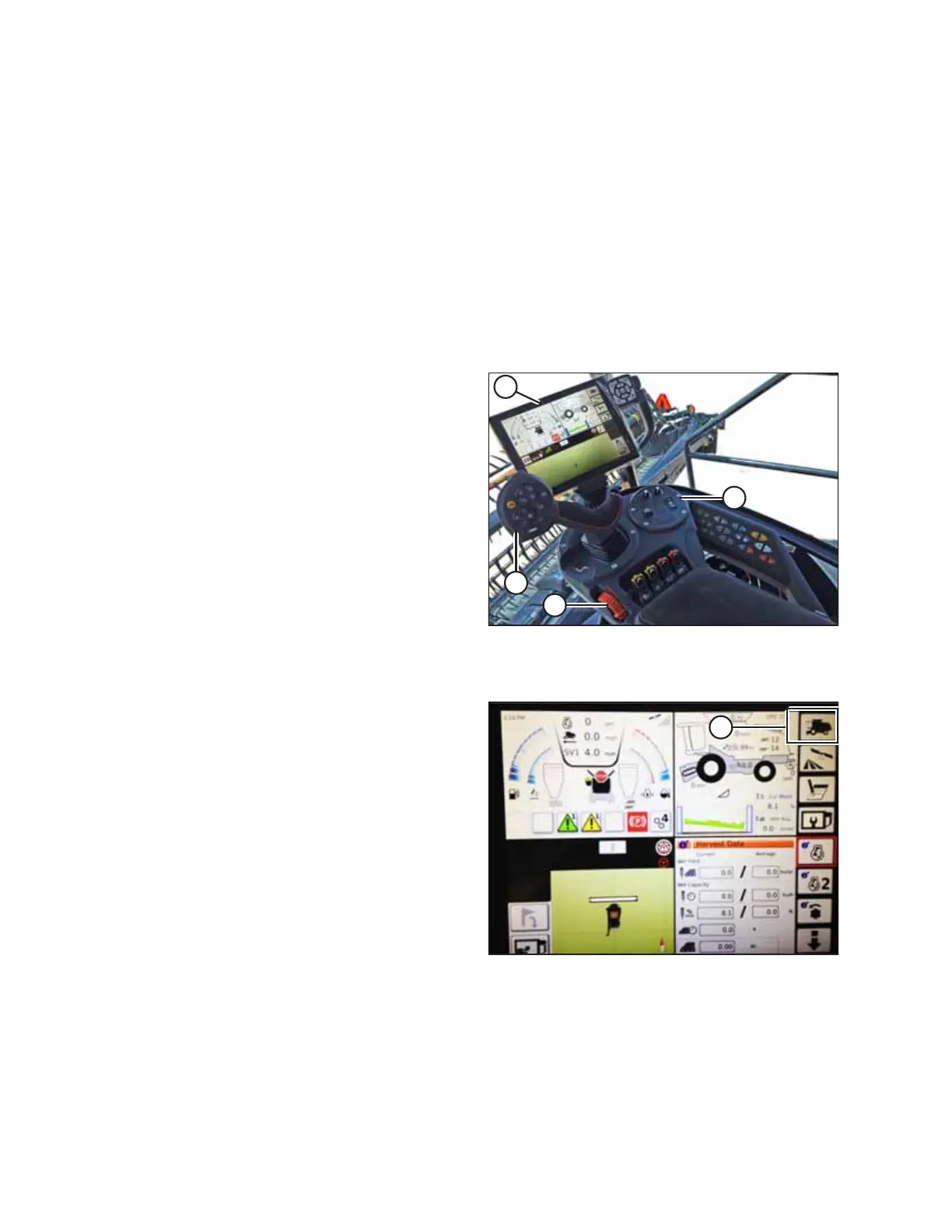
Figure 4.142: Gleaner
®
S9 Terminal Screen
A - Tyton Terminal B - Hydro Handle/Ground Speed Lever
C - Throttle Lever D - Header Control Cluster
The AGCO Tyton terminal is used to set up and manage a
MacDon header on a Gleaner
®
S9 combine. The terminal has a
touch screen. Touch the terminal screen to select an item.
Figure 4.143: Combine Icon on Home Page
1. On the top right of the home page, touch COMBINE
icon (A). The COMBINE MAIN MENU appears.
AUTO HEADER HEIGHT CONTROL








 To Next Page