214323 248 Revision B
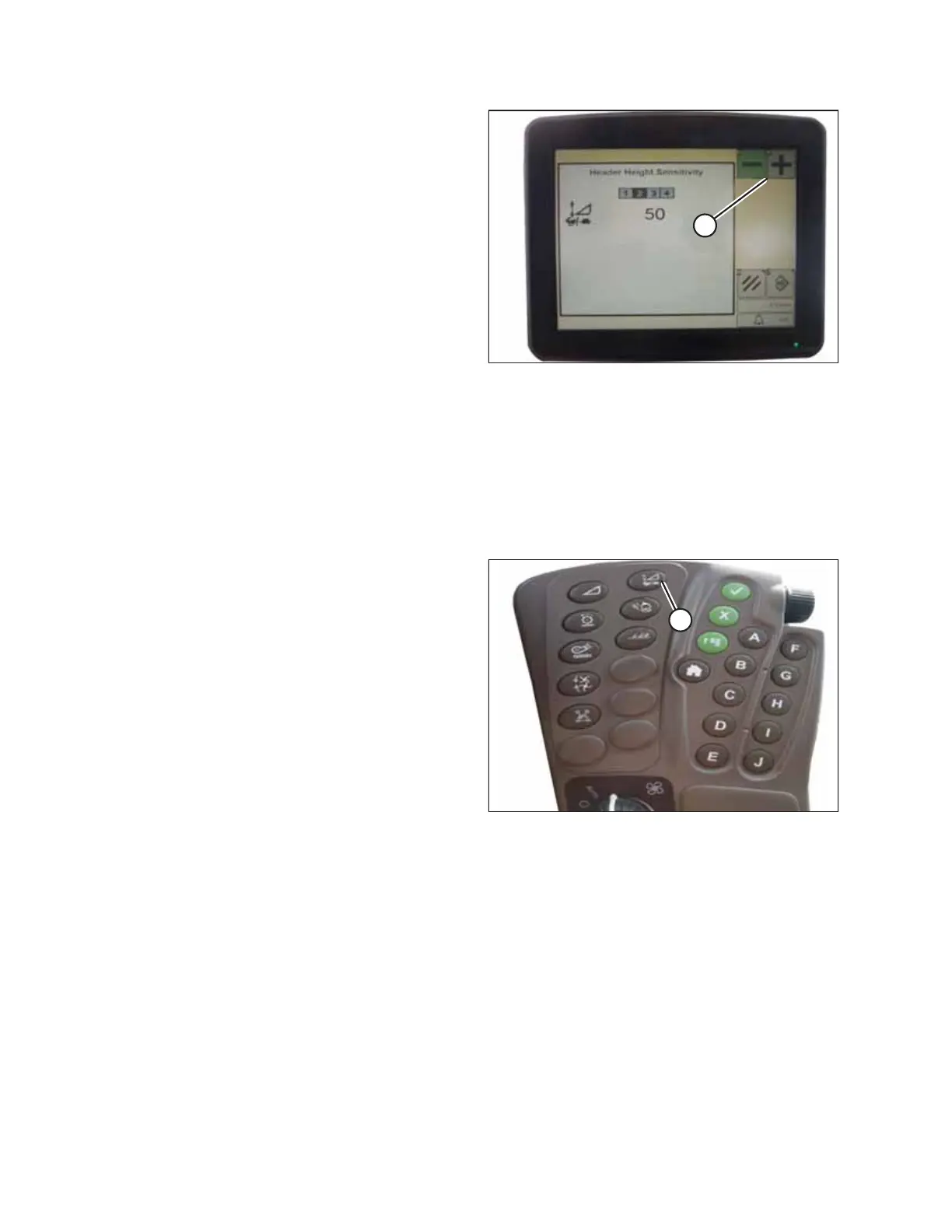
Figure 4.237: John Deere Combine Display
2. Press – or + icon (A) to adjust the sensitivity.
NOTE:
The numbers depicted on the displays in these illustrations
are for reference purposes only; they are not intended to
represent specific settings for your equipment.
4.17.5 Adjusting Manual Header Raise/Lower Rate – John Deere S and T Series
The speed at which the header rises or falls on a John Deere S or T Series combine can be adjusted from the combine cab.
NOTE:
Changes may have been made to the combine controls or the display since this document was published. Refer to the
combine operator’s manual for updated information.
Figure 4.238: John Deere Combine Command Center
1. Press button (A). The current manual raise/lower speed
setting will appear on the monitor.
AUTO HEADER HEIGHT CONTROL








 To Next Page