214323 256 Revision B
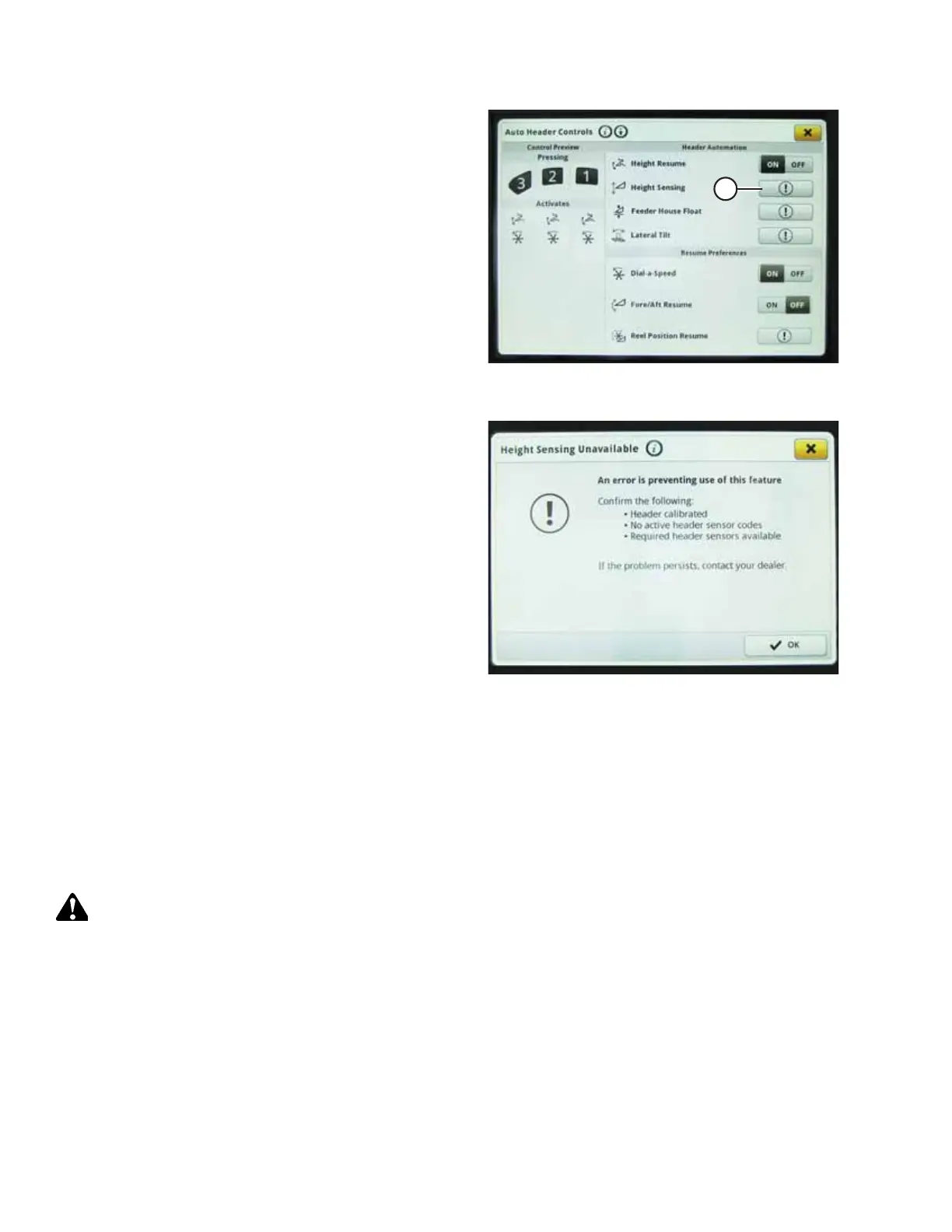
Figure 4.256: John Deere S7 Display – Auto Header
Controls
11. If the header has not been calibrated yet, an error icon will
appear on HEIGHT SENSING button (A). Select button (A) to
view the error message.
Figure 4.257: John Deere S7 Display – Height Sensing
Error Message
12. Read the error message and then press OK.
13. Proceed to 4.18.2 Checking Voltage Range from Combine
Cab – John Deere S7 Series, page 256.
4.18.2 Checking Voltage Range from Combine Cab – John Deere S7 Series
The auto header height control (AHHC) sensor output must be within a specific range, or the feature will not work properly.
NOTE:
Changes may have been made to the combine controls or the display since this document was published. Refer to the
combine operator’s manual for the most up-to-date information.
WARNING
Ensure that all bystanders have cleared the area.
1. Unlock the float.
AUTO HEADER HEIGHT CONTROL








 To Next Page