214323 38 Revision B
3.2.4 Linkage Covers
Plastic covers are attached to the header frame to protect the header wing balance mechanism from debris and weather.
Removing Linkage Covers
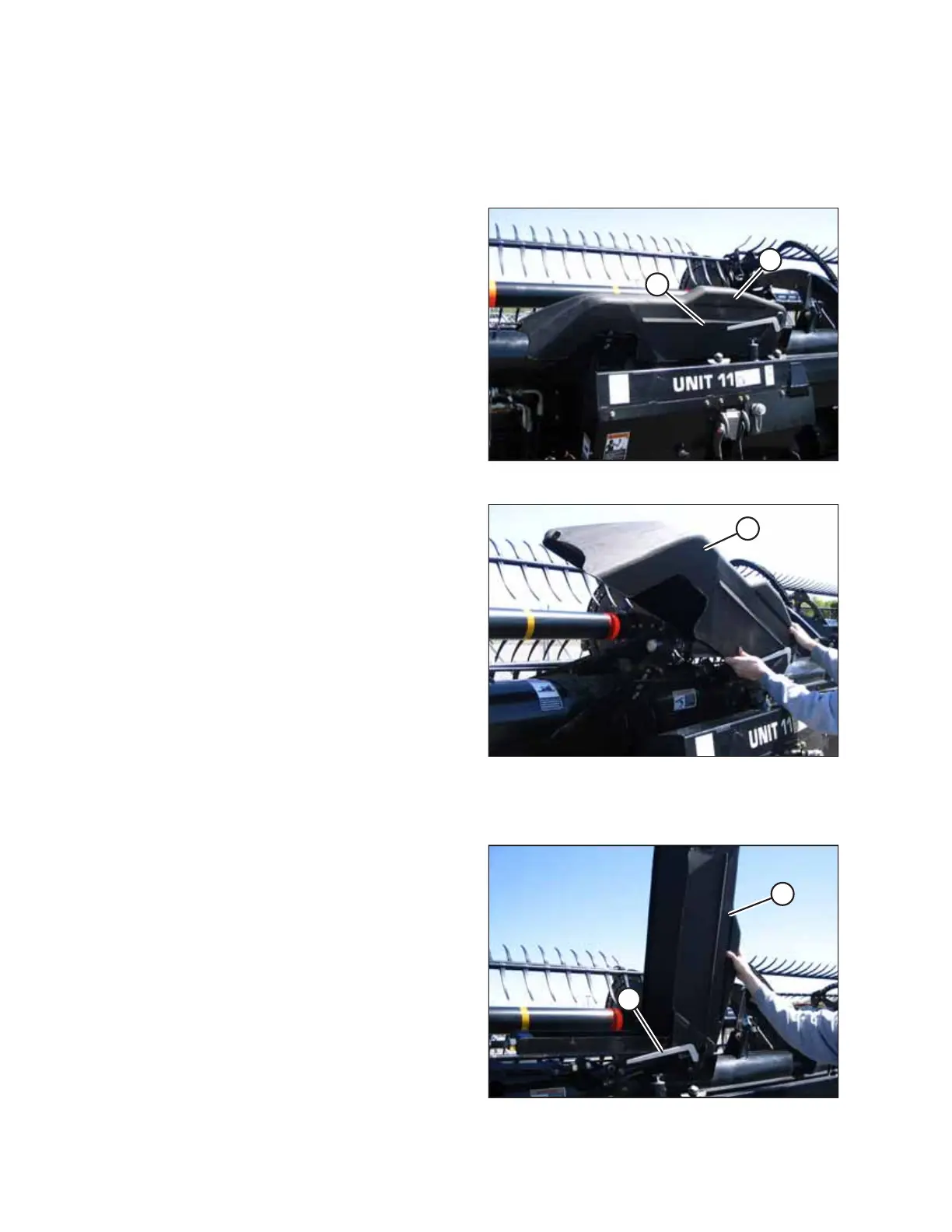
Figure 3.18: Linkage Cover
1. Remove screw (A) and lift outboard end of cover (B).
Figure 3.19: Linkage Cover
2. Rotate cover (A) upward until inboard end can be lifted off.
Installing Linkage Covers
Figure 3.20: Linkage Cover
1. Position the inboard end of cover (A) over the flex linkage
and behind indicator bar (B).
2. Lower the cover until it fits securely against the header
backtube.
OPERATION








 To Next Page