214323 239 Revision B
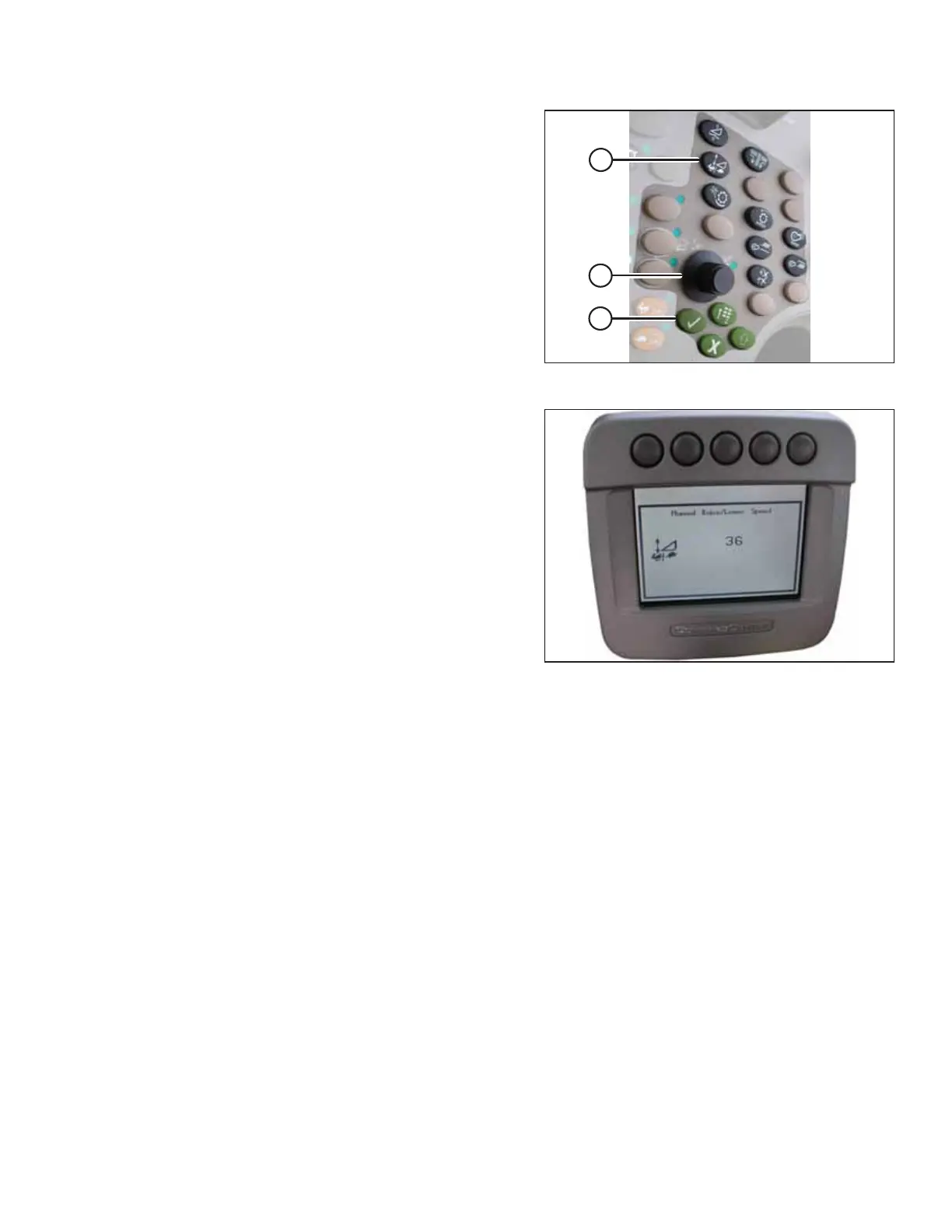
Figure 4.215: John Deere Combine Control Console
1. Press button (A). The current raise/lower rate setting will
appear on the monitor.
NOTE:
Lower readings indicate a lower rate of header rise and fall;
higher readings indicate a higher rate of header rise and
fall.
2. Use scroll knob (B) to adjust the rate. The adjustment will
be saved automatically.
NOTE:
If the page remains idle for a short period of time, you will
be returned to the previous page. Pressing check mark
button (C) will also return the monitor to the
previous page.
Figure 4.216: John Deere Combine Display
NOTE:
The numbers depicted on the displays in these illustrations
are for reference purposes only; they are not intended to
represent specific settings for your equipment.
AUTO HEADER HEIGHT CONTROL








 To Next Page