Hardware
221
System Menu
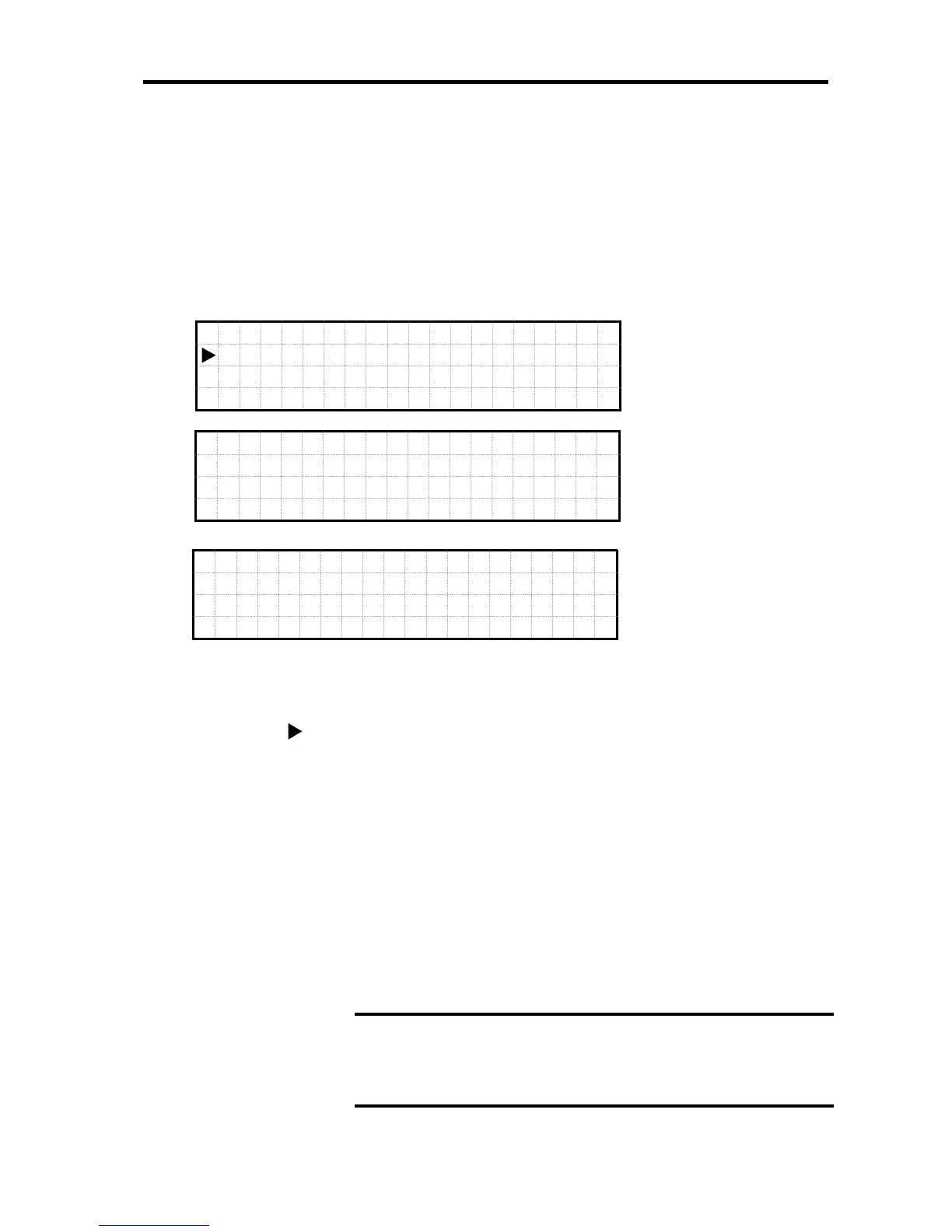
Display Format for System Menu
When selecting and executing “System >” in the Main Menu status, the screen moves to
System Menu.
Select “Up” or “Down” button to move within the System Menu.
The leftmost “ ” indicates the currently selected item.
Press “OK” button to execute the menu items.
When Selecting and executing “Return,” the screen goes back to Main Menu.
“Switch DVD&USB” item is displayed for A1080a-D model.
“Set Maint Mode” item becomes Disabled status when selected in Enabled status. It also
becomes Enabled status when selected in Disabled status.
“Stop all MGMs” item is displayed when all servers are DC off.
C
D
G u
a r d
M
ode
>
↑
S
e t
M a
i n t
M
ode
S
t o
p a
l l
MG
Ms >
S y
s t
e m
V
i e w
I
n f o
rm
at i
on
S
w i t
c h
D V
D&
USB
>
S
Y S
N e
t w o
rk
>
↓
IMPORTANT:
It returns to Disabled status after 3 hours passes without selecting
it to Disabled status after Enabled is selected. Unlike Web Console,
time cannot be specified.
L
>
Mo d
e
S
e t t
i
n
gs
D i s
c
o n
n e c
t
SYS
>
↑
R
e t u
r n





 To Next Page