Hardware
228
System Menu
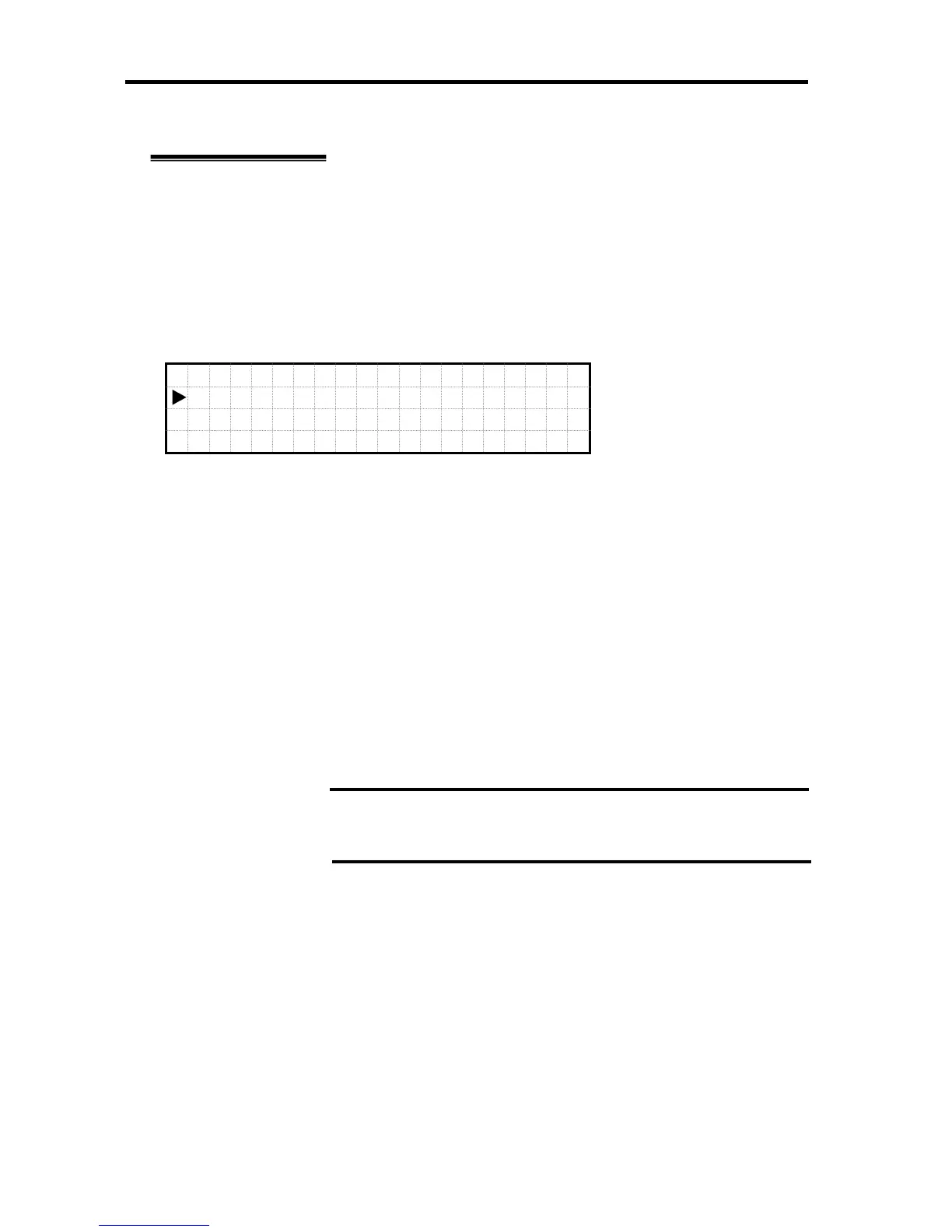
LCD Guard Mode Enable/Disable Menu
When LCD Guard Mode is set to “Disable,” the screen moves to LCD Guard Mode
Enable/Disable Menu by selecting and executing “LCD Guard Mode >” in the System Menu
status.
Select “Up” or “Down” button to move within the LCD Guard Mode Enable/Disable Menu.
The leftmost “ ► ” indicates the currently selected item.
Press “OK” to execute the menu item.
When selecting and executing “Enable,” the screen moves to the Set Password Menu (next
page) and password entry is prompted.
When selecting and executing “Disable,” LCD Guard Mode is set to Disable.
Select and execute “Return” to return to System Menu.
L
C D
G
u a r
d
Mod
e
E
n a b
l e
>
D
i s a
b l
e
R
e t u
r n
IMPORTANT:
When forgot the password, reset the SG information of the
management firmware using Resource Web Console.





 To Next Page