377
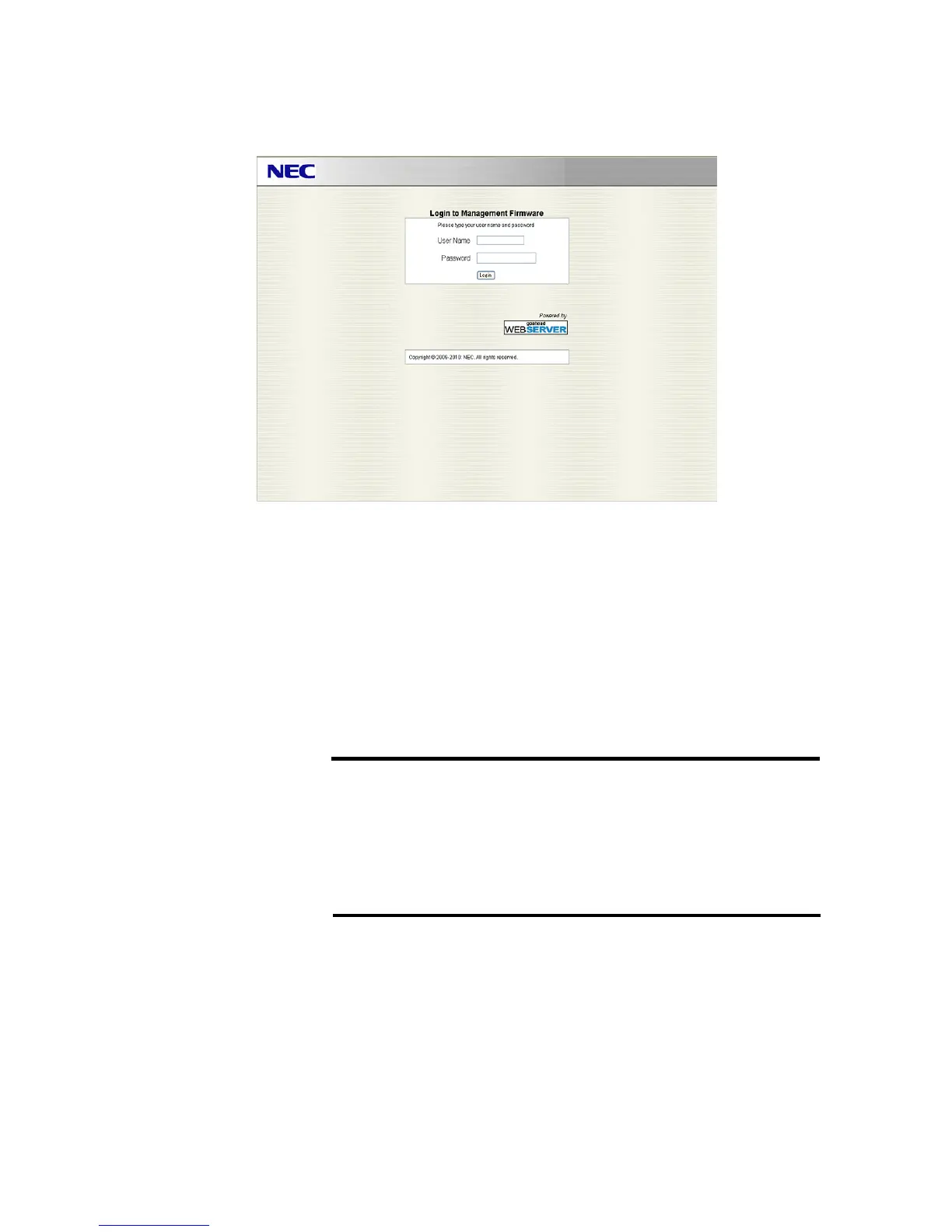
The following login screen is displayed when connecting to each Web Console.
Login to each Web Console is possible by entering “User Name” and “Password.”
Default “User Name” and “Password” are as follows.
User Name : Administrator
Password : Administrator
As for modifying or adding user account, refer “1.6 User Management” for System Web
Console, an
d “2.6 User Management” for Serve
r Web Console.
IMPORTANT:
Resource Web Console does not have "User Management",
cannot add/change user account and password. The account of
Resource Web Console is same as default account (MWA, root,
and Administrator) of System Web console and Server Web
console.





 To Next Page