Page | 89
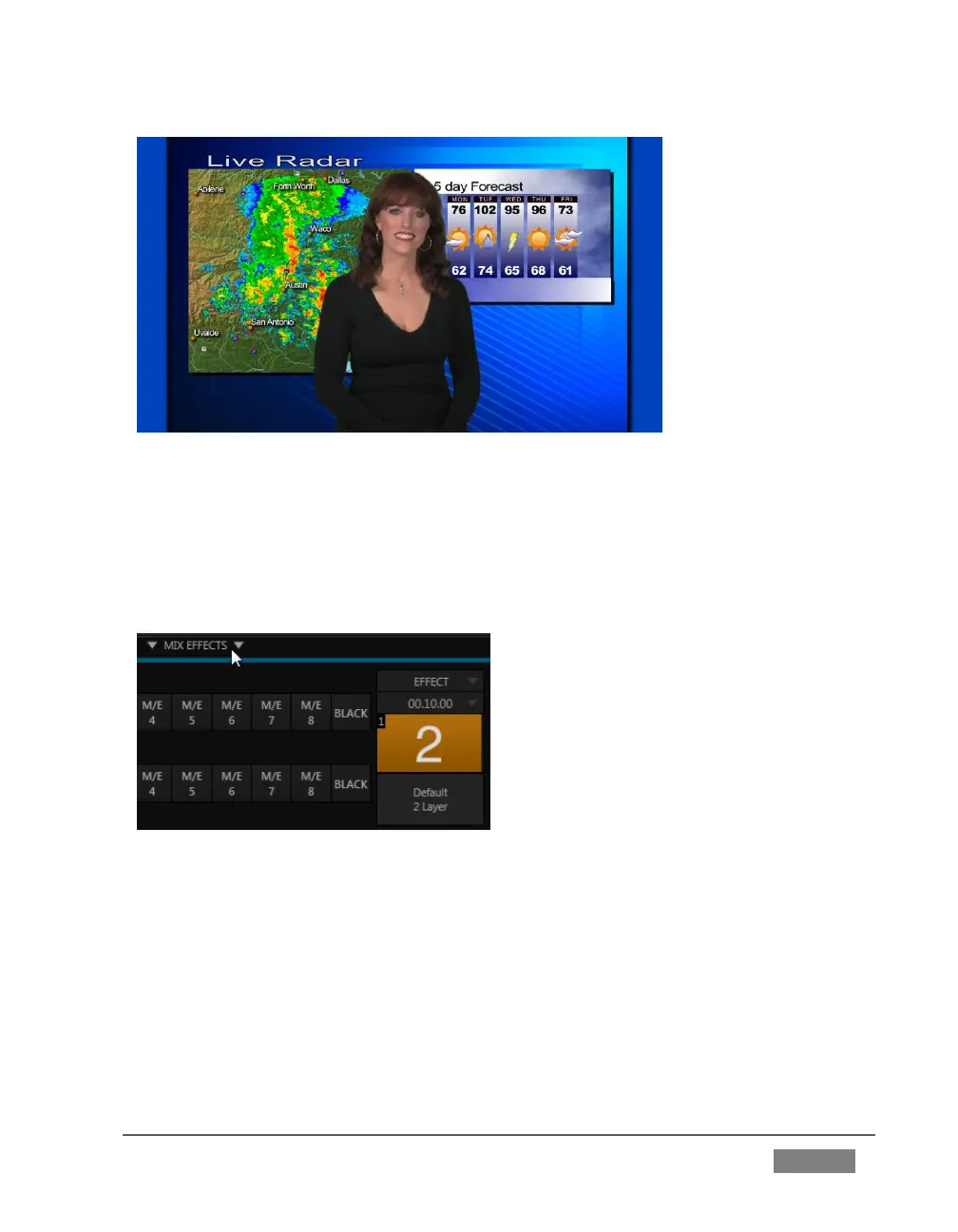
FIGURE 74
2. Remove any extraneous DSKs left from earlier operations from view using the
local Take buttons in the Switcher’s individual DSK control groups.
3. If necessary, click the Mix Effects label between the Monitor and Switcher
sections (or press ‘m’ on the keyboard) to expand the M/E pane.
FIGURE 75
4. Click the tab for M/E 1 to reveal the controls for the first M/E channel.
5. Click the Effect button in the M/E Effect control group (Figure 75). The default
effect is named “Default (2 Layer)”; you should see the icon for this effect
below the Effect button.
[Otherwise, click the + (Add Media) button that pops up when you move the
mouse over the effect name (or, for 4-input TriCasters, to the right of the effect









 To Next Page