Page | 90
name), and use the Media Browser to select “Default (2 Layer)” from the
Default group in the file pane.]
6. Notice that the left half portion of the M/E panel contains two source (input)
rows labeled A and B.
a. Select DDR 1 in the button row labeled A.
b. Select DDR 2 in the B row.
7. Click the DDR 1 tab, and Add the video clip named Kiki 1 Center.mov from the
Green Screen group inside the Clips>NewTek location.
FIGURE 76
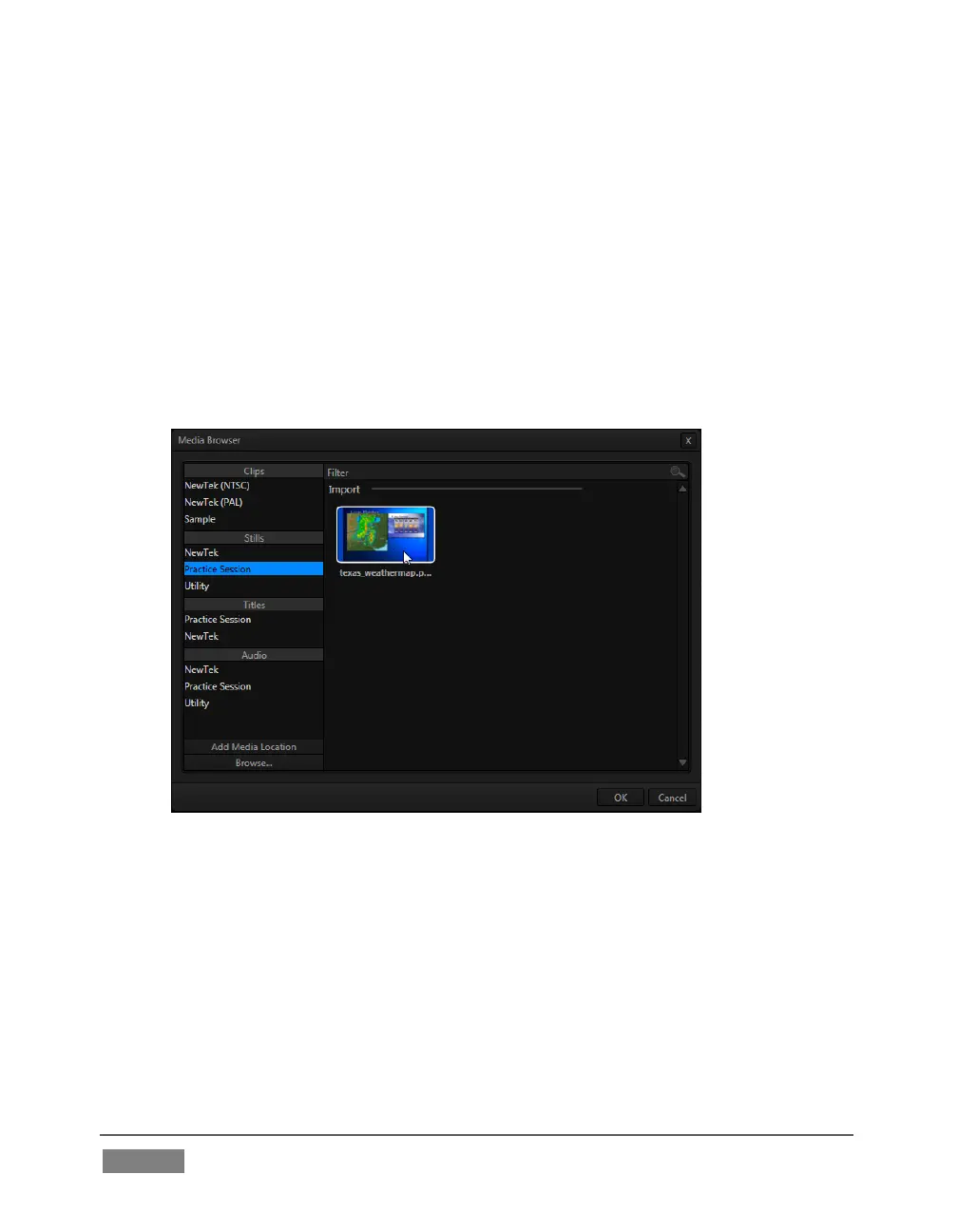
8. Click the DDR 2 tab, and add the image named texas_weathermap.png (from
Practice Session, under Stills in the Location list at left).
9. Move your mouse pointer over the desktop monitor for DDR 1, and click the
Configure button (gear) that pops up at right in the label beneath the monitor.
10. Click the LiveMatte tab in the Configuration panel that opens.









 To Next Page