Page | 146
o Program
o Program (Clean)
o Black
o Alpha Matte – Output 2 only
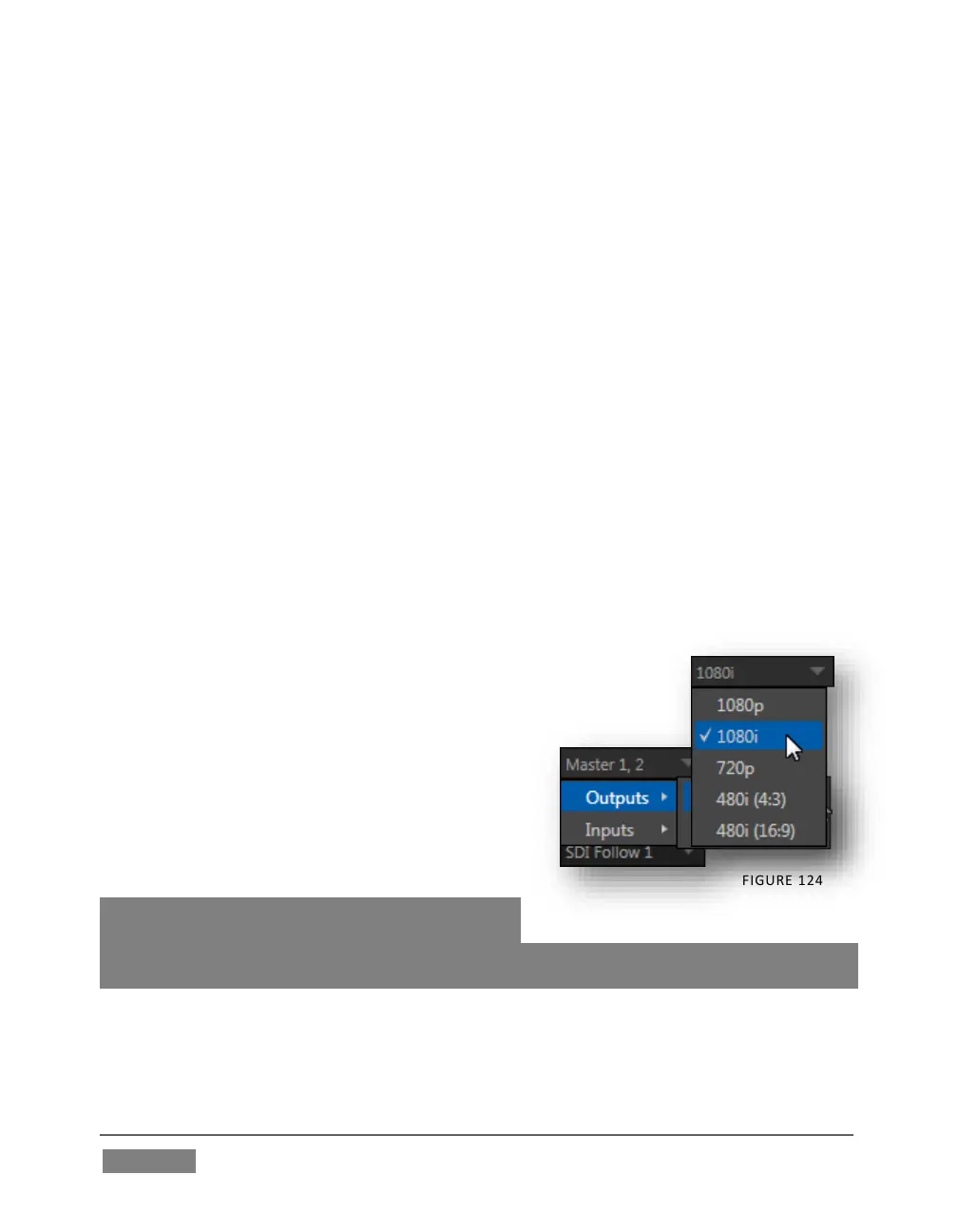
Audio menu (Figure 124) – choose which audio is presented on the corresponding
Audio Out connector groups on TriCaster’s rear from the following list:
o Outputs
Master 1, 2 (sound from the Master 1 and 2 busses)
Aux (sound from the Aux 1 and 2 busses)
(See Section 15.7.2 for discussion of TriCaster’s internal audio
busses).
o Inputs 1-(4 or 8) – sound from any single audio input
Resolution menu – select the video format for downstream devices you intend
to connect to the corresponding output:
o 1080p
o 1080i
o 720p
o 480i (4:3)
o 480i (16:9)
o 576i (4:3) – Multi-format
TriCasters only
o 576i (16:9) – Multi-format
TriCasters only
Note: Options shown in this menu vary by session
format. Also, since Output 1 always transmits
video in ‘session format’, an information display is shown rather than a Resolution menu
for this output .









 To Next Page