Page | 56
FIGURE 43
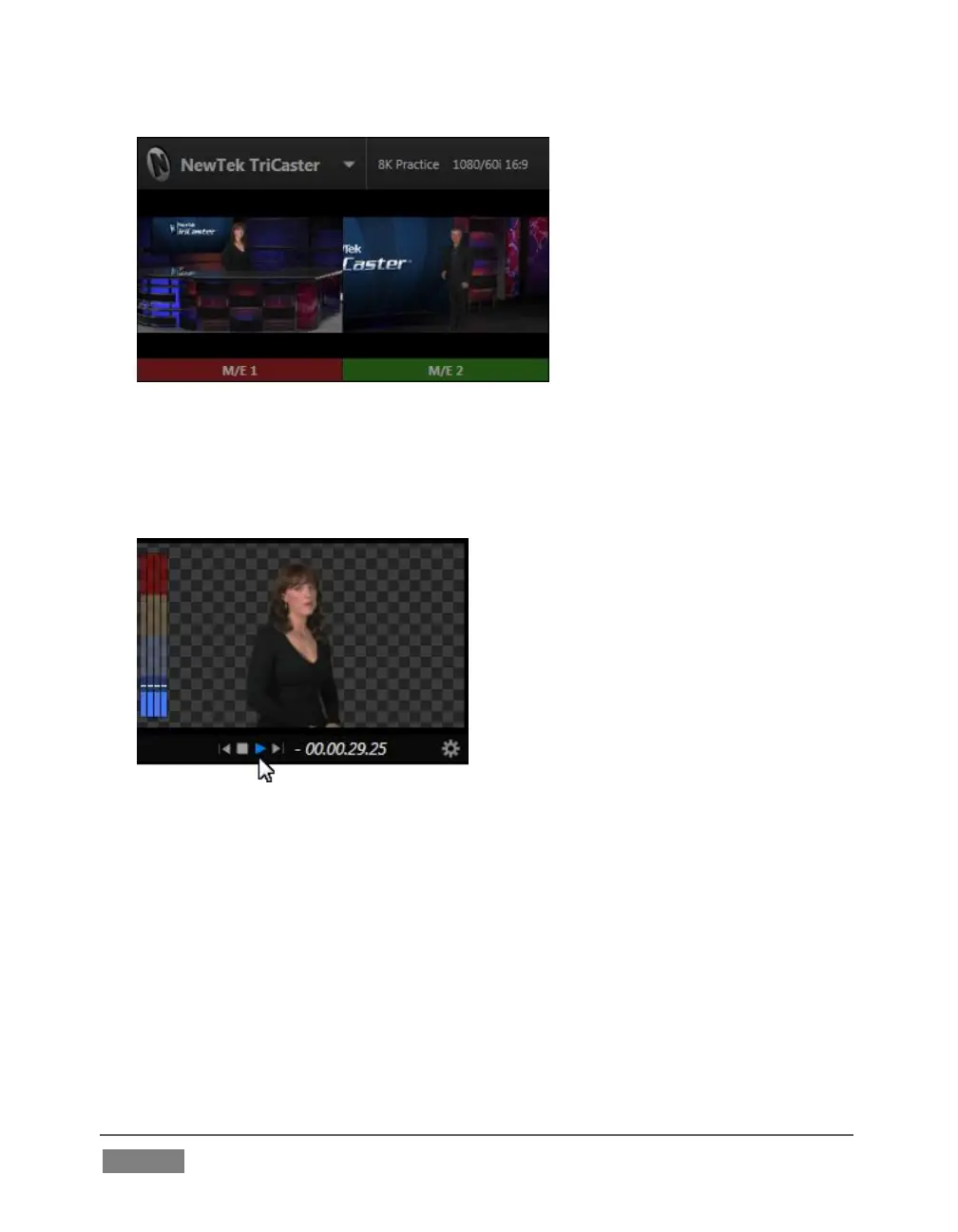
The monitor labels for sources currently visible on Program output are
highlighted in red (Figure 43). Labels for sources shown on Preview have a
green tint.
FIGURE 44
Monitors provide other controls and displays on rollover as appropriate,
including things like Play or Stop and current position (timecode) in a clip for
Media Players, and Network source selection (Figure 44).









 To Next Page