Installing the BayStack 450 Switch
309978-D Rev 01 2-13
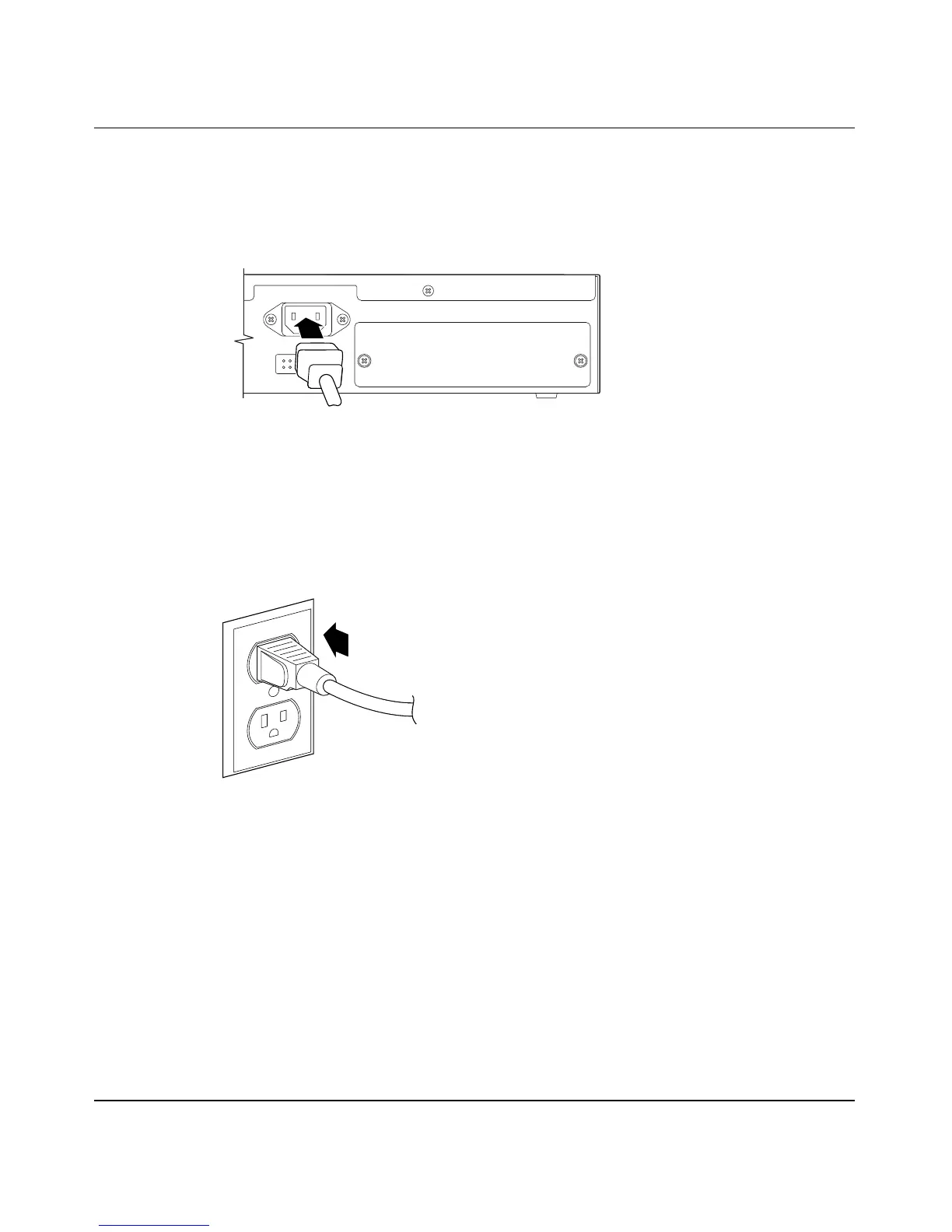
To connect the AC power cord, follow these steps:
1. Plug one end of the AC power cord into the AC power receptacle on the
switch back panel (
Figure 2-8).
Figure 2-8. BayStack 450 Switch AC Power Receptacle
2. Plug the other end of the AC power cord into the grounded AC power
outlet (
Figure 2-9).
Figure 2-9. Grounded AC Power Outlet
3. See the next section, “Verifying the Installation.”
Cascade Module
Redundant Power
100-240V
47-63Hz~
BS45039A
612FA













 To Next Page