Media Dependent Adapters
309978-D Rev 01 C-21
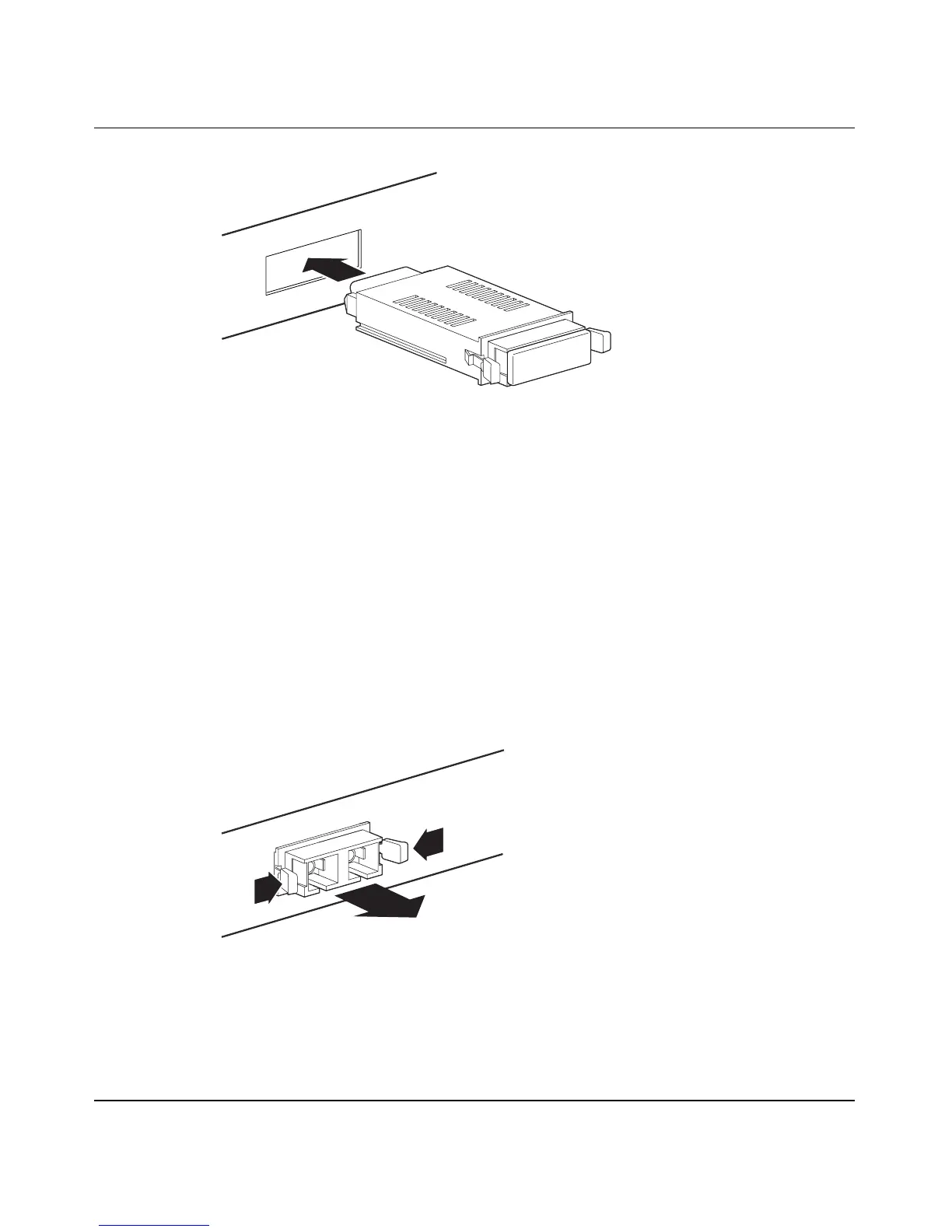
Figure C-9. Installing A GBIC
3. Press on the front of the GBIC until it snaps into place.
4. Remove the rubber plug from the connectors to connect cables.
Removing an Installed GBIC
To remove an installed GBIC:
1. If the GBIC has spring tabs, press in on the tabs on each side of the GBIC
as you pull the GBIC out of the MDA’s Host port (
Figure C-10).
Figure C-10. Removing a GBIC
2. If the GBIC has an extractor handle, grasp the handle and pull firmly to
remove the GBIC from the MDA’s Host port.
9825FA
9826FA












 To Next Page