Using the Console Interface
309978-D Rev 01 3-19
Switch Configuration
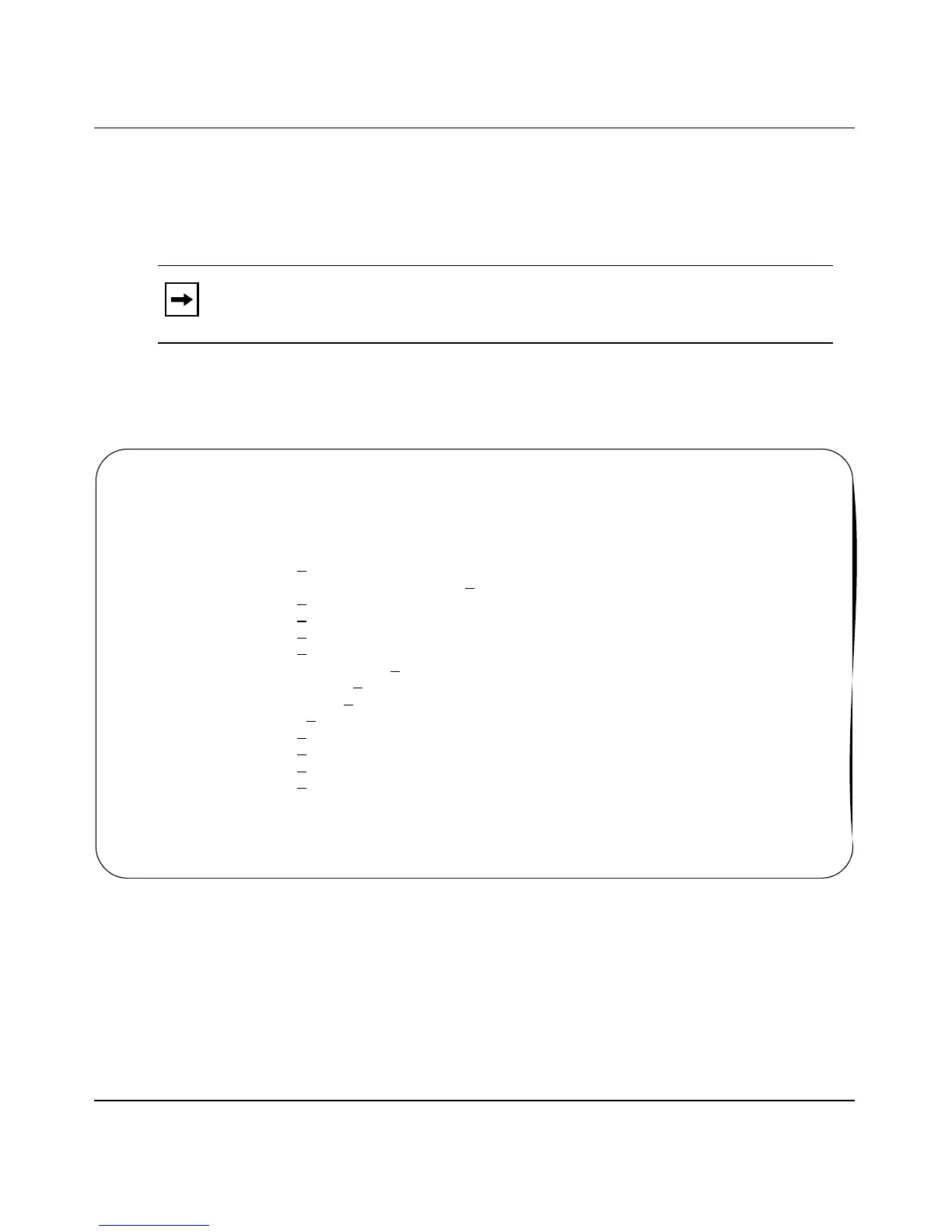
The Switch Configuration Menu (Figure 3-6) allows you to set or modify your
switch configuration.
Choose Switch Configuration (or press w) from the main menu to open the Switch
Configuration Menu.
Figure 3-6. Switch Configuration Menu
Table 3-5 describes the Switch Configuration Menu options.
Note: The High Speed Flow Control Configuration option appears only when
an optional gigabit MDA is installed.
Switch Configuration Menu
M
AC Address Table
MAC Address-Based S
ecurity...
E
APOL Security Configuration...
V
LAN Configuration...
P
ort Configuration...
H
igh Speed Flow Control Configuration...
MultiLink T
runk Configuration...
Port Mi
rroring Configuration...
Rate L
imiting Configuration...
IG
MP Configuration...
D
isplay Port Statistics
C
lear All Port Statistics
A
TM Configuration...
R
eturn to Main Menu
Use arrow keys to highlight option, press <Return> or <Enter> to select option.
Press Ctrl-R to return to previous menu. Press Ctrl-C to return to Main Menu.













 To Next Page