Using the BayStack 450 10/100/1000 Series Switch
3-104 309978-D Rev 01
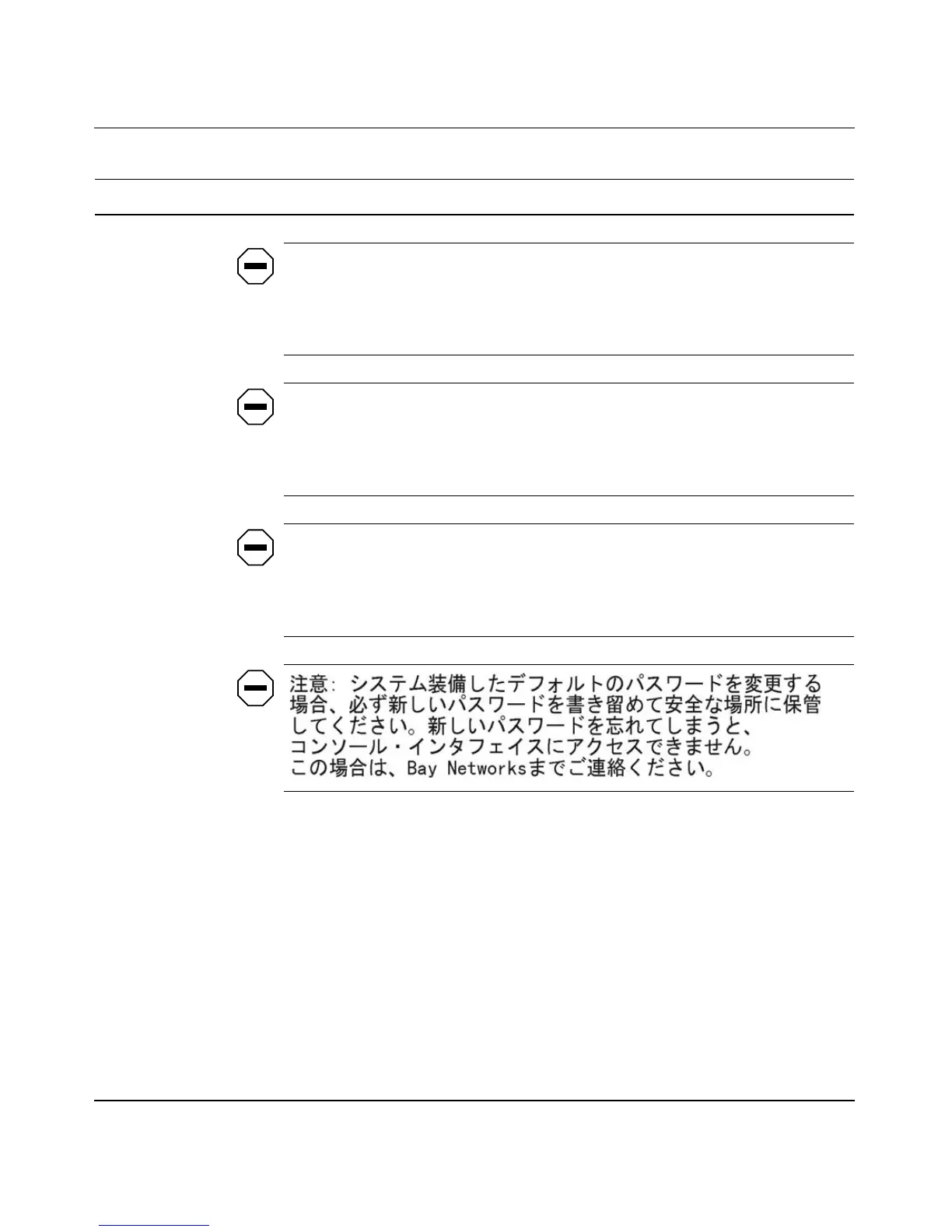
Attention: Si vous changez les mots de passe par défaut du système,
assurez-vous de bien noter vos nouveaux mots de passe et de les conserver
dans un endroit sûr. Si vous perdez vos nouveaux mots de passe, vous ne
pourrez plus accéder à votre interface. Le cas échéant, veuillez contacter Nortel
Networks.
Precaución: Si modifica las contraseñas predeterminadas asignadas por el
sistema, asegúrese de anotar las nuevas contraseñas y guárdelas en un lugar
seguro. Si olvida las nuevas contraseñas, no podrá acceder al interfaz de la
consola. En ese caso, póngase en contacto con Nortel Networks para obtener
ayuda al respecto.
Attenzione: In caso di modifica delle password predefinite nel sistema,
assicurarsi di annotare le nuove password e di conservarle in un luogo sicuro.
Nel caso in cui le nuove password vengano dimenticate, non sarà possibile
accedere all'interfaccia della console. In tal caso, contattare la Nortel Networks
per avere assistenza.
Console Read-Only
Stack Password
When the Console Switch Password field is set to Local Password (for TELNET,
for Console, or for Both), this field allows read-only password access to the CI of
any participating switch in a stack configuration. Users can access the CI using
the correct password (see default), but cannot change any parameters or use the
Reset option or Reset to Default option.
Default user
Range An ASCII string of up to 15 printable characters
(continued)
Table 3-36. Console/Comm Port Configuration Screen Fields (continued)
Field Description













 To Next Page