6.3
Date Code 20130214 Instruction Manual SEL-2414 Transformer Monitor
Settings
View/Change Settings Over Communications Port
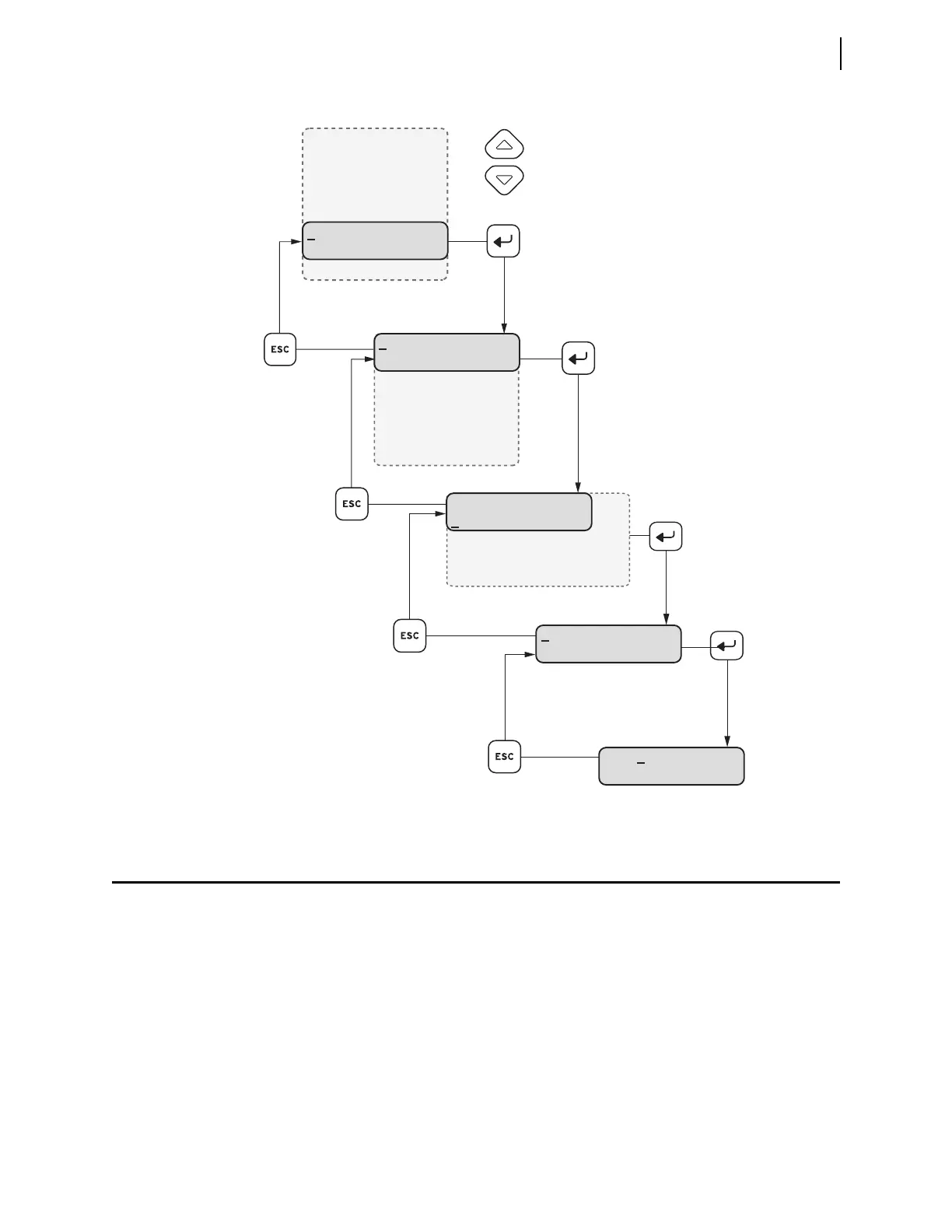
Figure 6.1 Front-Panel Setting Entry Example
View/Change Settings Over Communications Port
Refer to Section 7: Communications for information on how to set up and access
the device serial or Ethernet port with a personal computer and how to use ASCII
commands to communicate with the device.
View Settings
Use the SHOW command to view Device settings. The SHOW command is
available from Access Level 1 and Access Level 2. Table 6.2 lists the SHOW
command options.
Main Menu
Meter
Events
Monitor
Targets
Control
Set/Show
Status
Quit
Press to move
within the list.
Press to
return to the
previous list.
Press to select an
underlined menu item.
Device
ID Settings
Transformer Settings
Analog Input Settings
Internal RTD Settings
Set/Show Menu
Device
Logic
Global
Port
Date
Time
Password
DID
SEL-2414
DID Setting
DID=SEL–2414
Space Del Clear



 To Next Page