3.3
Date Code 20130214 Instruction Manual SEL-2414 Transformer Monitor
Getting Started
ACSELERATOR QuickSet
Connection
Parameters
The Connection Parameters launchpad selection is a shortcut to the Communi-
cations > Parameters selection on the menu bar. Configure the
ACSELERATOR
QuickSet communications parameters and passwords to match those in the
Transformer Monitor.
The Transformer Monitor default passwords are shown in Table 3.3. It is
extremely important that you change the factory default passwords programmed
in the device. Setting unique passwords for the device access levels increases the
security of your system.
Check the Transformer Monitor Port 2 parameters by selecting SET/SHOW >
Port > 2 > Communications Settings on the Transformer Monitor front panel
and then using the UP and DOWN pushbuttons to view all of the parameters.
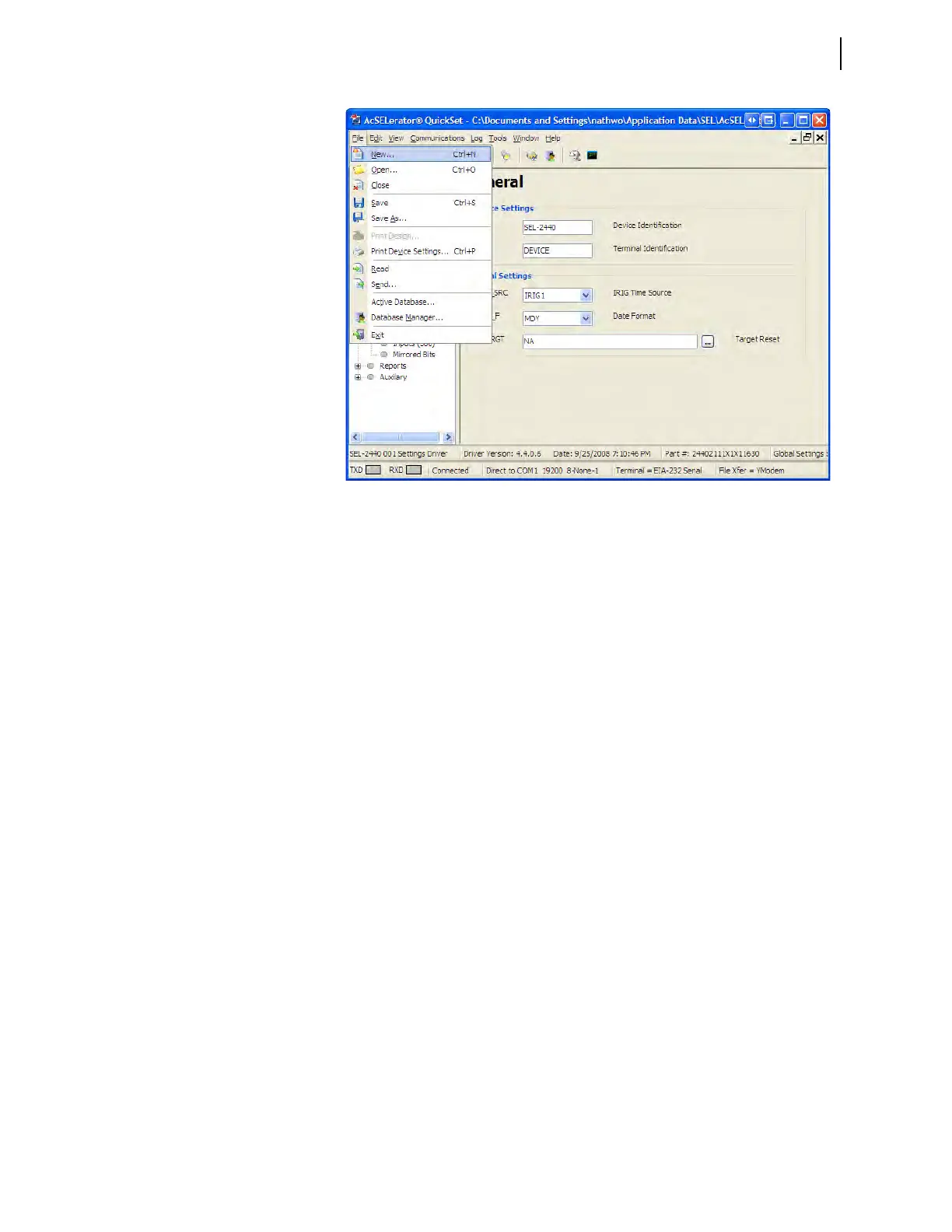
Figure 3.2 ACSELERATOR QuickSet Launchpad



 To Next Page