3.4
SEL-2414 Transformer Monitor Instruction Manual Date Code 20130214
Getting Started
ACSELERATOR QuickSet
Checking
Device Status
View a device status report similar to that shown in Figure 3.4 by selecting
Tools > HMI > HMI from the main menu and then selecting Device Status from
the tree. The beginning of the status report printout contains the device firmware
identification string (FID) and checksum string (CID). These strings uniquely
identify the device and the version of the operating firmware. The last line in the
report states whether the device status is enabled or disabled, which depends on
whether any particular status field is failed. Table 7.47 provides the definition of
each status field.
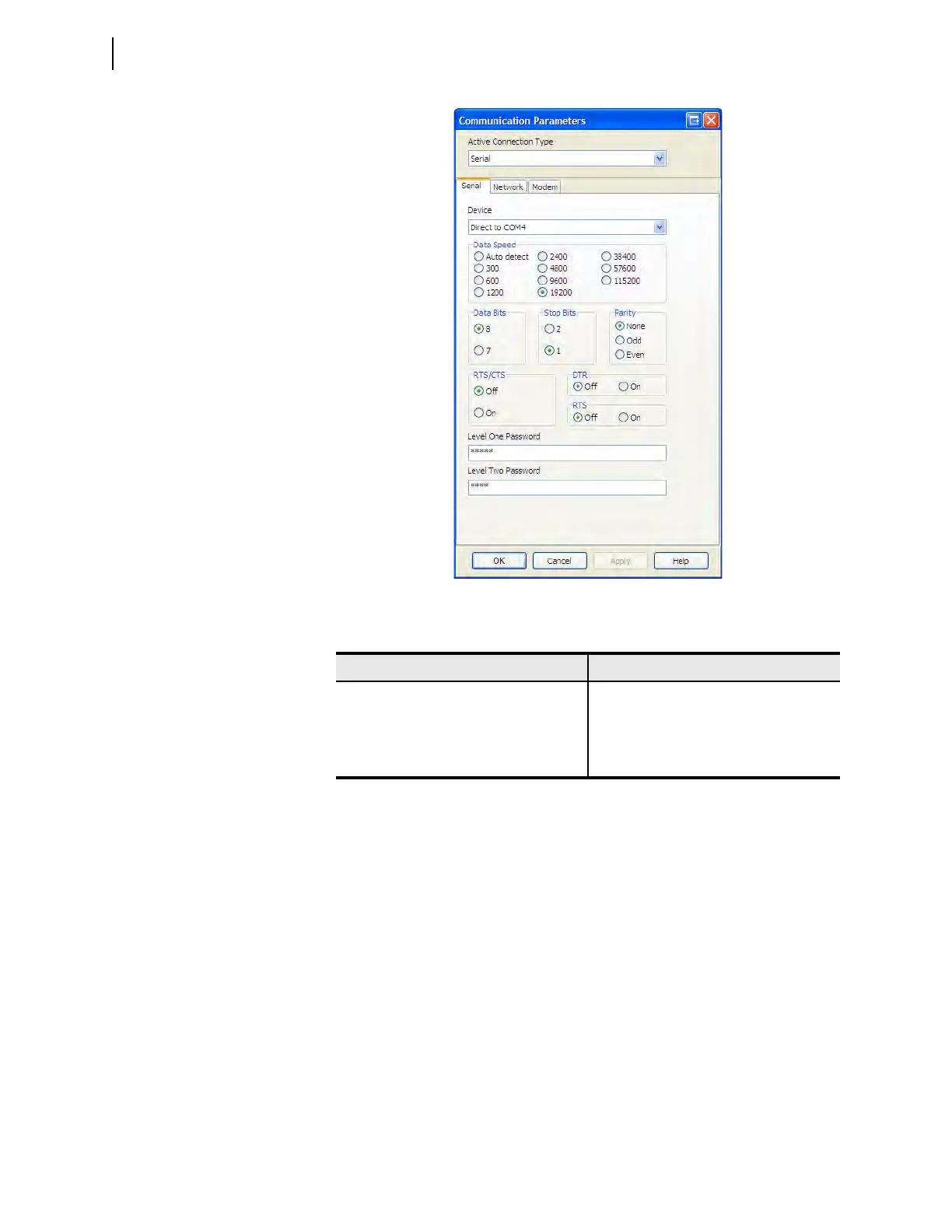
Figure 3.3 Communication Parameters
Tab le 3. 3 Fa c tor y D e fau lt Password s
Access Level Password
0N/A
1 OTTER
2TAIL
CCLARKE



 To Next Page