8.6
SEL-2414 Transformer Monitor Instruction Manual Date Code 20130214
Front-Panel Operations
Human-Machine Interface
Contrast
You can adjust the LCD screen contrast to suit your viewing angle and lighting
conditions. To change screen contrast, press and hold the ESC pushbutton for two
seconds. The SEL-2414 displays a contrast adjustment box. Pressing the Right
Arrow pushbutton increases the contrast. Pressing the Left Arrow pushbutton
decreases the screen contrast. When you are finished adjusting the screen con-
trast, press the ENT pushbutton; this process is a shortcut for changing the LCD
contrast setting FP_CONT in the front-panel settings.
Table 8.5 shows the timeout and contrast settings. Use the front-panel LCD time-
out setting (FP_TO) as a security measure. If the display is within an Access
Level 2 function when a timeout occurs, the function is automatically terminated.
After terminating the function, the front-panel display returns to the default dis-
play. To disable the front-panel timeout function, set the LCD timeout equal to
OFF. Use the front-panel LCD contrast setting (FP_CONT) to adjust the contrast
of the liquid crystal display.
Front-Panel Security
Front-Panel Access Levels
The SEL-2414 front panel typically operates at Access Level 1 and provides
viewing of device measurements and settings. Some activities, such as editing
settings and controlling output contacts, are restricted to those operators who
know the Access Level 2 password.
Before you can perform a front-panel menu activity that requires Access Level 2,
you must enter the correct Access Level 2 password. After you have correctly
entered the password, you can perform other Access Level 2 activities without
reentering the password.
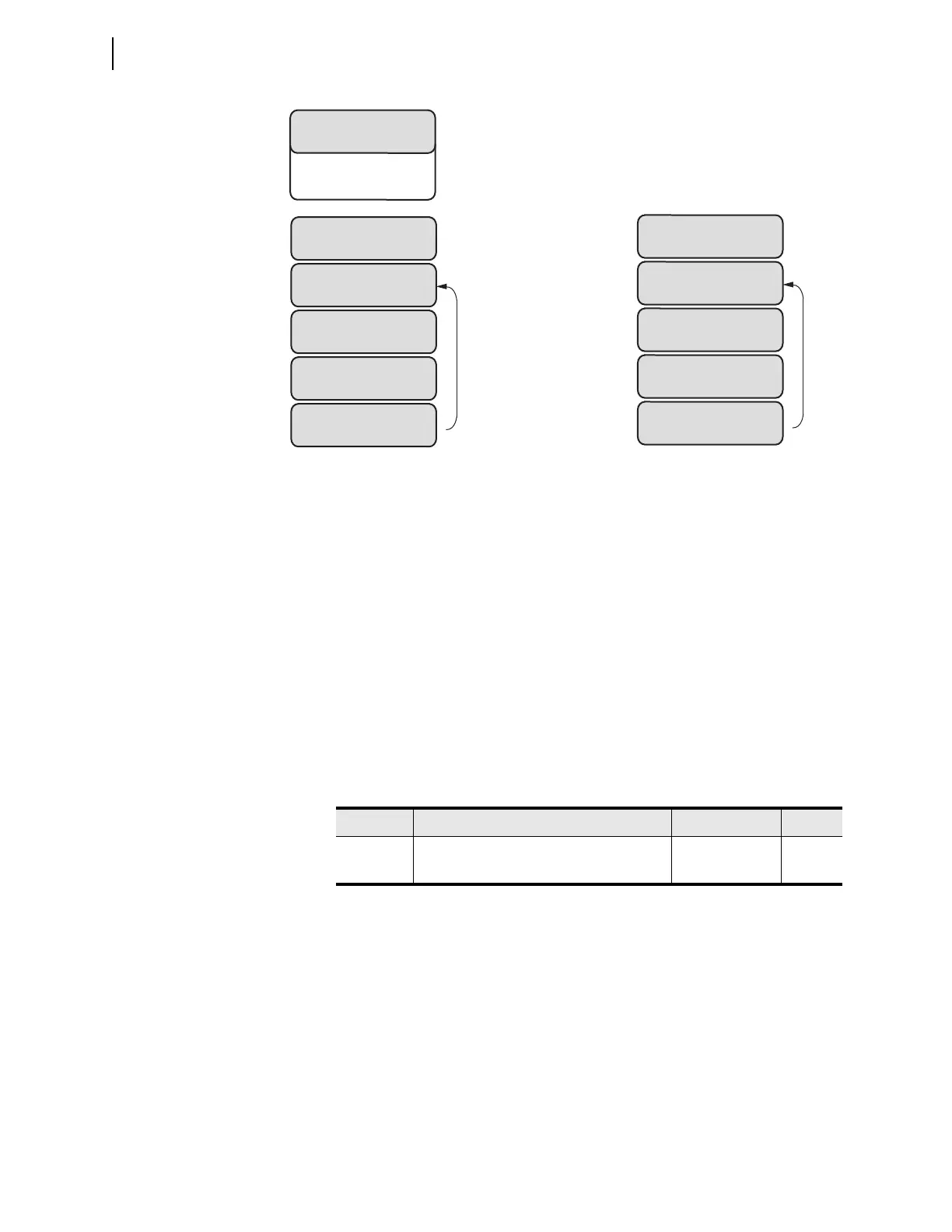
Figure 8.10 Local Bit Examples
LOCAL BITS
FAN = STOP
FAN = STOP
START
START
Yes No
FAN = START
STOP
STOP
Yes No
LOCAL BITS
SWITCH = OPEN
SWITCH = OPEN
CLOSE
CLOSE
Yes No
SWITCH = CLOSE
OPEN
OPEN
Yes No
LB01 Settings
NLB01 := SWITCH
CLB01 := OPEN
SLB01 := CLOSE
PLB01 := NA
LB02 Settings
NLB02 := FAN
CLB02 := STOP
SLB02 := NA
PLB02 := START
LOCAL BITS
SWITCH = OPEN
FAN = STOP
...
Table 8.5 LCD Display Settings
Setting Setting Prompt Range Default
FP_TO LCD Timeout (OFF,1–30; min) OFF, 1–30; min 15
FP_CONT LCD Contrast (1–8) 1–8 5



 To Next Page