8.10
SEL-2414 Transformer Monitor Instruction Manual Date Code 20130214
Front-Panel Operations
Human-Machine Interface
Events Menu
NOTE: For the next selection, Math
Variables, only values of enabled math
variables and remote analogs appear.
Enable math variables and remote
analogs under the Set/Show Logic menu,
or the SET L serial port command.
Figure 8.16 shows the Events menu of the SEL-2414. With this selection you can
see an event summary, trigger an event and clear existing events.
If there is no event data available, the device displays No Data Available on the
LCD display.
Use the Left Arrow and Right Arrow pushbuttons to read the date and time of the
event.
Use the Clear Events command to clear all saved events in the device
Targets Menu
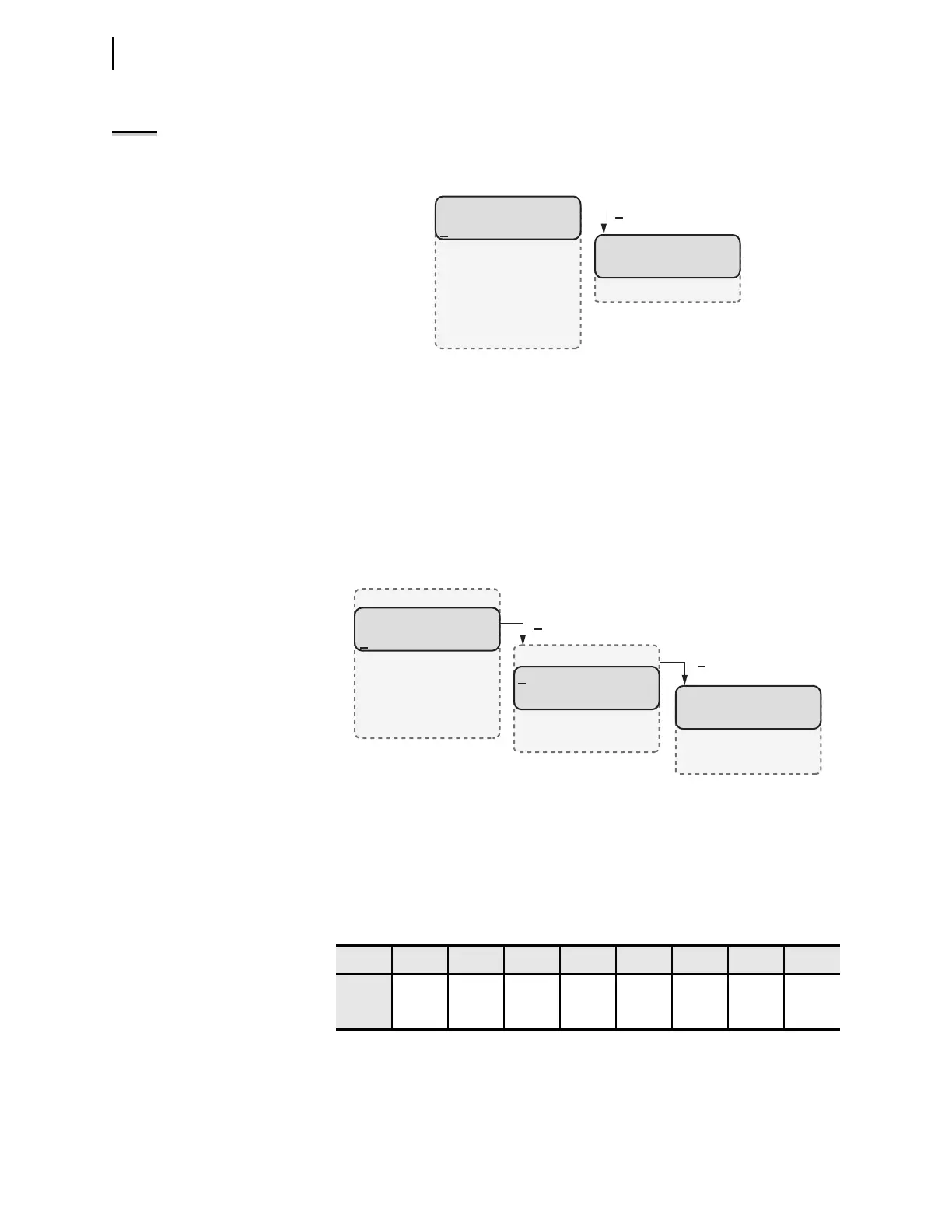
Figure 8.17 shows the Targets menu item on the MAIN menu and the submenus
to access the target rows (Device Word bits).
Device Word bits are variables that are either asserted (logical 1) or deasserted
(logical 0). Table 8.7 shows an extract from the Device Word bit table
(Appendix H). Target rows display eight Device Word bits from left to right as
these appear in Appendix H. For example, Row 2 shows RB01 through RB09 and
Row 3 shows RB09 through RB16, as shown in Table 8.7.
Control Menu
The SEL-2414 provides a means to assert selected output contact through the
MAIN > Control menu as shown in Figure 8.18. For control from the front
panel, the device uses variables known as local bits. Local bits take the place of
Figure 8.16 Main Menu and Events Submenu
EVENTS
Display
Clear
Meter
Events
Targets
Control
Set/Show
Status
Quit
(Events selected)
Figure 8.17 Main Menu and Target Submenu
Table 8.7 Row 2 and Row 3 of the Device Word Bits
Row 7 6 5 4 3 2 1 0
2
RB01 RB02 RB03 RB04 RB05 RB06 RB07 RB08
3
RB09 RB10 RB11 RB12 RB13 RB14 RB15 RB16
ENABLED=1
*=0
T01_LED=1
T02_LED=0
TARGETS
Row0= 10000000
Row1= 00000000
Row2= 00000000
Row3= 00000000
Meter
Events
Targets
Control
Set/Show
Status
Quit
(Targets selected)
(Row 0 selected)



 To Next Page