TM Palletizing Operator User’s Manual Product Version: 1.0 / Document Version: 1.0 103
2. If the power is not applied, check the NFB (no fuse breaker) in the Distribution Box immediately.
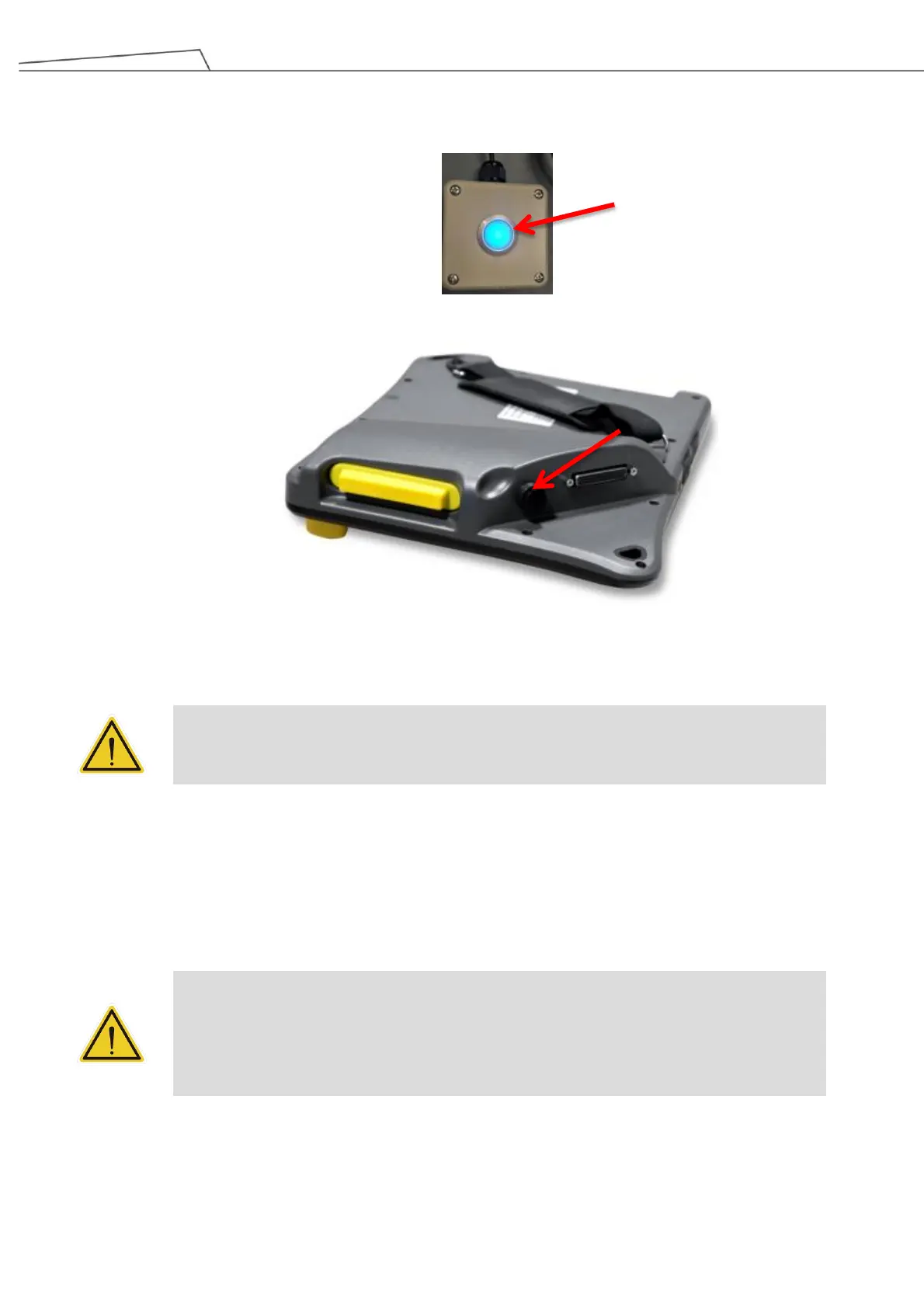
3. When the Reset Button light is on, press the Reset Button.
4. Press the Power Button on the Teach Pendant to power on the robot.
5. Release the robot brake when the robotic arm begins to make motion.
6. Press the Reset Button again when the Reset Button light is on.
CAUTION:
Before booting up the robot system, make sure that all of the parts with electrics like teach
pendant or safeguard devices have been correctly connected and securely fastened.
To shut down the system:
1. Power off the robot through TMflow or press and hold the Power Button on the Teach Pendant.
2. Once the robot is completely powered off, turn the Main Switch to the left in a counter-clockwise direction to
shut down the machine.
DANGER:
The below Shutdown methods are prohibited:
1. Unplug the power plug directly
2. Loosen the power cord of Control Box directly
3. Loosen the power of robot body directly



 To Next Page