TM Palletizing Operator User’s Manual Product Version: 1.0 / Document Version: 1.0 117
Table 25: Functional icons for pallet layers
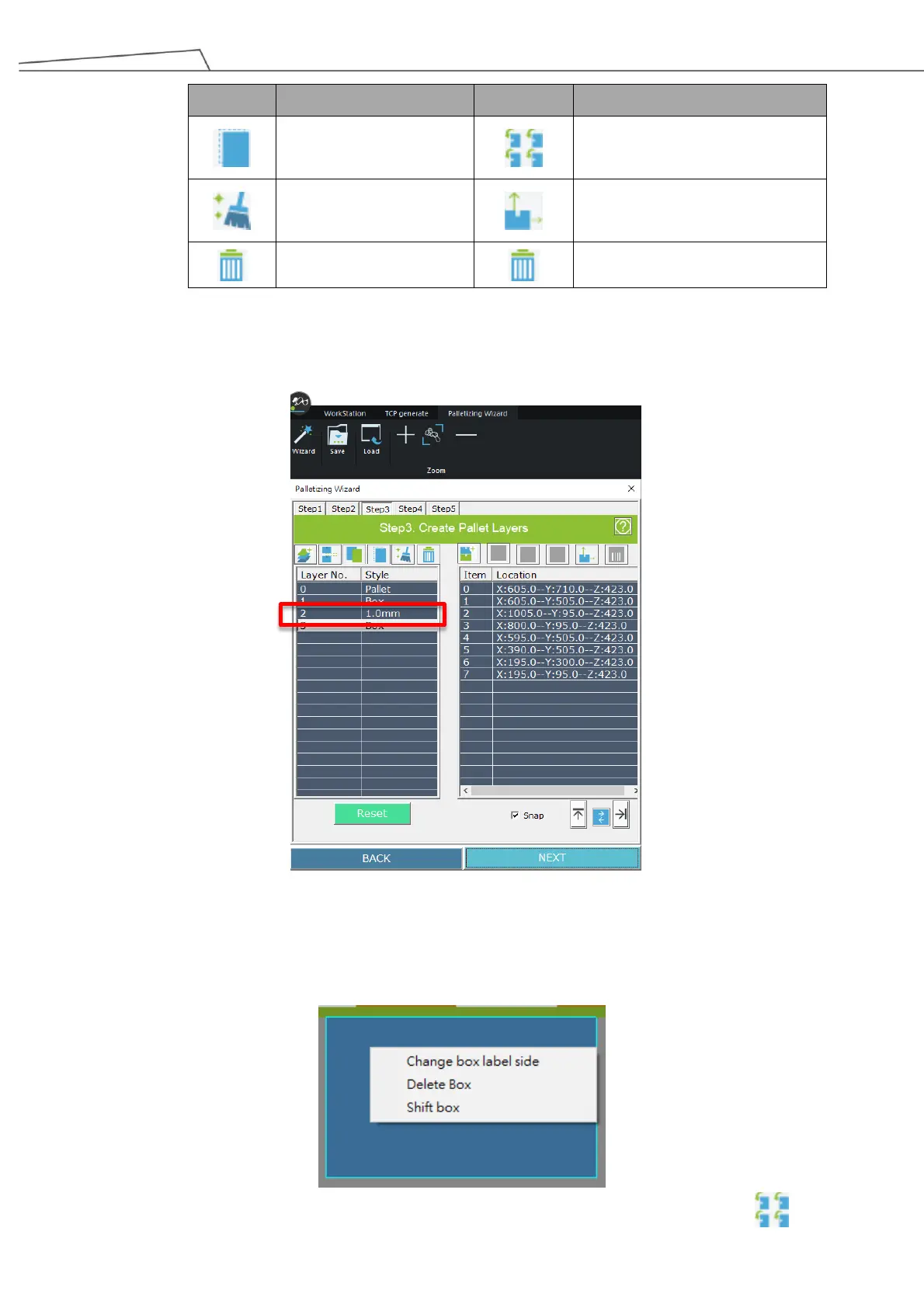
If you have set “Z-Direction Clearance” in Step 1, you will see the interval value displayed in this step.
Figure 100: Interval value displayed
Users may right-click (on a mouse) or tap (via Teach Pendant) to shift box, delete box or change label
for the box.
Users may click (on a mouse) or tap (via Teach Pendant) the “Auto Layout” icon to set



 To Next Page