TM Palletizing Operator User’s Manual Product Version: 1.0 / Document Version: 1.0 152
6.5.4.5 Sensor Input Considerations
If the above settings have been completed, you may start your palletizing application if there is no
additional requirement.
However, if conveyor sensor is connected to the palletizing operator, then the sensor output should be
connected to DI14, so that the robot will wait for DI14 signal to grab box when DI14 is triggered to
“HIGH”.
6.5.5 Setting TMOperator_TMROBOT_TMPLTZOP _Vxxx_Grip and
TMOperator_TMROBOT_TMPLTZOP _Vxxx_Release
Further settings for the gripping and release of the Adjustable Flexible Gripper are defined in
Advanced1_General Parameters and Advanced2-8. Please see Section 6.6 Advanced Palletizing
Setting.
6.6 Advanced Palletizing Setting
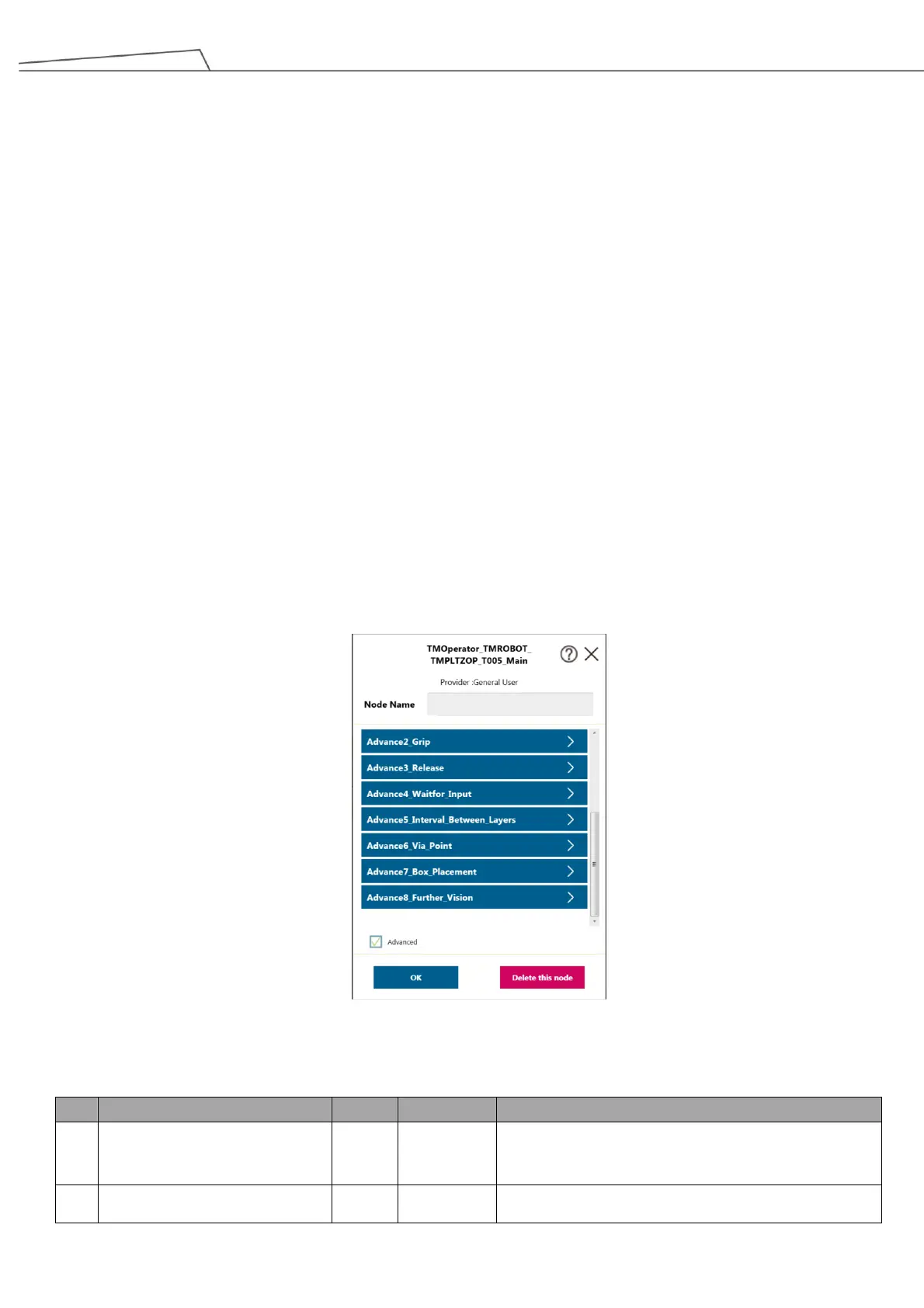
TM Palletizing Operator also provides advanced setting options for users to achieve more flexible or more
sophisticated applications. Select the checkbox named “Advanced” in the component bottom to start advanced
setting. The following describe the related functions of advanced setting.
Figure 153: Advanced setting
6.6.1 Advanced1_General_Parameters
True: Grip box by vision job
False: Grip box by fixed position
The sum of boxes gripped in a single project run. Upon



 To Next Page