TM Palletizing Operator User’s Manual Product Version: 1.0 / Document Version: 1.0 99
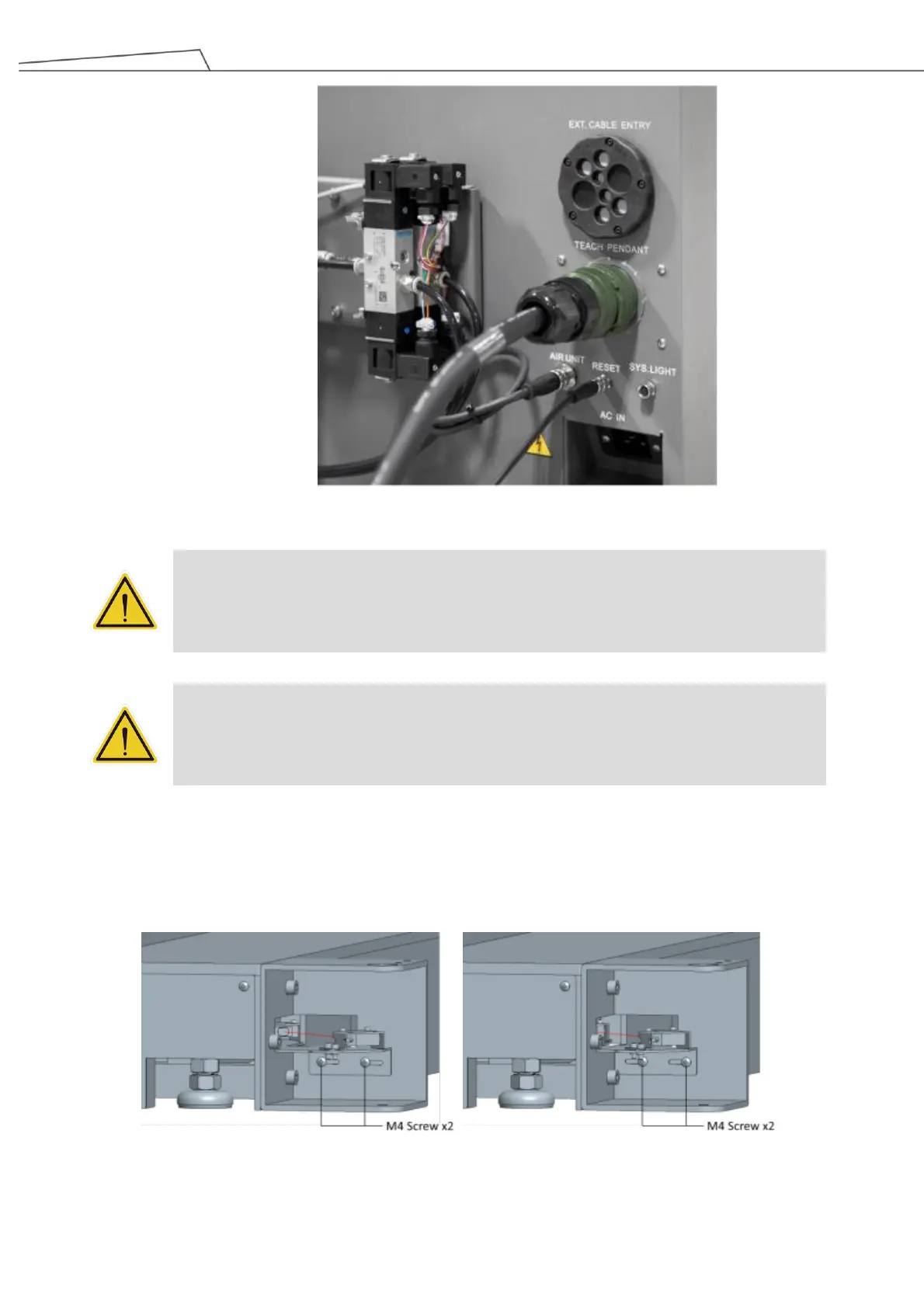
Figure 74: Connect the cable to the palletizing operator
DANGER:
Make sure the cable is properly plugged before powering on the pendant. Avoid unplugging
the pendant during operation. Otherwise, device damage or personal injury may occur due to
short-circuit.
WARNING:
Do NOT simultaneously use both pendant and stick to initial or to control robot motion.
When using a teach pendant, user is responsible for ensuring that the stick is immediately
stored out of sight and reach of personnel working on the robot.
5.7 Adjusting Pallet Sensor
1. Unfasten two M4 screws.
2. Adjust the sensor module position horizontally.
3. Fasten the two M4 screws back.
Figure 75: Adjust pallet sensor horizontally



 To Next Page