TM Palletizing Operator User’s Manual Product Version: 1.0 / Document Version: 1.0 61
4.5.4 Analog Input/Output
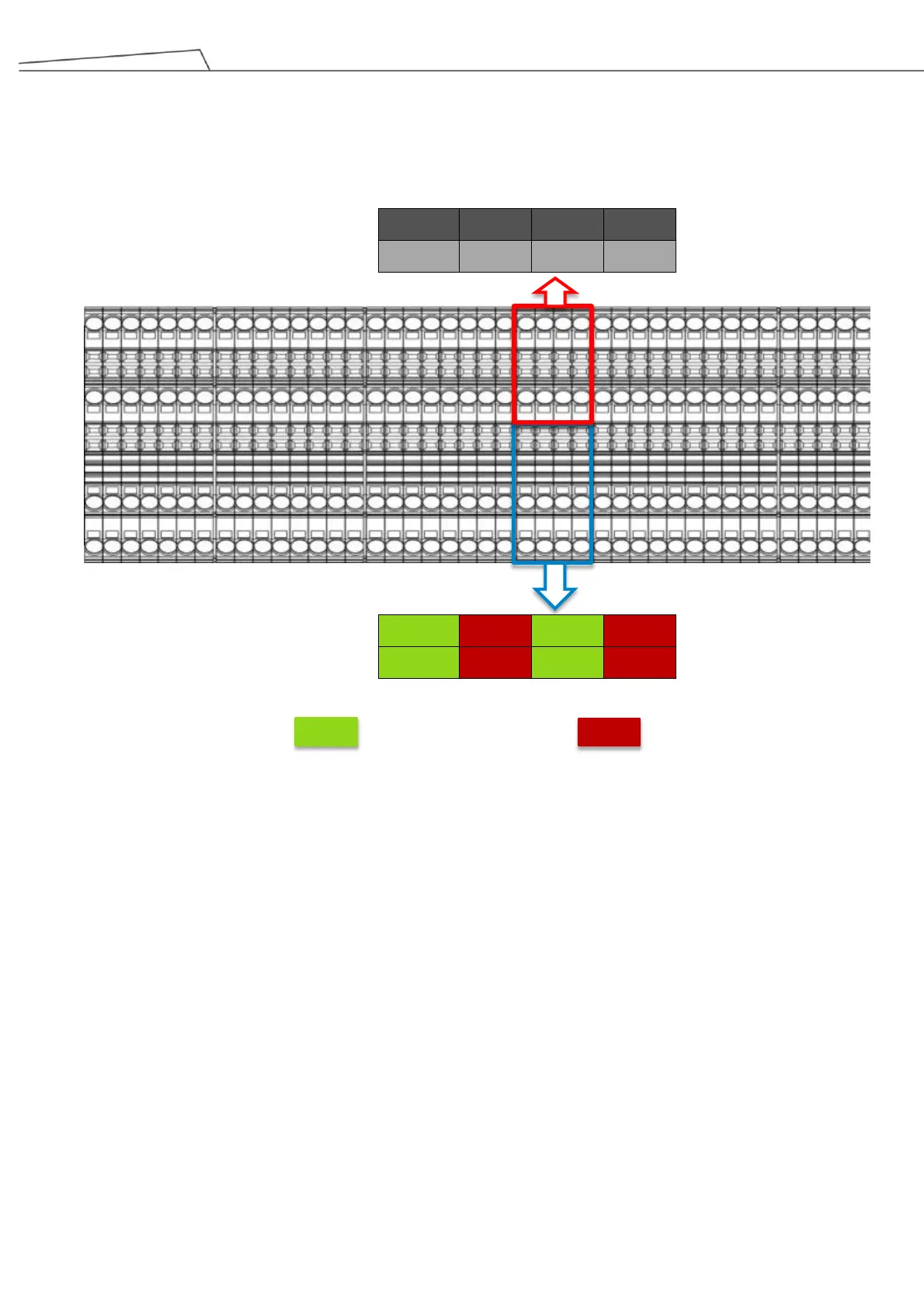
Below are Analog Input/Output pin assignments. The I/O highlighted in red are reserved for the control box
upon shipment, while the I/O highlighted in blue come in both reserved and available I/O.
The available analog I/O can be used to connect devices with analog interface. For details, consult with
Techman Robot personnel regarding possible changes in TMflow software.
Analog Pin Symbols:
AOUT_V = Analog Output_Voltage
AOUT_G = Analog Output_Ground
AIN_xP = Analog Input_xPositive
AIN-xG = Analog Input_xGround
REMO+/- = Reserved



 To Next Page