TM Palletizing Operator User’s Manual Product Version: 1.0 / Document Version: 1.0 134
DANGER:
When performing pillar calibration, make sure the pillar is free of disturbance or
collision from external forces.
Please use pillar calibration project to make sure pillar current is correct.
6.5.3.1 Lowering the Pillar Height
When conducting vision-related task, it is necessary to lower the pillar to its minimum height first. The
steps are as follows:
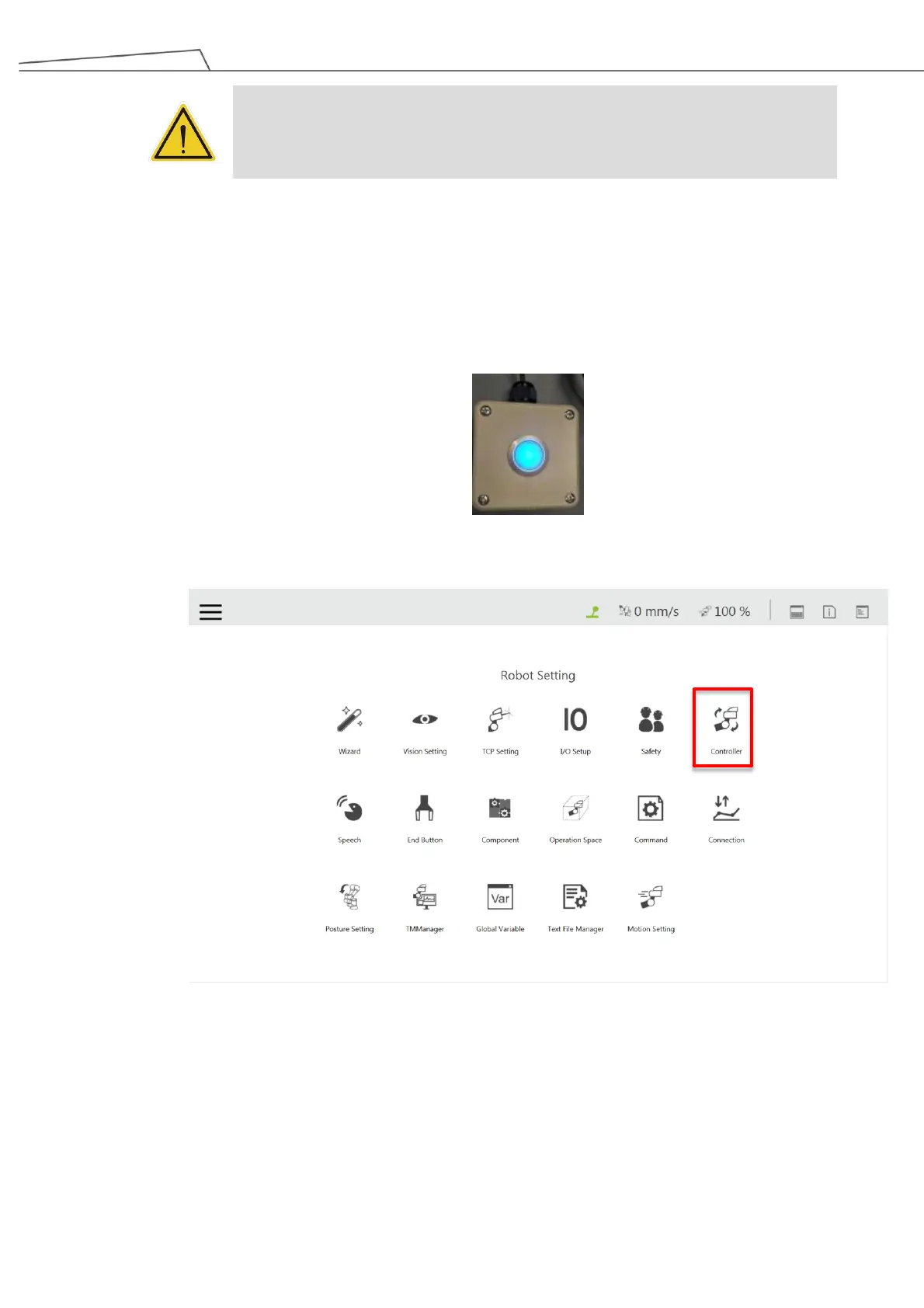
1. Press the Reset Button when the button light is on.
2. In TMflow, go to “Robot Setting” “Controller”
Figure 123: Go to “Controller”
3. When entering the Controller screen, click “IO”.



 To Next Page