TM Palletizing Operator User’s Manual Product Version: 1.0 / Document Version: 1.0 120
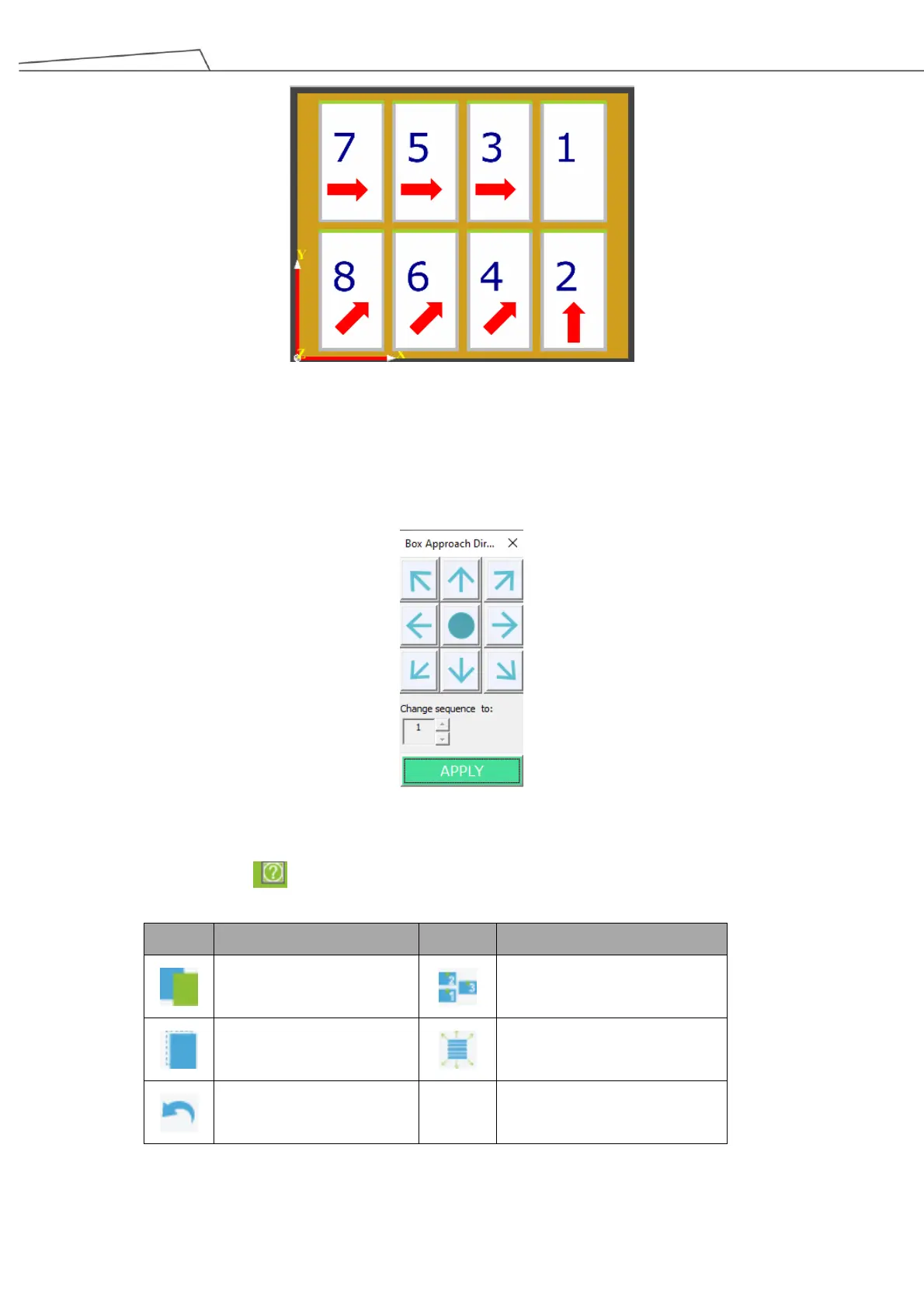
Users may right-click or tab (via Teach Pendant) on a selected box to change its direction for the box
to be placed.
Selecting “Add Box Sequence” allow users to define the box approaching directions for the boxes to
be picked.
For more details about functional icons, see the table below.
Users may click to display these functional icons.
Table 27: Functional icons for palletizing sequence



 To Next Page