TM Palletizing Operator User’s Manual Product Version: 1.0 / Document Version: 1.0 136
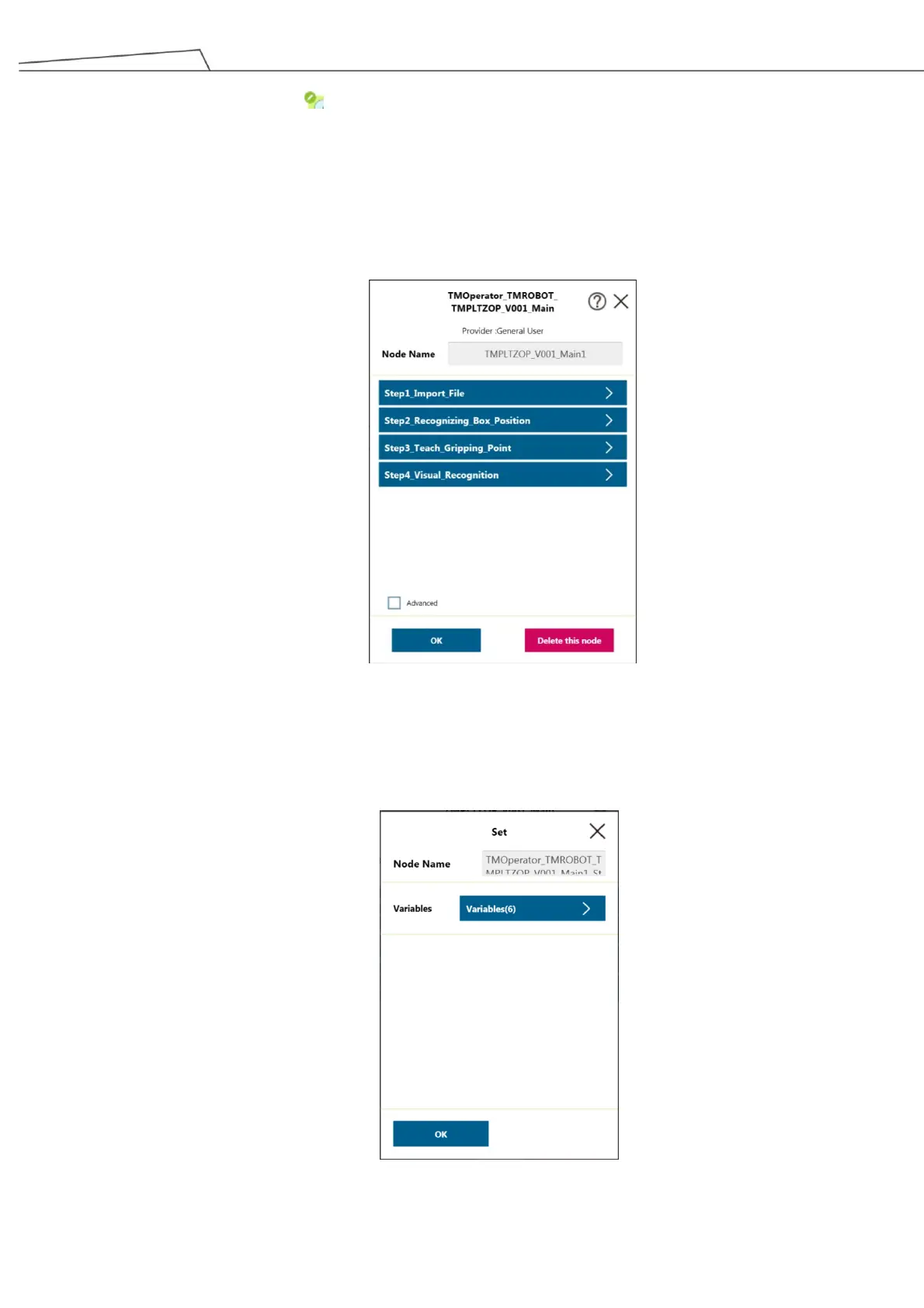
2. Click or tap on the icon to set the steps.
TM Palletizing Operator package provide four quick steps to set the main palletizing tasks
Step 1 – Import File
Step 2 – Recognizing Box Position
Step 3 – Teach Gripping Point
Step 4 – Visual Recognitions
Figure 126: Palletizing steps
6.5.4.1 Step 1 – Import File
1. Go to “Step1_Import File” and click or tap on “Variables”.
Figure 127: Setting for Import File



 To Next Page