TM Palletizing Operator User’s Manual Product Version: 1.0 / Document Version: 1.0 73
Unfasten screws and remove top lid and side walls of wooden crate.
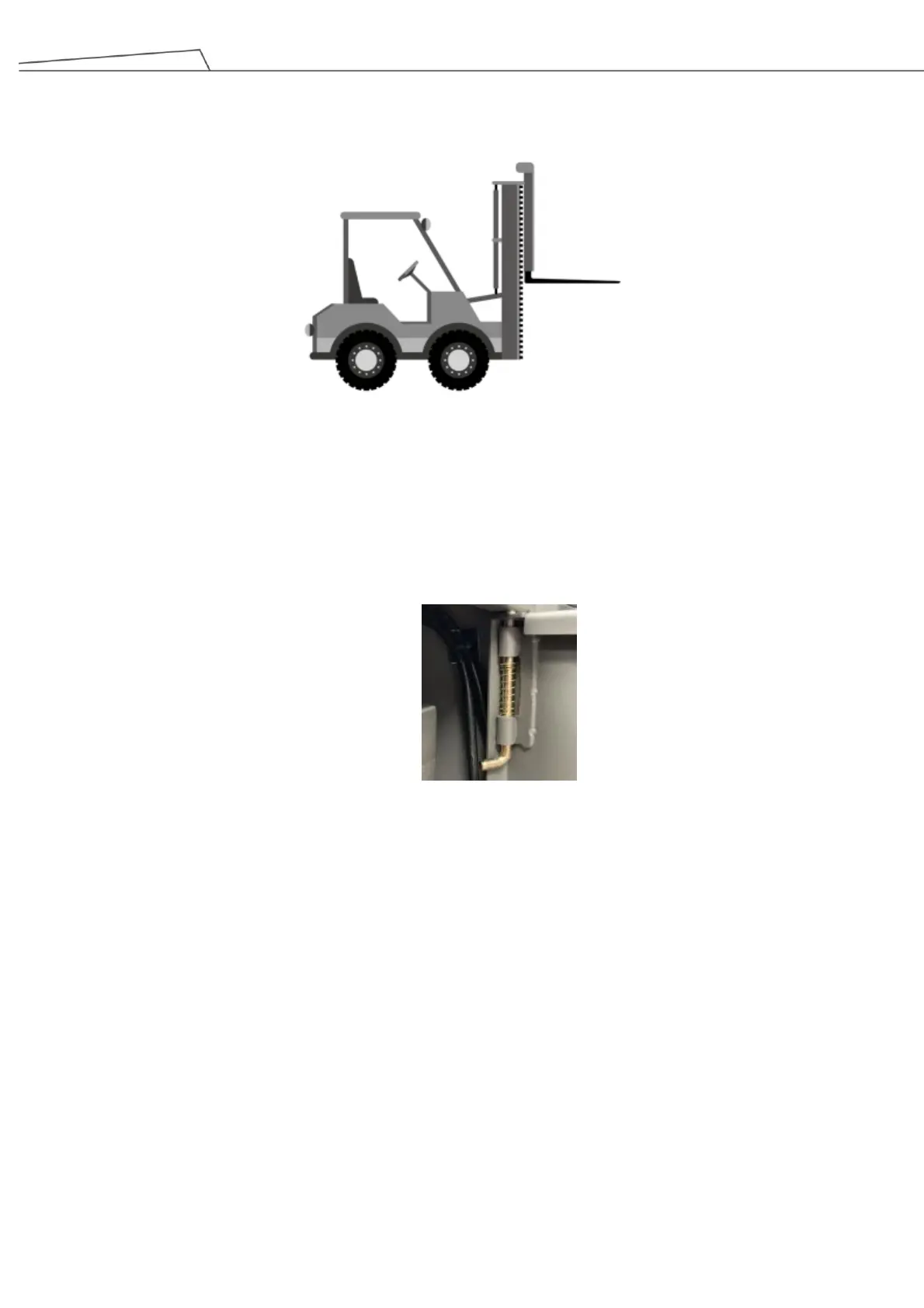
Move the operator base from the wooden crate with forklift truck.
5.2 Assembling TM Palletizing Operator
5.2.1 Removing the Rear Housing
Before installing TM Palletizing Operator, it is necessary to remove the rear housing first.
1. Unlatch the side cover hinge of the rear housing, then remove the cover (both left and right).
Figure 34: Unlatch the side cover hinge
2. Remove the 6 screws marked in the diagram and disassemble the rear housing. Remember to keep
the screws in a safe place.



 To Next Page