TM Palletizing Operator User’s Manual Product Version: 1.0 / Document Version: 1.0 139
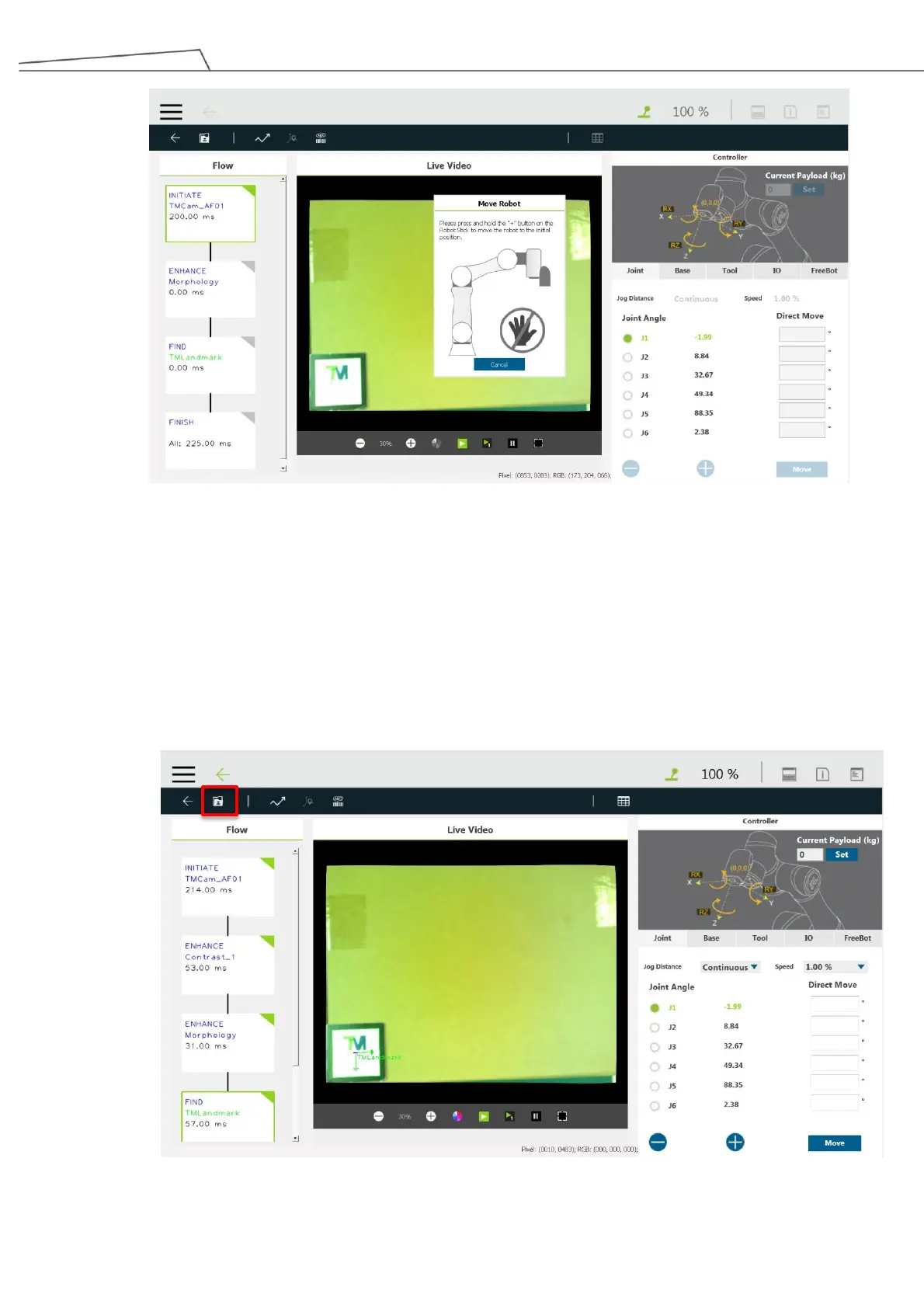
Figure 132: Guide robot to initial position
6. Place a box under the robot camera and the TM Landmark at the bottom left corner of the box.
Note that the landmark placement is a one-time setting so that the robot can recognize the box position.
Press the Freebot button to hand-guide the robotic arm to the position where it can detect
the landmark. Users may use the “Controller” panel to conduct it.
In the “Initiate” step, reset the initial point.
7. Once the robot recognizes the TM Landmark, click “Save” at the upper right corner.
Figure 133: Recognizing TM Landmark



 To Next Page