TM Palletizing Operator User’s Manual Product Version: 1.0 / Document Version: 1.0 142
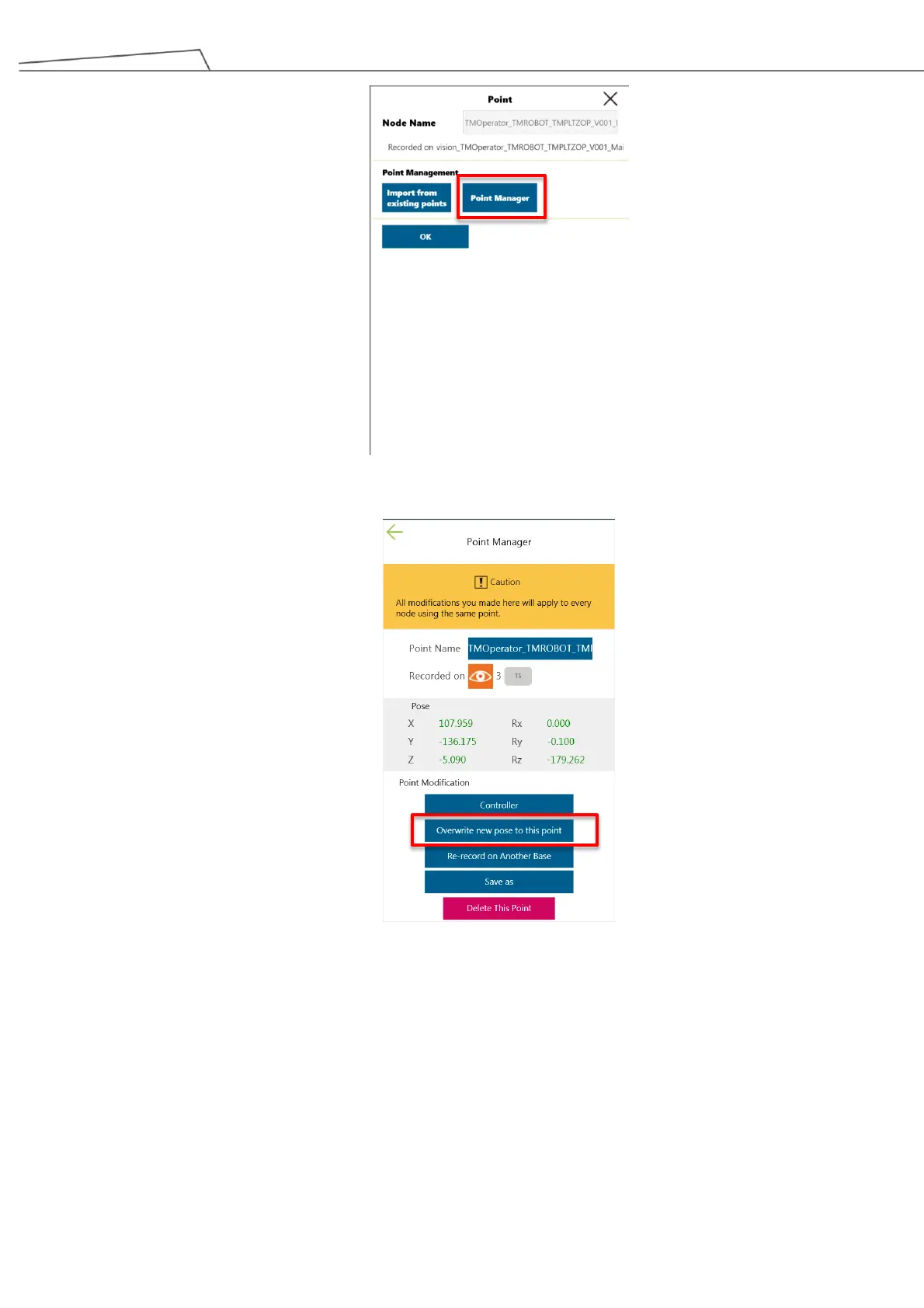
Figure 136: Set Point Manager
6. Select “Overwrite new pose to this point” to enable the guided gripping point.
Figure 137: Enable overwrite
7. It is suggested to test-run the project. To test the project, press “PLAY/PAUSE” button the
pendant.
6.5.4.4 Step 4 – Visual Recognition
1. Lower the pillar to the minimum height. For instructions, see 6.5.3.1 Lowering the Pillar Height
2. Go to “Step4_Visual Recognition”.



 To Next Page