TM Palletizing Operator User’s Manual Product Version: 1.0 / Document Version: 1.0 75
5.2.2 Installing TM Robot
Once the rear housing is removed, the robot can be installed.
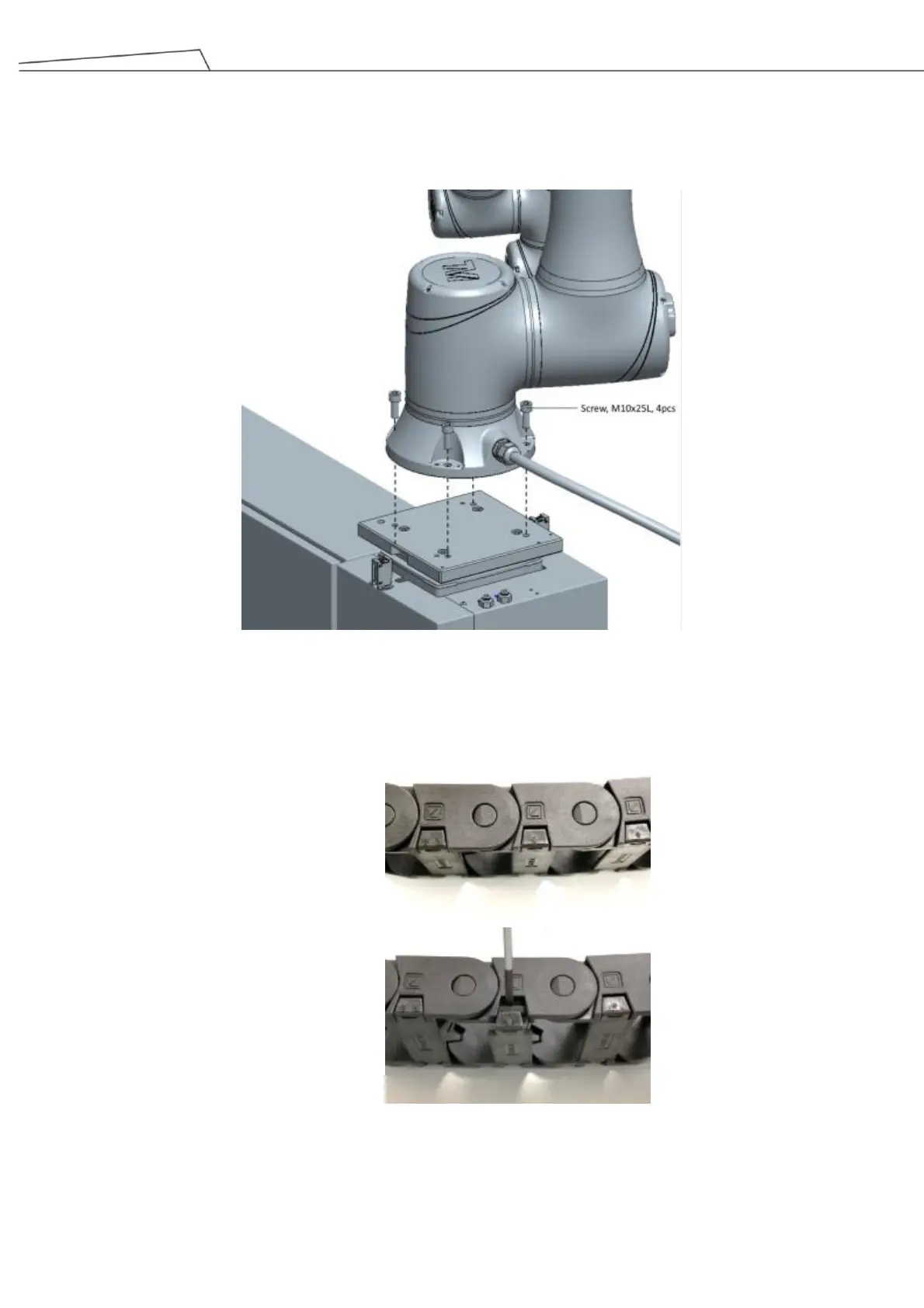
1. Secure TM Robot on the fixed plate with 4 of M10 screws.
Figure 37: Secure the robot arm onto a base plate
2. Use a flat-blade screwdriver to open the covers of the cable drag chain.
Figure 38: Open the covers of the cable drag chain
3. Place the robot cable in the cable drag chain and seal the cover of the cable drag chain.



 To Next Page