TM Palletizing Operator User’s Manual Product Version: 1.0 / Document Version: 1.0 138
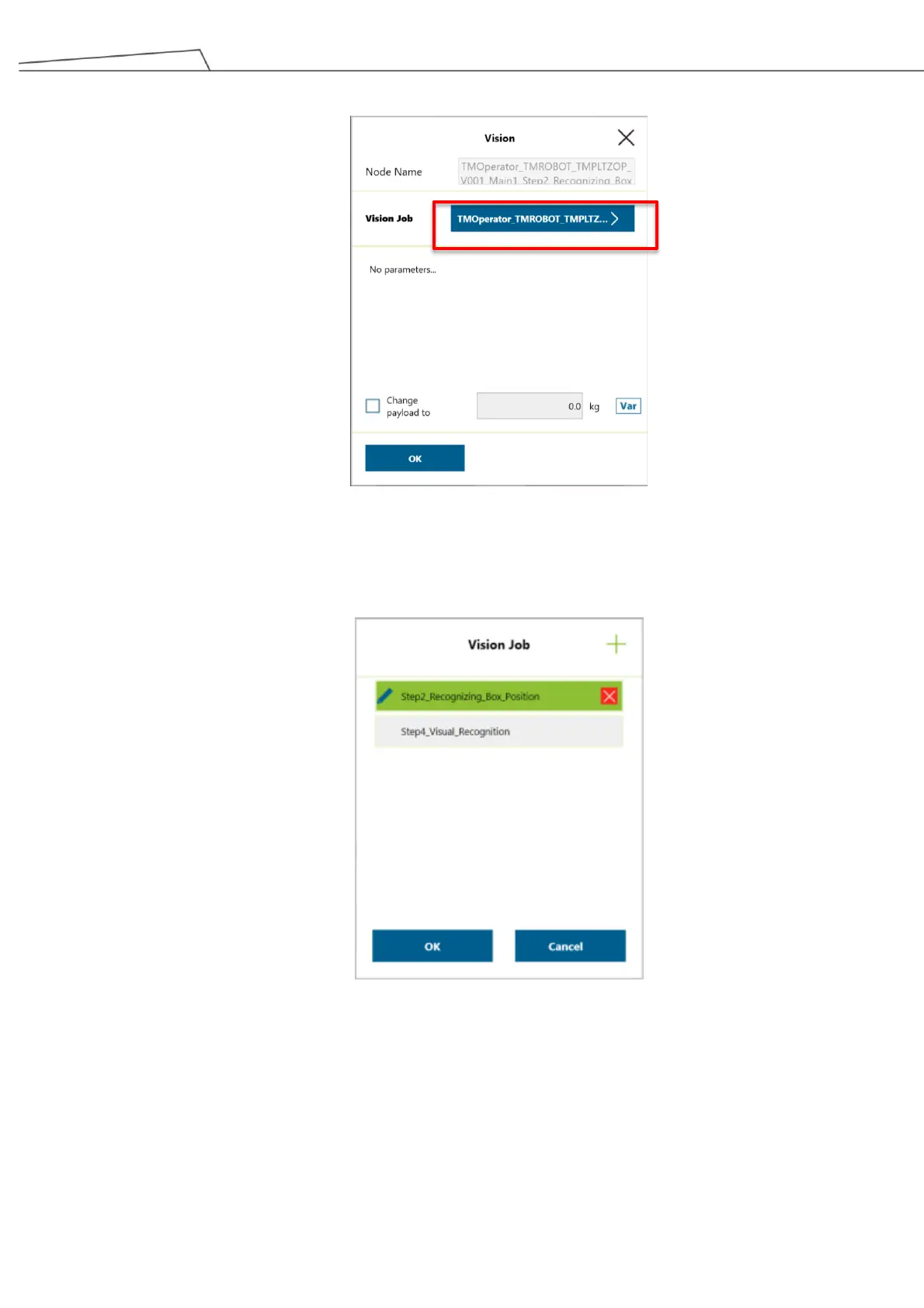
3. Enter “Vision Job”.
Figure 130: Vision job
4. If users click or tap on Vision Job, all the vision-related job for the robot will be displayed. Click or
tap on the “Pencil” icon to access “Step2_Recognizing Box Position”.
Figure 131: Select “Step 2”
5. Guide the robot to its initial position. When entering the screen below, press and hold “+” button
on the teach pendant until the robotic arm reaches its initial position.



 To Next Page