TM Palletizing Operator User’s Manual Product Version: 1.0 / Document Version: 1.0 70
4.10 External I/O (CP1W-20EDT) and Reset Button Setting
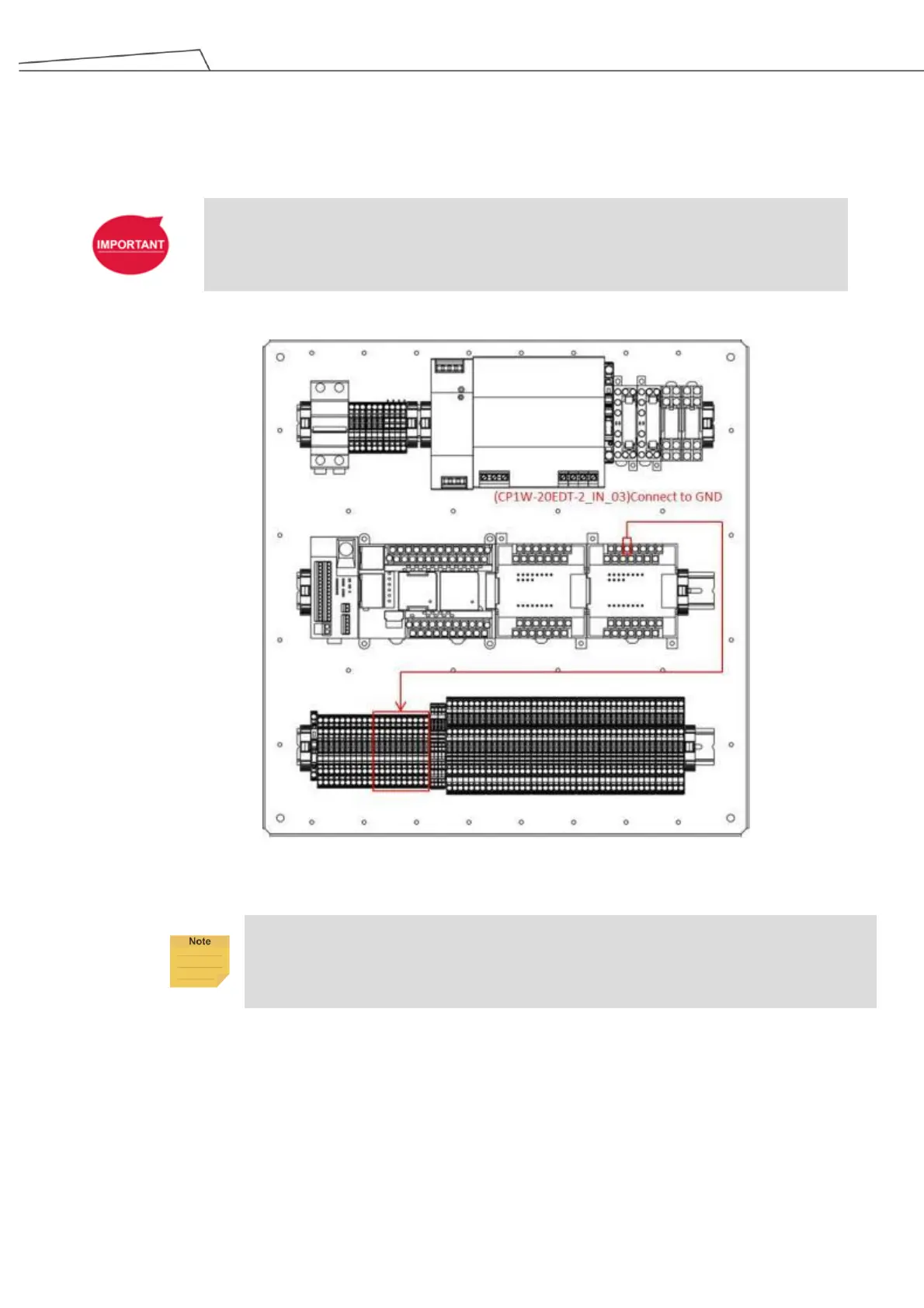
By default, the external Reset Button is in Manual Reset. The IN_03 pin of External I/O (CP1W-20EDT) can be
connected to GND terminal to switch to Auto Reset. See the figure below.
IMPORTANT:
Make sure the reset button module is already installed before powering on the system.
Figure 30: Switch to Auto Reset for Reset Button
To resume Manual Reset, simply disconnect the wiring to Ground.



 To Next Page