TM Palletizing Operator User’s Manual Product Version: 1.0 / Document Version: 1.0 140
If the robot cannot detect the landmark due to image clarity, click “Initiate” “Camera
Parameter Setting ” to adjust the parameters.
IMPORTANT:
Do NOT move or touch the box during this step. Otherwise, the recognition may fail.
6.5.4.3 Step 3 – Teach Gripping Point
1. Lower the pillar to the minimum height. For instructions, see 6.5.3.1 Lowering the Pillar Height
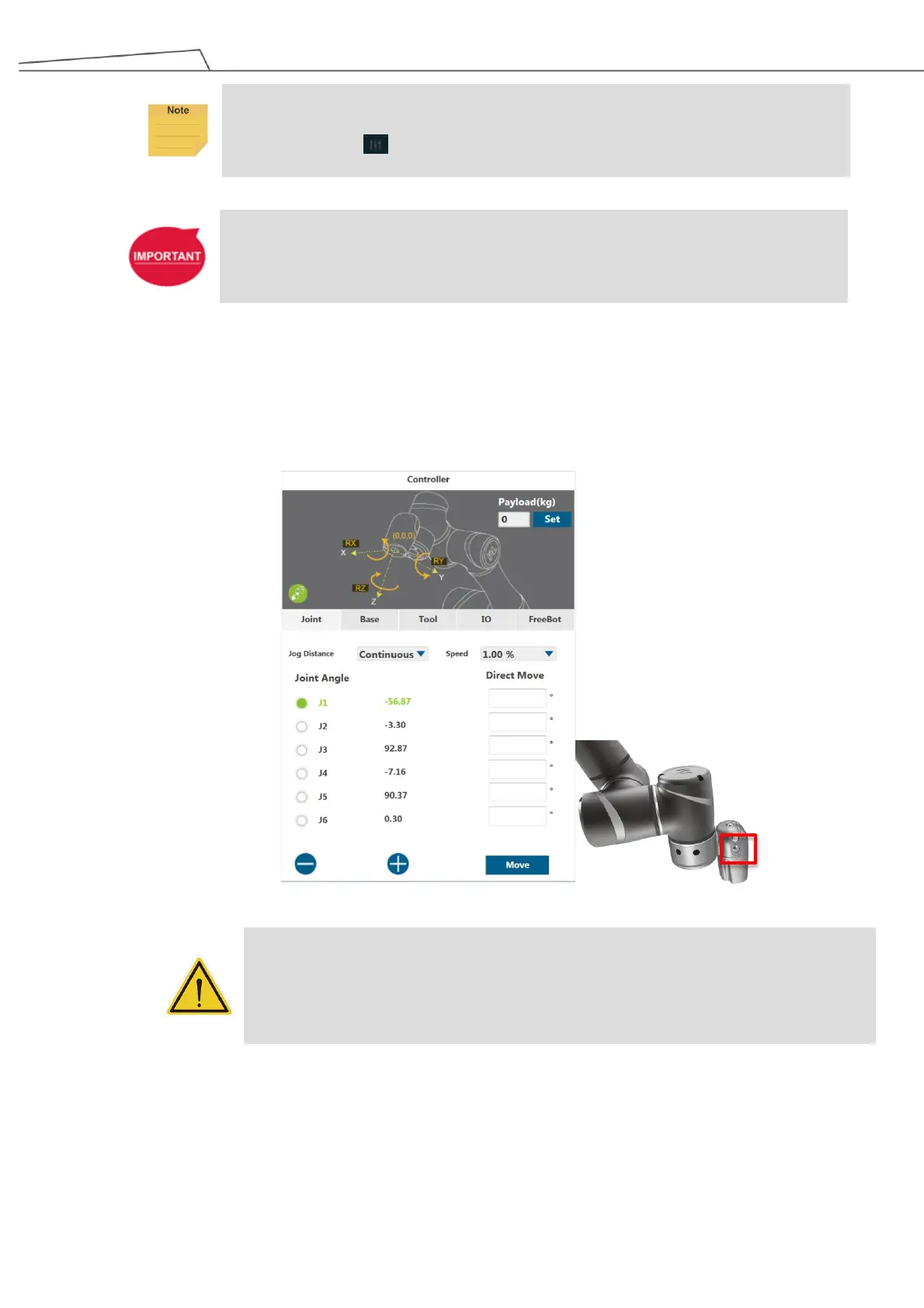
2. Use the Robot Controller (strongly recommended) or the FREE button on the robot module to
guide the gripper to the gripping point.
DANGER:
When using the FREE button to release brakes without motor power, the robot may sag
due to gravity. Be prepared to support the robot system. If it is found that it is not possible
to support the robot system, release the FREE button immediately, which will lock the
robot joint brakes.
3. Hand-guide or use Controller in TMflow to move the robot arm to the box until the gripper can grip
the box.



 To Next Page