TM Palletizing Operator User’s Manual Product Version: 1.0 / Document Version: 1.0 51
IMPORTANT:
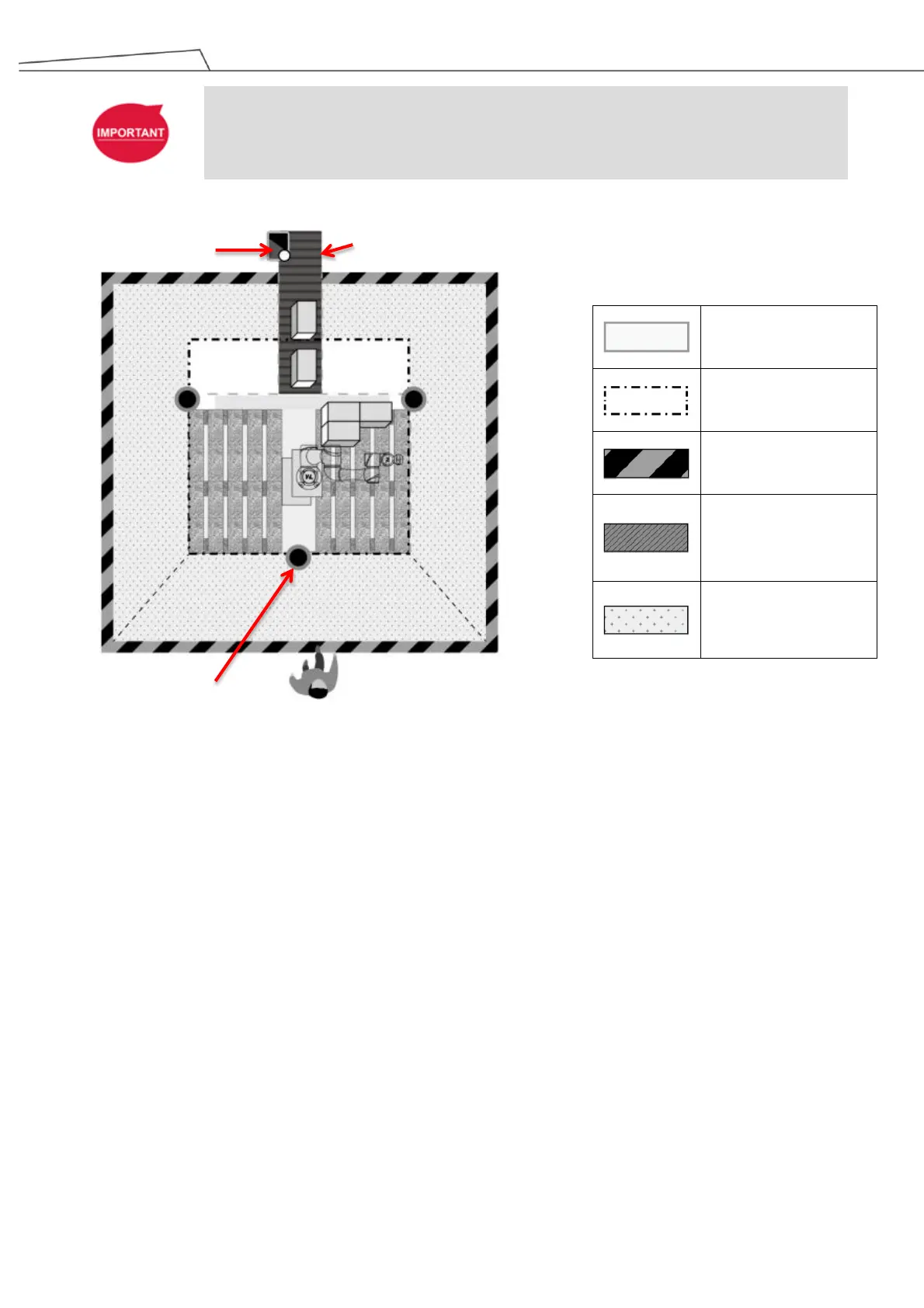
The Teach Pendant has to be placed outside of the safeguarded space.
Figure 18: Teach Pendant outside Safeguarded space
3.6 Reset Button Mechanism
The Reset Button is configured in Manual Reset by default due to safety recommendations.
The Reset Button may be configured to Manual or Auto through software and hardware methods.
However, the reset method for the robot and the system shall be configured separately.
Regarding the software reset method of SF3 External Safeguard-Pause and SF4 External
Safeguard-Human-Machine Safety Settings. For details, see Section 5.10.4
Regarding the hardware reset of SF3 External Safeguard-Pause and SF4 External
Safeguard-Human-Machine Safety Settings of the robot system, the reset mechanism is in Manual
Reset by default. For details about Manual/Auto Reset setting, refer to 4.10 External I/O
(CP1W-20EDT) and Reset Button Setting
While the system has been set into Manual Reset, it is necessary to press the Reset Button from outside the
Safeguard Human-Machine
Safety Settings
Safety Area



 To Next Page