TM Palletizing Operator User’s Manual Product Version: 1.0 / Document Version: 1.0 143
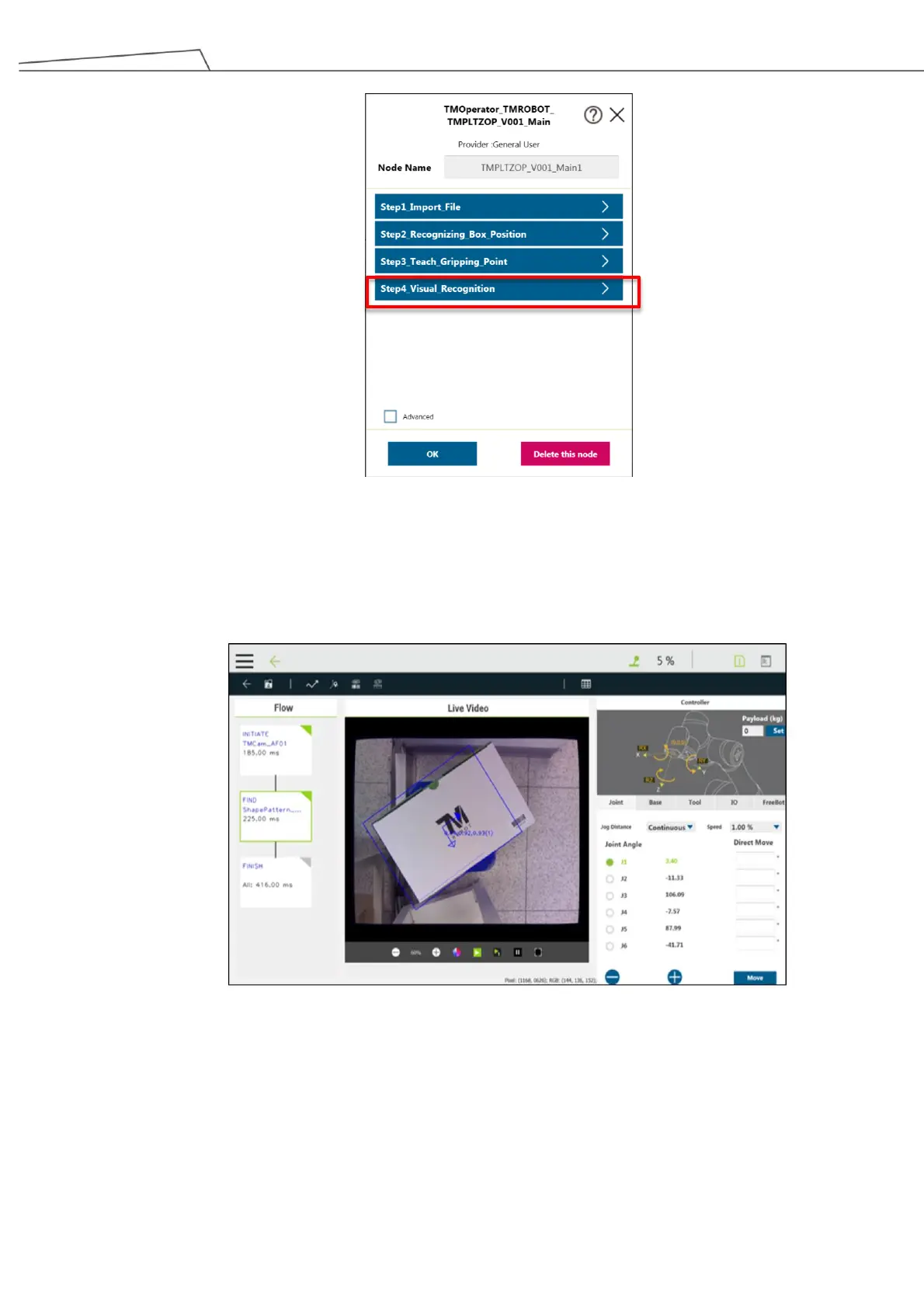
Figure 138: Step4_Visual Recognition
This step applies vision job to compensate the misaligned box position. If this function is not required, it can
be disabled in Advanced Setting in Section 6.5.1
Figure 139: Step4_Visual Recognition
In real world palletizing applications, changes to boxes or workspace may occur at times. Therefore, if users
wish to reset workspace, please continue with the following instructions:
1. Enter “Vision Job” again and select “Step4_Visual Recognition”. Then, click “+” at the top right corner.



 To Next Page