TM Palletizing Operator User’s Manual Product Version: 1.0 / Document Version: 1.0 155
True: enable gripper sensor feedback detection
False: disable gripper sensor feedback detection
Table 30: Advanced setting for general parameters
WARNING:
1. Users may enable sensor detection function in parameter settings to prevent robot elbow
from colliding with boxes accidentally.
2. Users may enable air source sensor detection function in the parameter settings to pause
the system. They shall also confirm the air source sensor setting. If the system shows “Air
Source Pressure Too Low” message, it will cause PAUSE.
3. When the robot is operating over its joint limit (usually J6), it will cause the robot to stop its
operations immediately. User can set different approach value in palletizing setting to
avoid the joint limit issue.
Caution:
1. The palletizing system will pause if the robot fails to grab the box. The system will show
“Grab fail cause pause! Resume after checking” message.
2. If the tool’s electric wire is disconnected when the robot has grabbed the box, it will
continue to grab the box. However, the system will show “No box detected on gripper,
cause PAUSE” message. For details, please see Appendix – A: Troubleshooting and
Error
3. If visual recognition fails due to light distraction from the environment, the palletizing
system will pause and the robot will not be able to grab the box. The system will show
“Grab fail cause pause! Resume after checking”. For details, please see Appendix – A:
Troubleshooting and Error
6.6.2 Advanced2-8
Advanced2-8 settings are programmed with editable subflows offering additional, flexible configurations for
users to edit their gripper use, sensor, interval between layers, offset point, placement, approaching vector or
barcode scanning. In general, users can create new subflows with Advanced2-8.
The following provides an example:
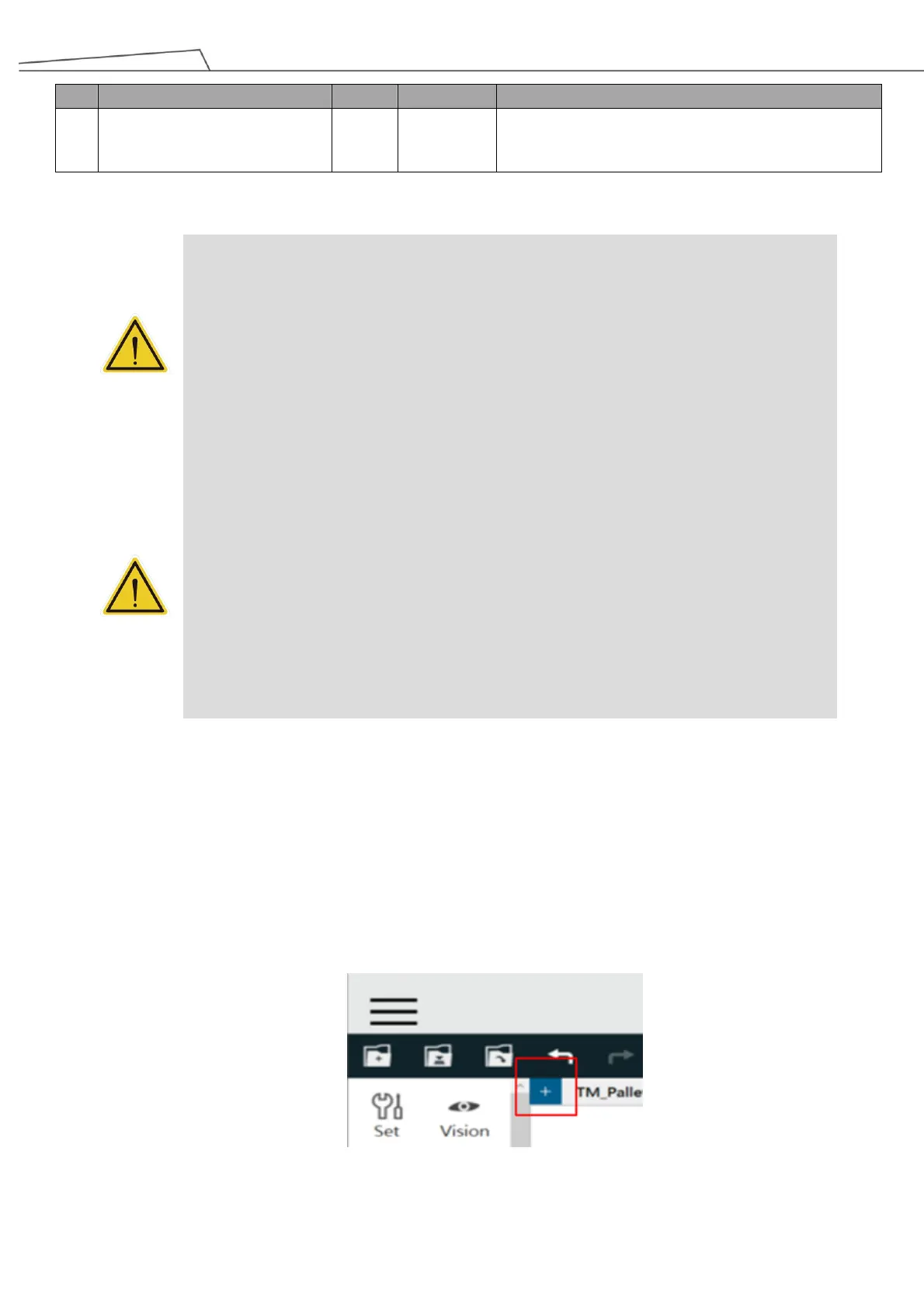
1. Click “+” icon to add a subflow.
Figure 154: Add a subflow



 To Next Page