TM Palletizing Operator User’s Manual Product Version: 1.0 / Document Version: 1.0 66
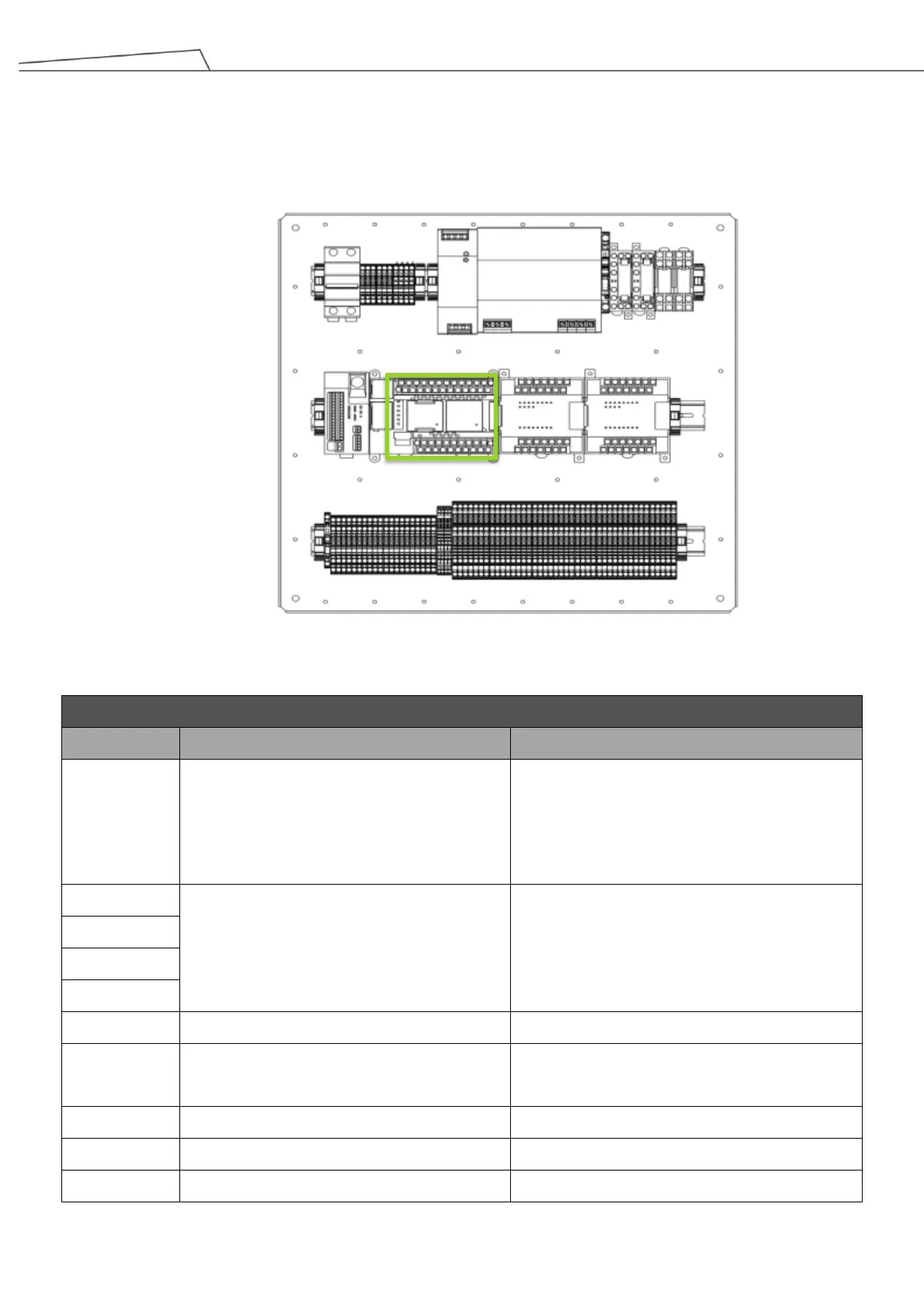
4.7 Safety Controller (G9SP-N20S) I/O Configuration
The Safety Controller (G9SP-N20S) provides I/O configurations for 1 set of Emergency Stop and 4 sets for
PAUSE function for customers to connect with safety device.
Figure 26: Safety Controller (G9SP)
Connected to T0/T1 of Safety Controller
G9SP-N20S by default.
• Users may use it to connect to external
Emergency Stop button.
Trigger SF2 (External Emergency Stop)
• if an external Emergency Stop button is
connected.
Connected to 24V by default.
• Users may use these to connect to
external safeguard devices.
Trigger SF3 (External Safeguard-Pause)
• if external safeguard devices are
connected.
Connected to Safety Controller SF-C21
Connected to Teach Pendant Emergency
Stop
Connected to SF_13 of the robot
Connected to SF_14 of the robot
Connected to Test Signal of the pillar
Safety Controller (G9SP)



 To Next Page