TM Palletizing Operator User’s Manual Product Version: 1.0 / Document Version: 1.0 135
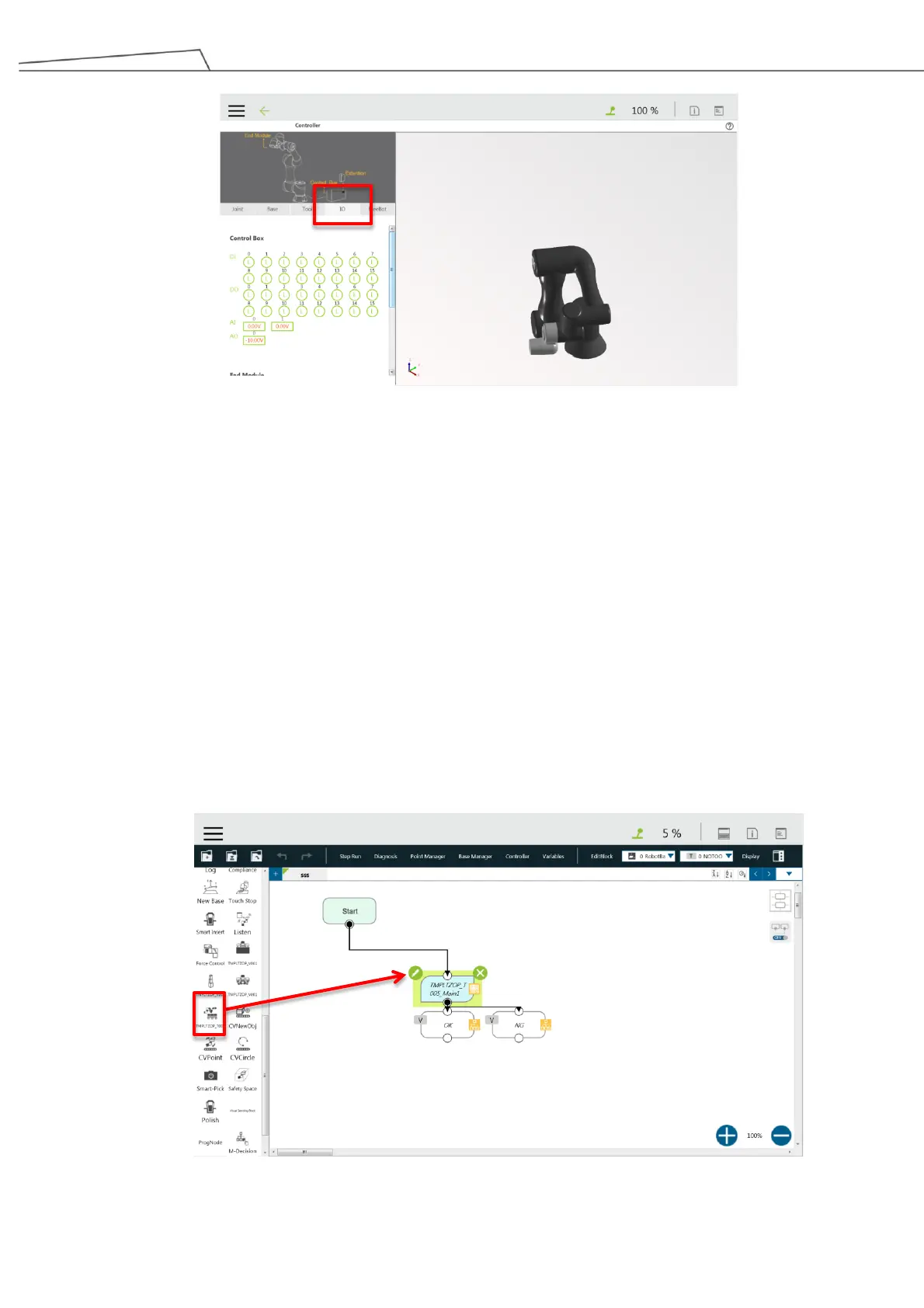
Figure 124: Set IO in Controller
4. Then perform the following configurations.
Set DO_6 as “H” (high) about 0.5 second and then set DO_6 as “L” (low)
Set DO_0 as “L”
Set DO_1 as “H”
6.5.4 Setting TMOperator_TMROBOT_TMPLTZOP_V001_Main
The following will provide a walkthrough of the setting options for the component
TMOperator_TMROBOT_TMPLTZOP_V001_Main
This component is the main setting for palletizing projects.
*Make sure the USB dongle is connected to the Control Box.
1. Click or tap and drag the TMOperator_TMROBOT_TMPLTZOP_V001_Main to the Project screen.
Figure 125: Project_Main



 To Next Page