TM Palletizing Operator User’s Manual Product Version: 1.0 / Document Version: 1.0 150
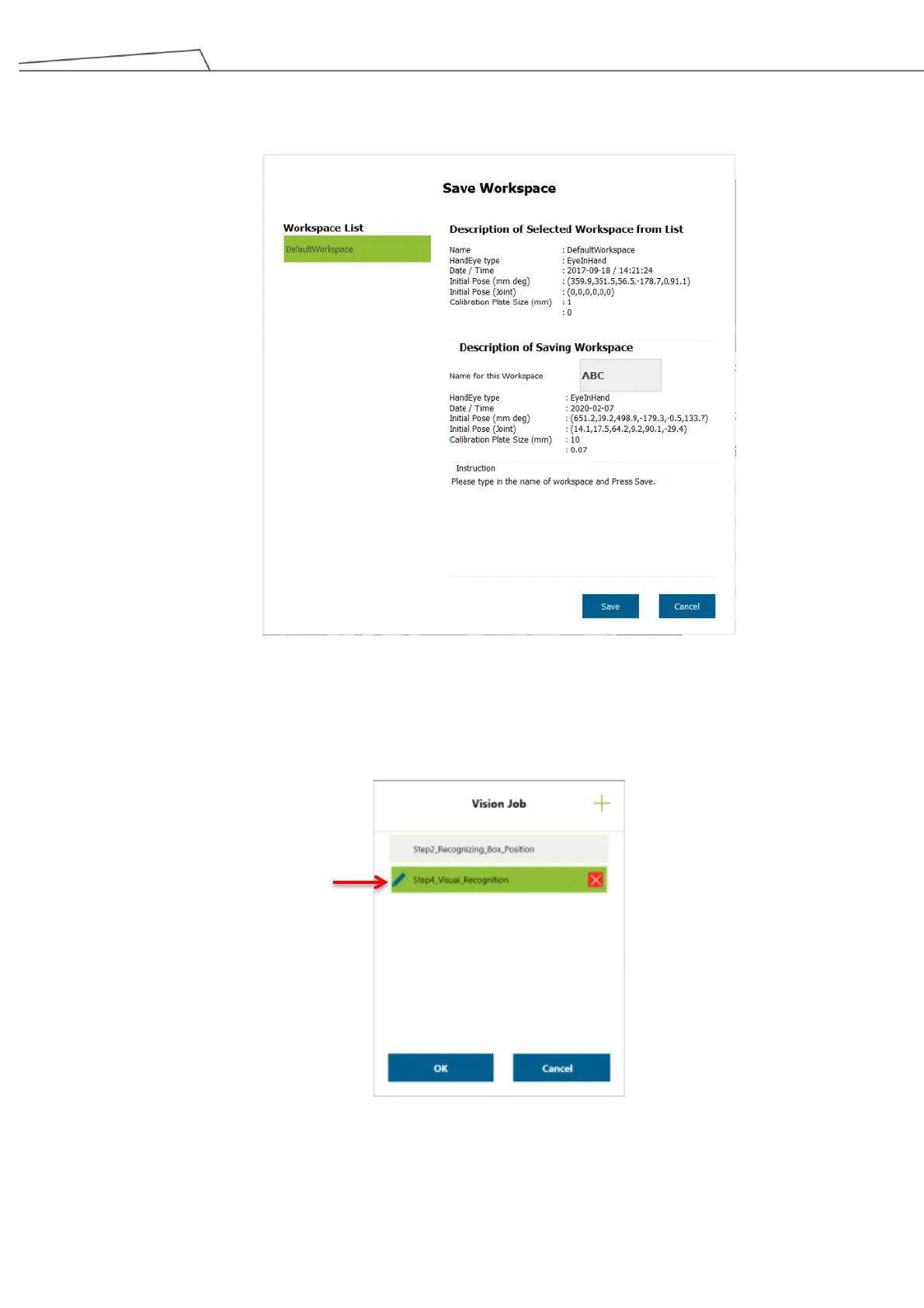
10. Click “Save Result” to open “Save Workspace” information window. Users may enter a name for this
newly created workspace. Then click “Save’.
Figure 150: Save Workspace
11. Return to “Vision Job” and click the pencil icon to load the new workspace. Upon entering
“Step4_Visual Recognition”, click “Initiate”.



 To Next Page