3-40 Scanning techniques
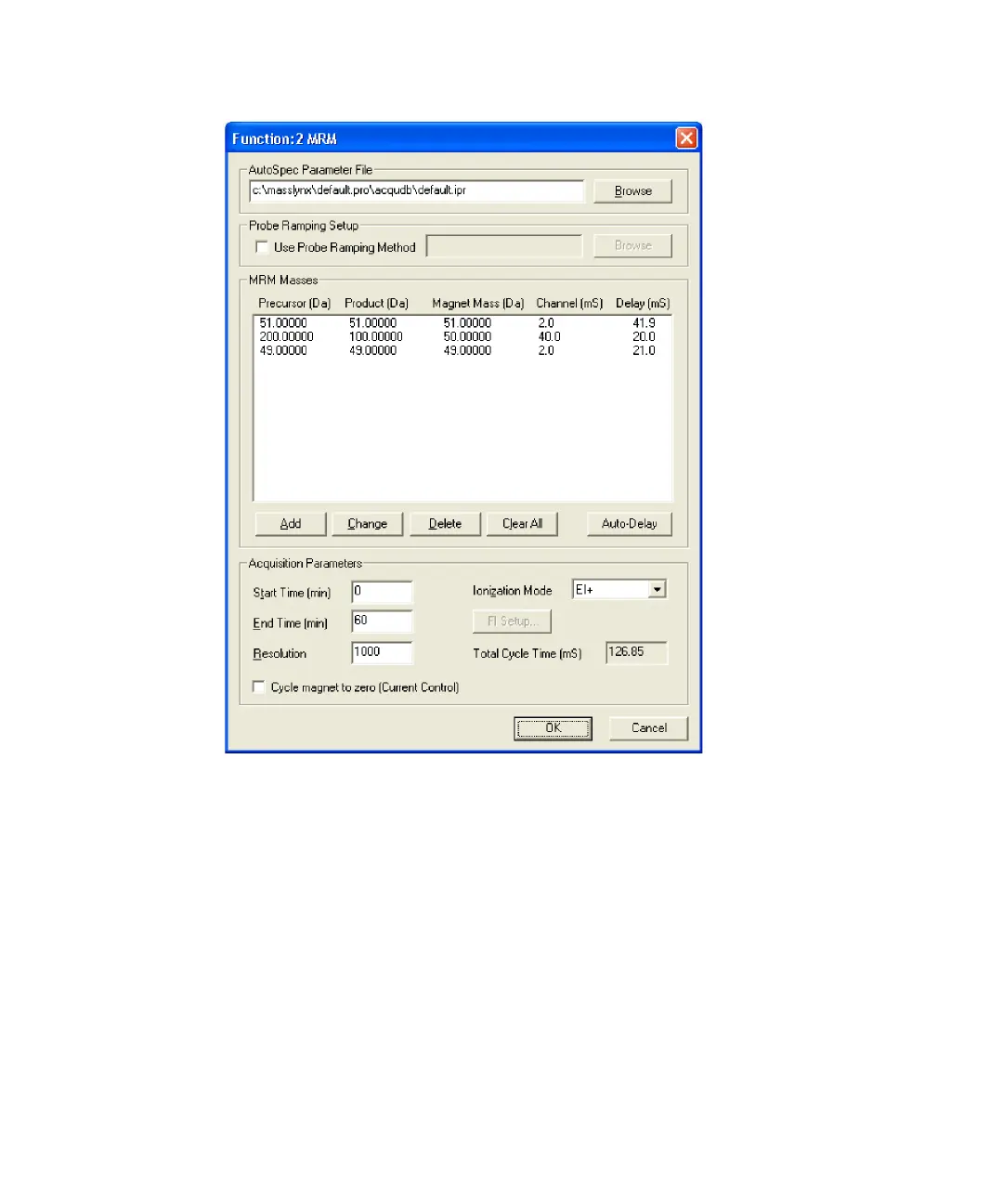
MRM function editor:
To enter the parameters in the MRM function editor
1. Enter the required instrument parameter file name and path in the
AutoSpec Parameter File text box, or click Browse for a file.
2. Delete the default mass in the MRM Masses list by clicking on it, and
then clicking Delete.
3. Click Add.
4. In the MRM Mass dialog box, Precursor (Da) text box, enter the first
precursor mass to be monitored by the function.
5. In the Product (Da) text box, set the corresponding product mass for this
reaction.











 To Next Page