Source maintenance 7-33
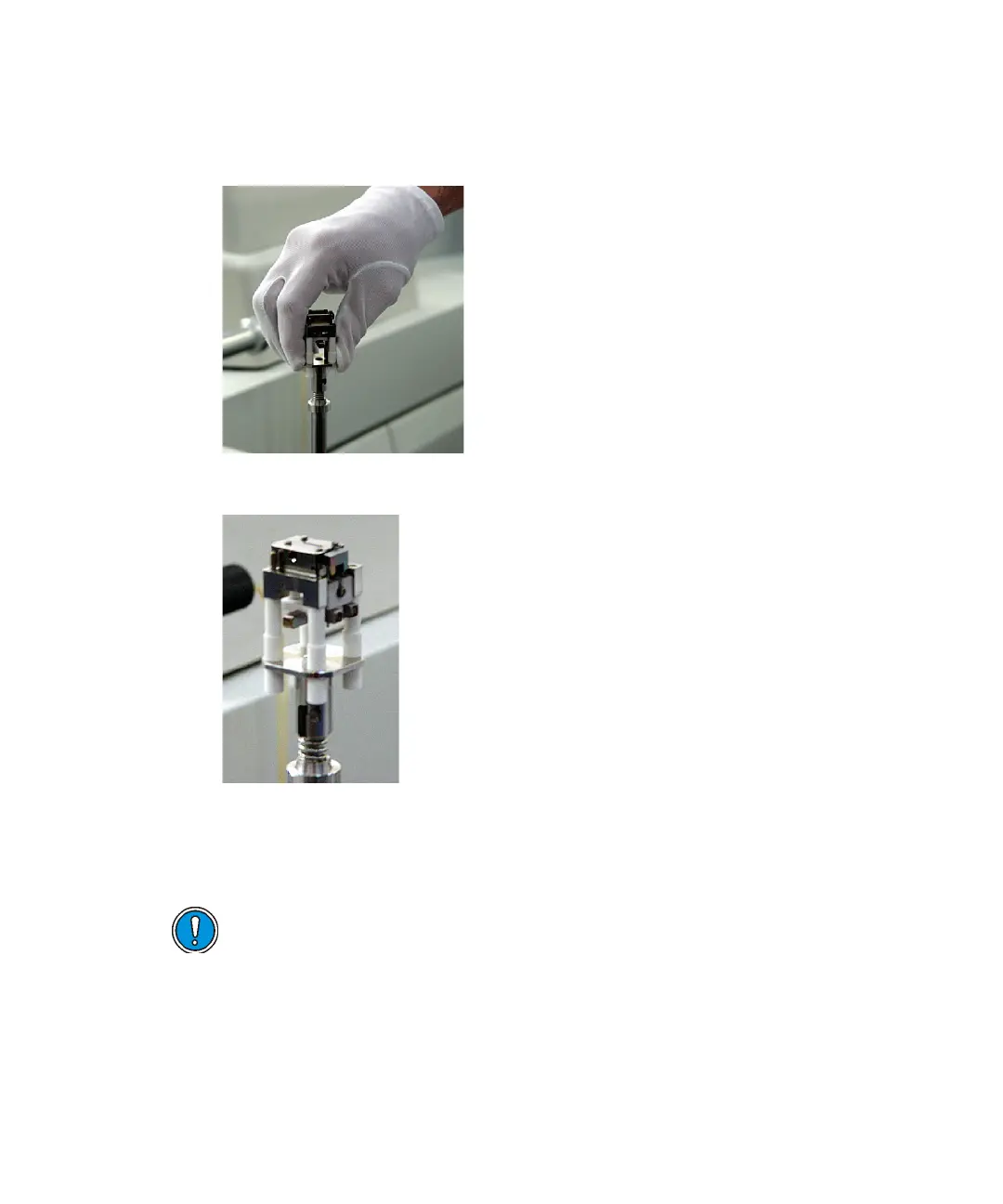
2. With the filament contacts facing away from the instrument, fit the
chamber assembly to the bayonet connector, pushing down against the
spring.
3. Turn the chamber assembly 45 degrees clockwise to lock it in place.
Inserting the inner source chamber assembly into the outer source
To insert the chamber assembly into the outer source
1. Ensure that the source handle is fully retracted.
Caution: To avoid re-contaminating the chamber assembly
components following cleaning, use clean, lint-free cotton gloves during
assembly.











 To Next Page