3-24 Scanning techniques
To set up an NRMS Scan function:
1. In the MS method editor, click .
Alternative: Click Functions > NRMS Scan.
2. In the NRMS function editor, enter the required parameters.
3. Click OK.
SIR function editors
Selected Ion Recording (SIR) experiments are used to monitor specific
analytical masses or reactions. This instrument supports two SIR methods:
voltage SIR (VSIR) and multiple reaction monitoring (MRM). VSIR is the
more commonly used.
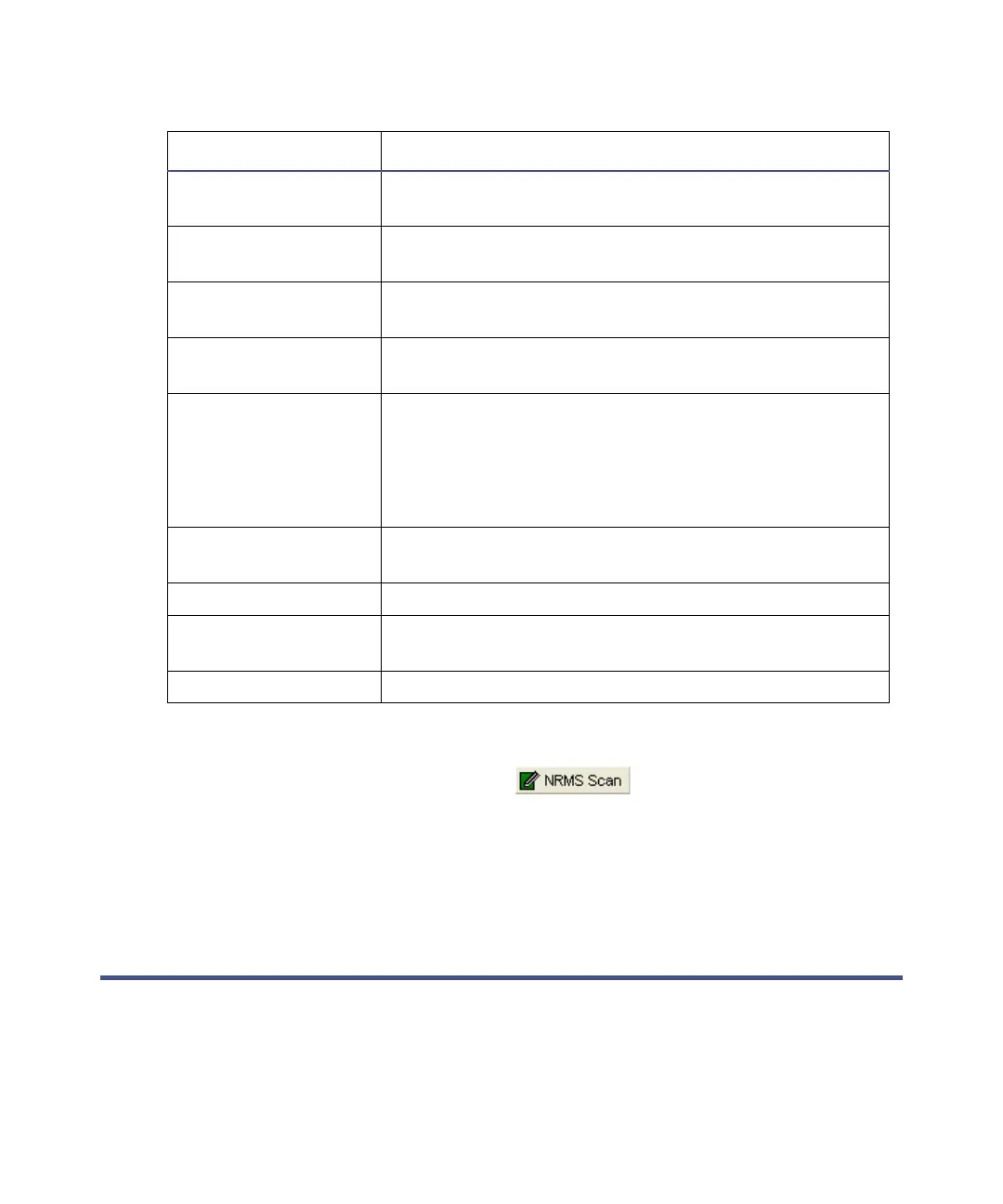
Start Time (min) The retention time (in minutes) at which the
function starts.
End Time (min) The retention time (in minutes) at which the
function stops.
Resolution The resolution, used to determine scanning
parameters.
Ionization Mode Specifies the ionization mode and polarity applied
during data acquisition.
FI Set up Opens the FI Set up dialog box so you can specify
that an inter-scan current be applied to an field
ionization (FI) emitter.
Tip: This option is enabled only when you select FI+
or FI- selected as the ionization mode.
Data Specifies whether continuum or centroid data are
collected and stored on disk.
Scan Time (s) The duration of each scan, in seconds.
Inter-Scan Delay (s) The time between one scan’s end and the next scan’s
start, in seconds. No data are stored in this period.
Precursor Mass (m/z) The precursor (function) mass.
NRMS Scan function editor parameters (Continued)
Parameter Description











 To Next Page