The Tune window peak display D-47
• NRMS – containing NRMS parameters only.
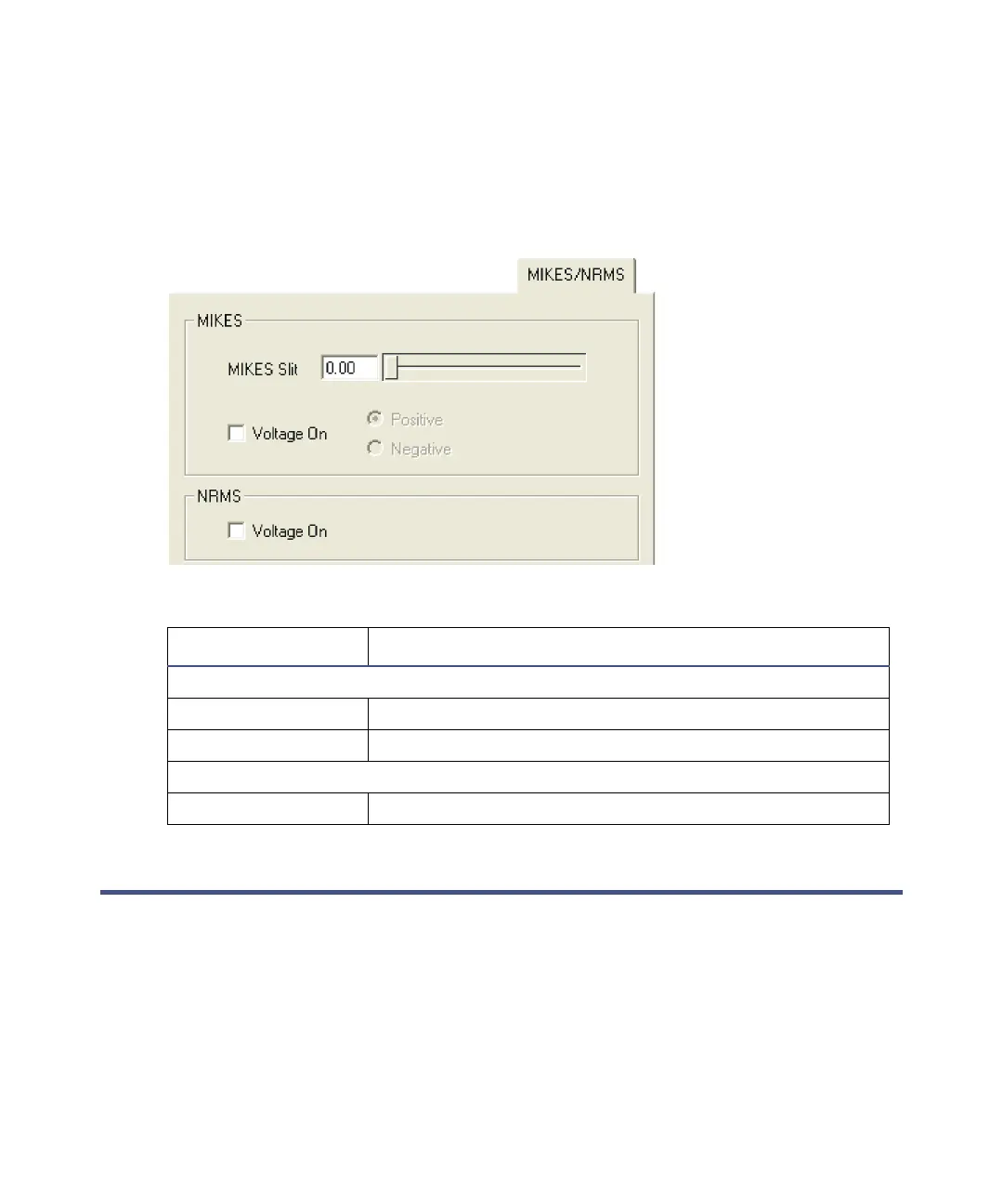
• MIKES/NRMS – containing both MIKES and NRMS parameters.
See “Configuring the magnet and MIKES and NMRS options” on page D-28.
MIKES/NRMS page
The Tune window peak display
Customizing the peak display
Opening the peak display menu
You can use the peak display menu to customize the peak display. Open it by
right-clicking in the peak display window in the Tune window.
MIKES/NRMS page controls
Control Description
MIKES:
MIKES Slit Sets the MIKES slit width.
Voltage On Switches on the MIKES voltage.
NRMS:
Voltage On Switches on the NRMS voltage.











 To Next Page