3-4 Scanning techniques
The MassLynx experiment file
To create a new MassLynx experiment file
In the MS method editor, click .
Alternative: Click File > New.
To open an existing MassLynx experiment file:
1. In the MS method editor, click .
Alternative: Click File > Open.
2. In the Open dialog box, specify the required experiment file name, or
select an existing file from the displayed list.
3. Click Open.
To save a function list to the current MassLynx experiment file
In the MS method editor, click .
Alternative: Click File > Save.
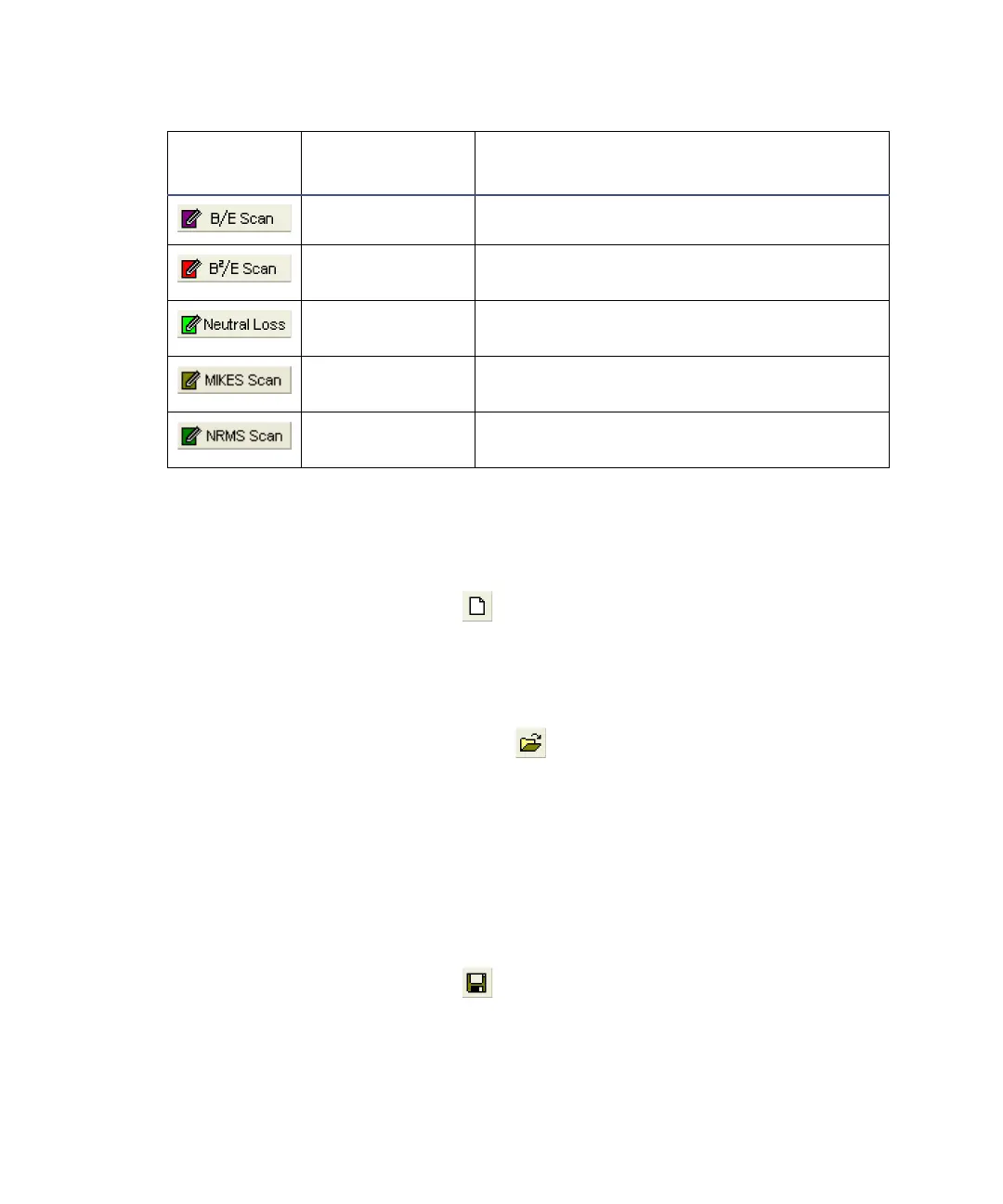
Functions > B/E Sets up a B/E function.
Functions >
B
2
/E
Sets up a B
2
/E function.
Functions >
CNL
Sets up a constant neutral loss (CNL)
function.
Functions >
MIKES Scan
Sets up a Mass-analyzed Ion Kinetic
Energy Spectrometry (MIKES) function.
Functions >
NRMS Scan
Sets up a NRMS Scan function.
MS method editor toolbar buttons
Tool
Equivalent
menu item
Function











 To Next Page