The Tune window Options menu D-19
To apply the Y-focus calibration table to the current tune
Click Update.
Note: This button is available only if you make changes to the calibration
table.
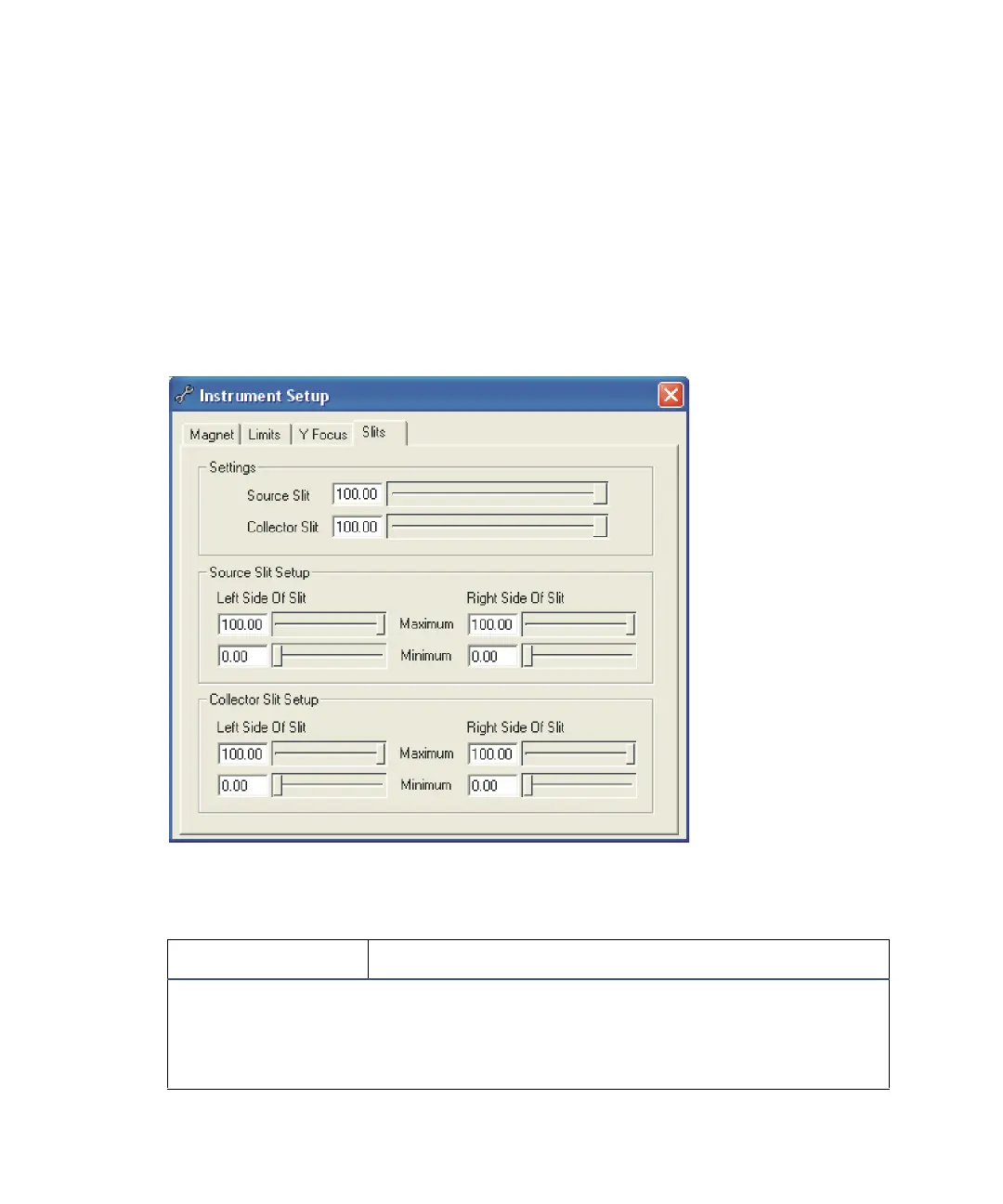
The Instrument Set up dialog box Slits tab
Use the Slits tab to set up the instrument’s source and collector slits.
Instrument Setup dialog box Slits tab
Instrument Setup dialog box Slits page :
Control Description
Tip: The settings values are identical to the corresponding controls on the
Tune window’s Control 1 tab. When you adjust these controls the controls
in the Tune window are dynamically updated, and vice-versa.
See “The Control 1 tab parameters” on page D-41.











 To Next Page