D-18 The MassLynx Tune window
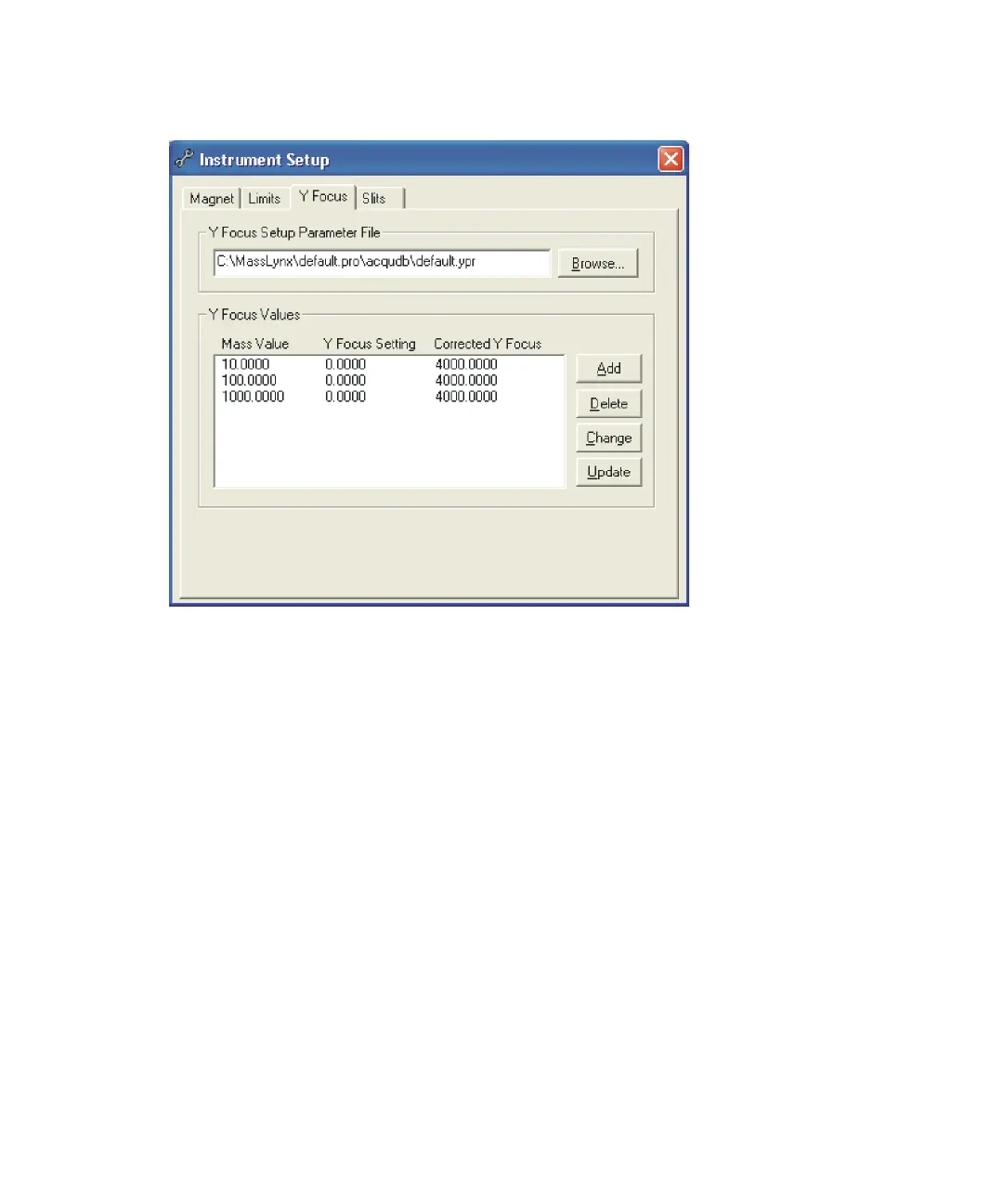
Instrument Setup dialog box Y Focus tab
To add an entry to the Y-focus calibration table
1. Click Add.
2. In the Y Focus Values text box, specify values for Mass Value and Y
Focus Setting.
3. Click OK.
To delete an entry from the Y-focus calibration table
1. Click the entry to be deleted.
2. Click Delete.
To edit an entry in the Y-focus calibration table
1. Click the entry to be edited, and then click Change.
Alternative: Double-click the entry to be edited.
2. In the Y Focus Values text box, specify new values for Mass Value
and/or Y Focus Setting.
3. Click OK.











 To Next Page