The solids sample introduction probe 6-5
See “Loading sample into the sample cup” on page 6-6 and “Fitting the sample
cup to the probe tip” on page 6-8.
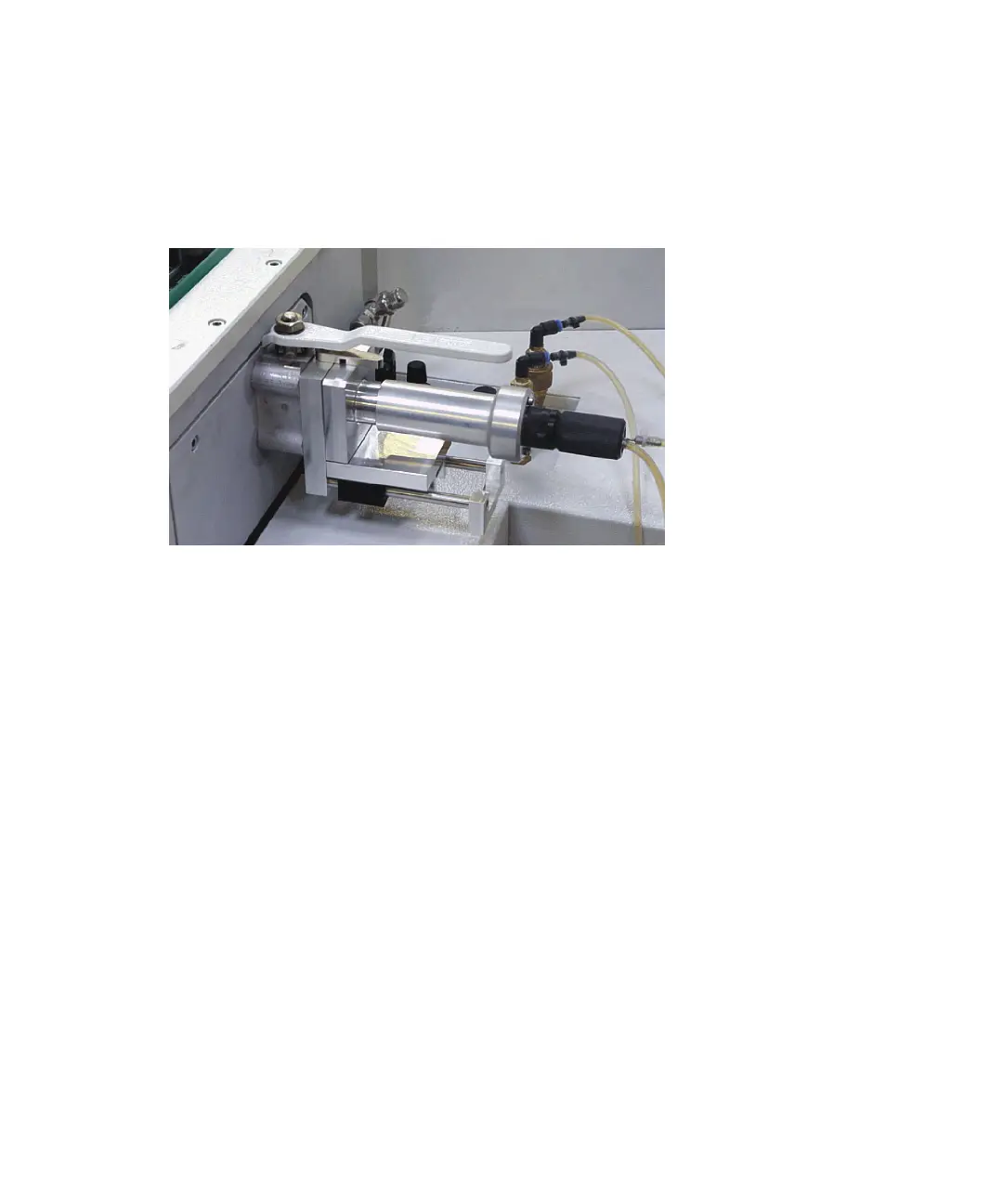
Attach the probe to the ion source by means of the source side lock.
Probe in position in the source side lock
Making the probe cooling water connections
To make the cooling water connections between the probe and instrument
Connect the probe’s two male cooling water connectors to the female cooling
water connectors on the instrument. The two connections are interchangeable.
Tip: Pull back the collar on the female connector while inserting the male
connector.











 To Next Page